To upload an image to your domain, let’s do follow these steps:
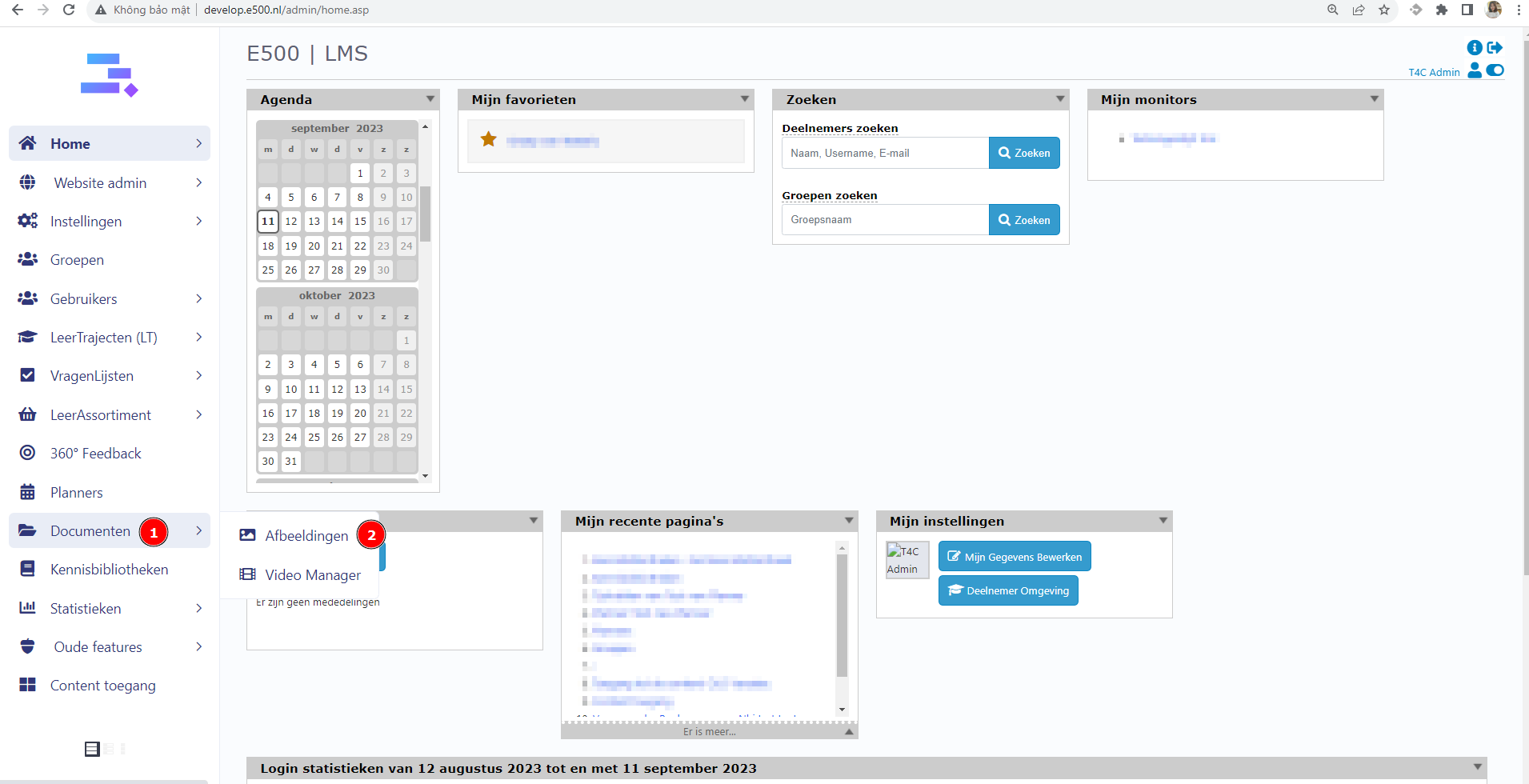
- Login with your administration account. Hover into Document and click on Afbeeldingen
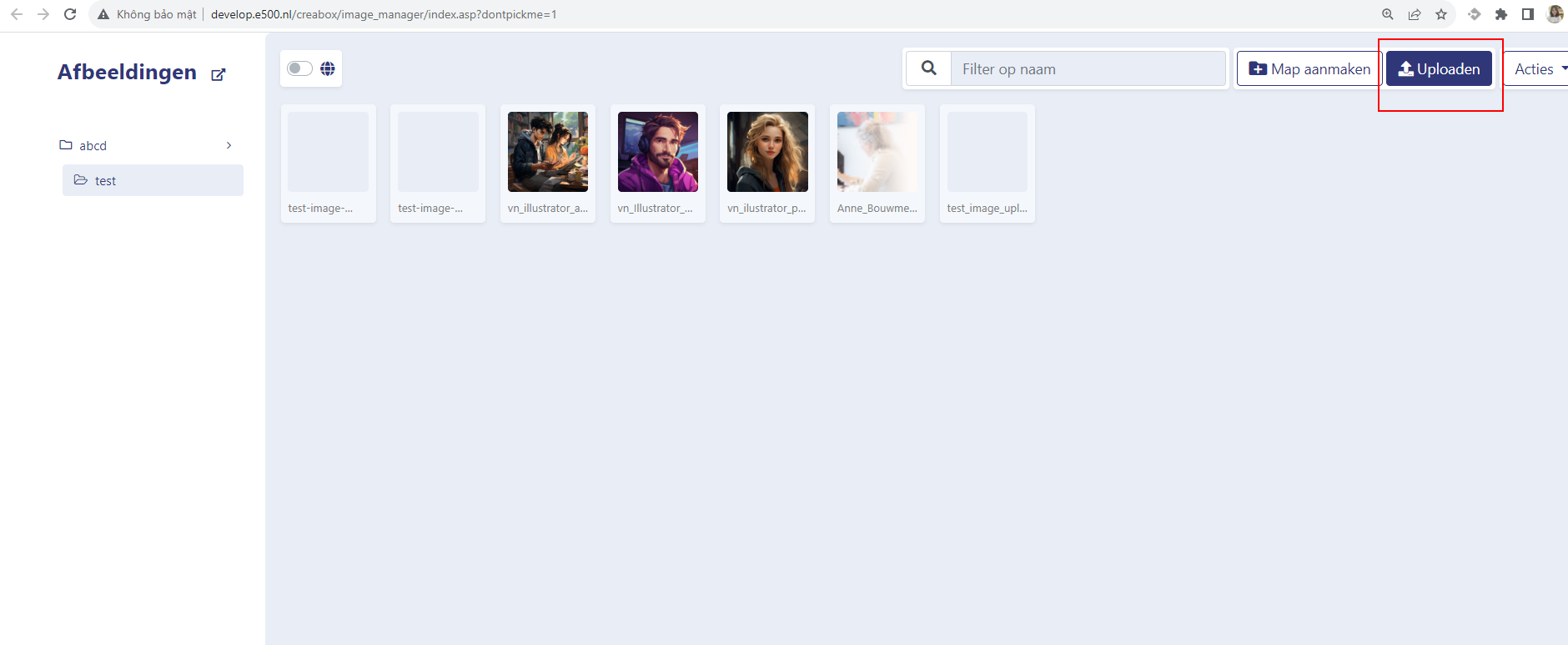
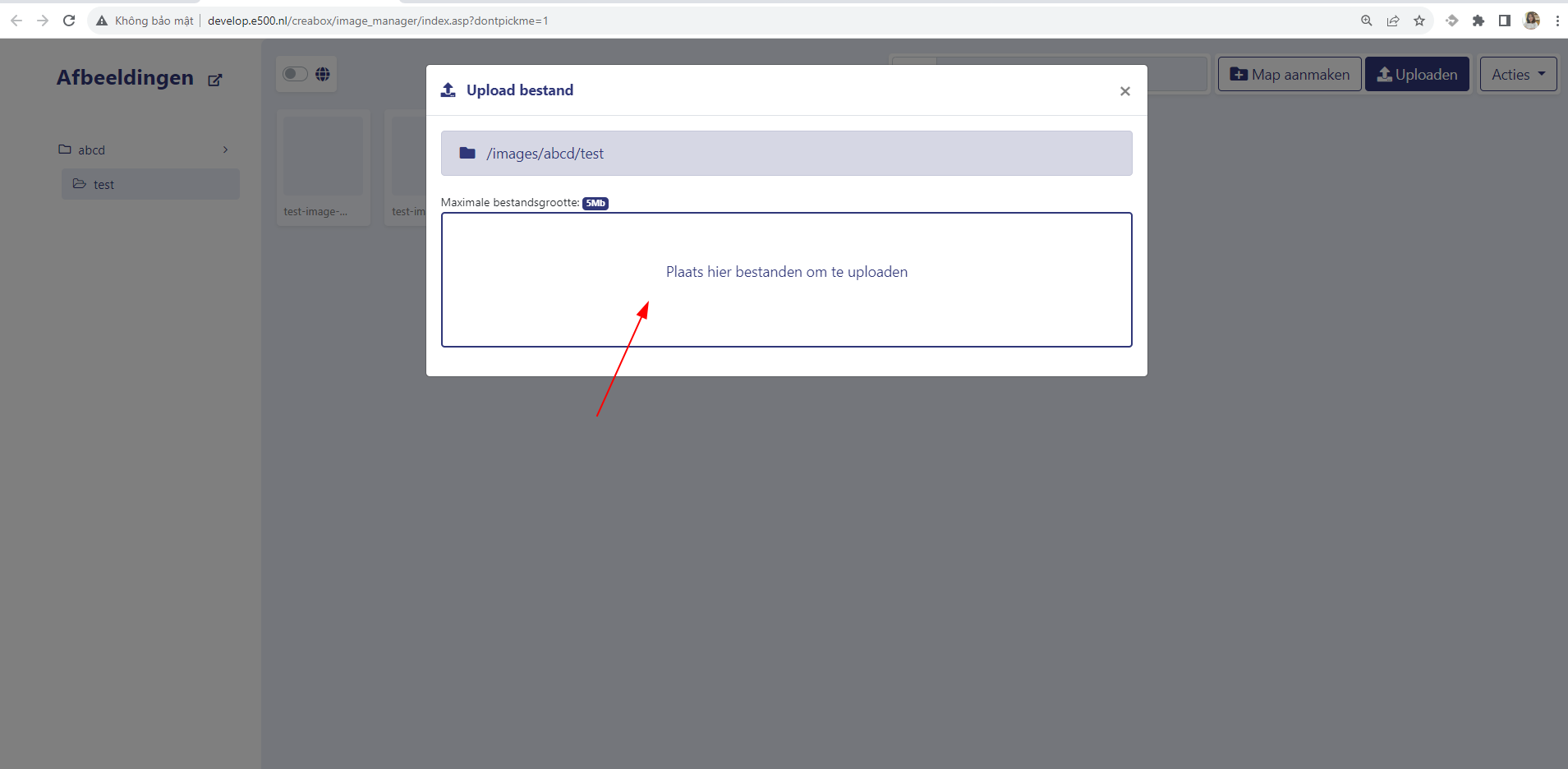
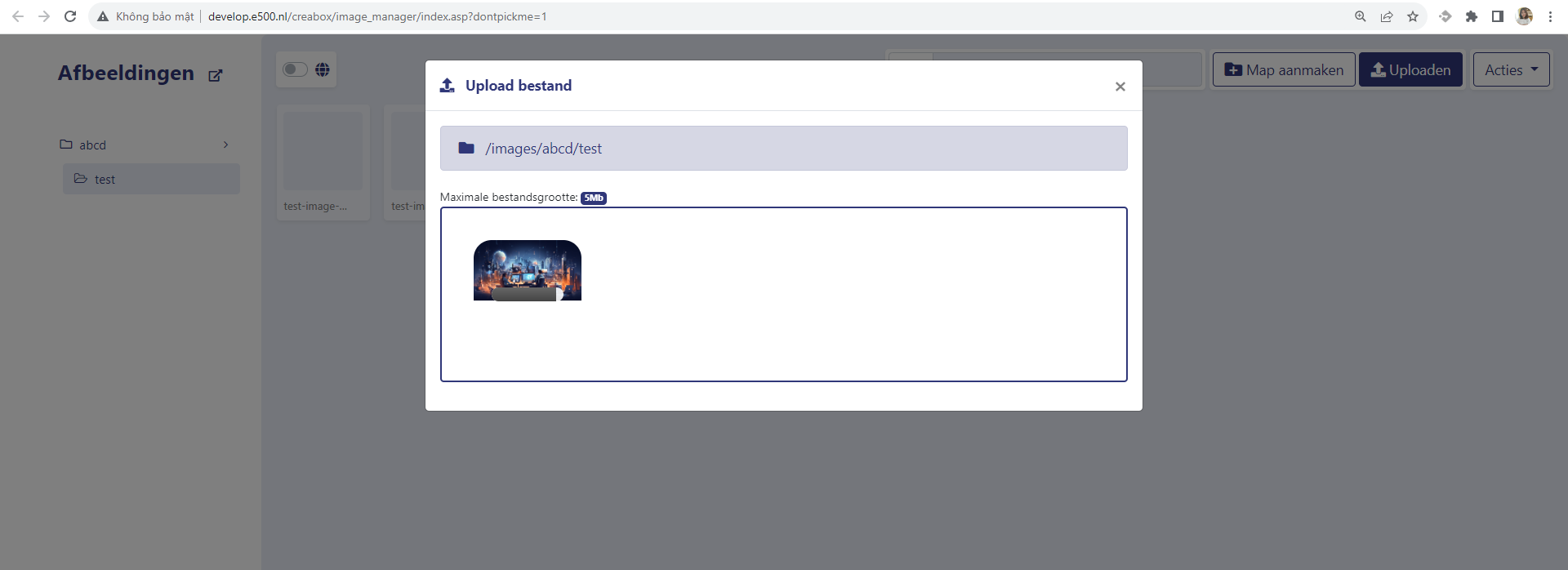
2. In the new tab, choose a floder for the image. Then click on Uploaden and Plaats hier bestanden om te uploaden to upload a new image
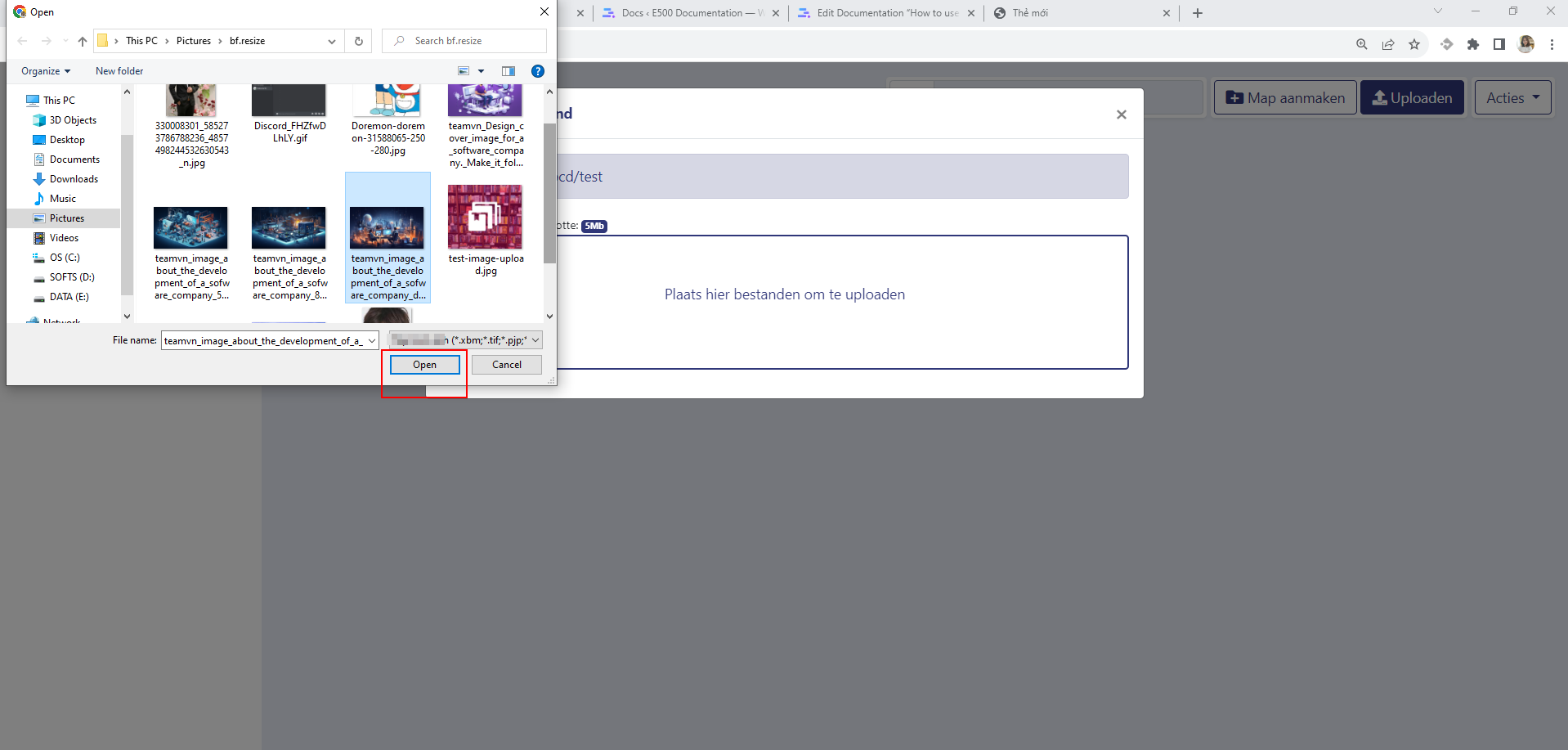
3. Select an image from you computer and click Open to upload it
4. Back to the folder, you’ll see your image is uploaed
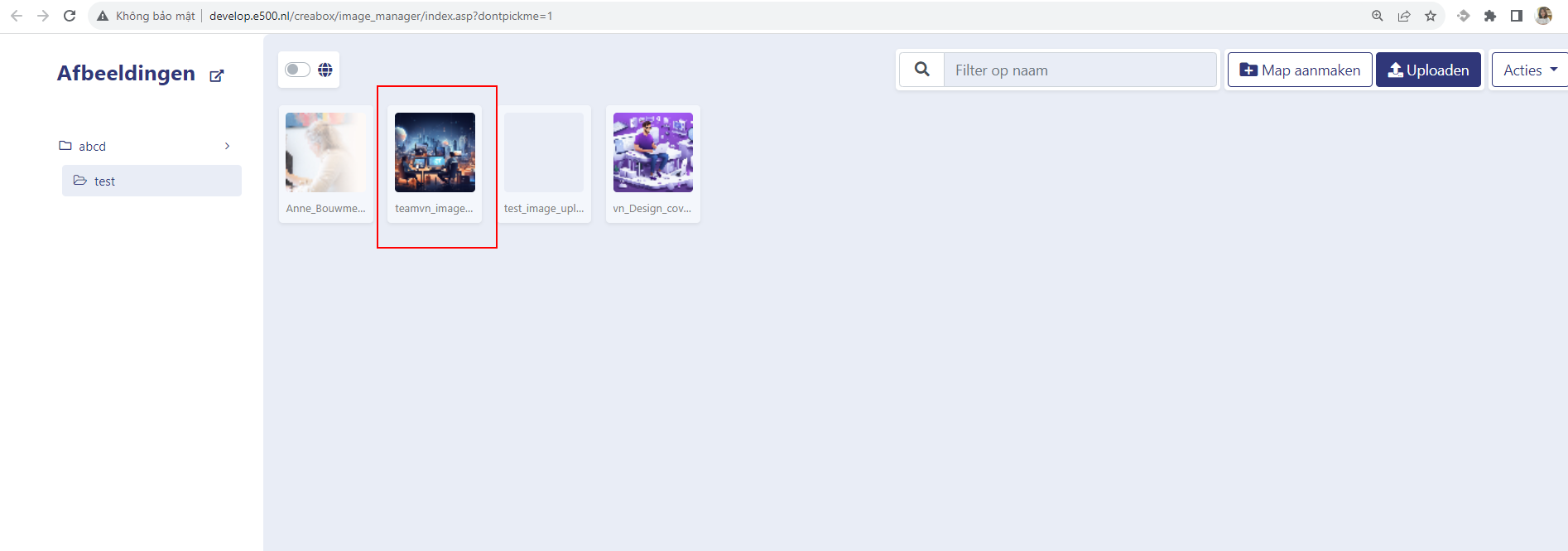
Now your image is uploaded, you can choose it anytime you need to use it for your domain. Good luck!