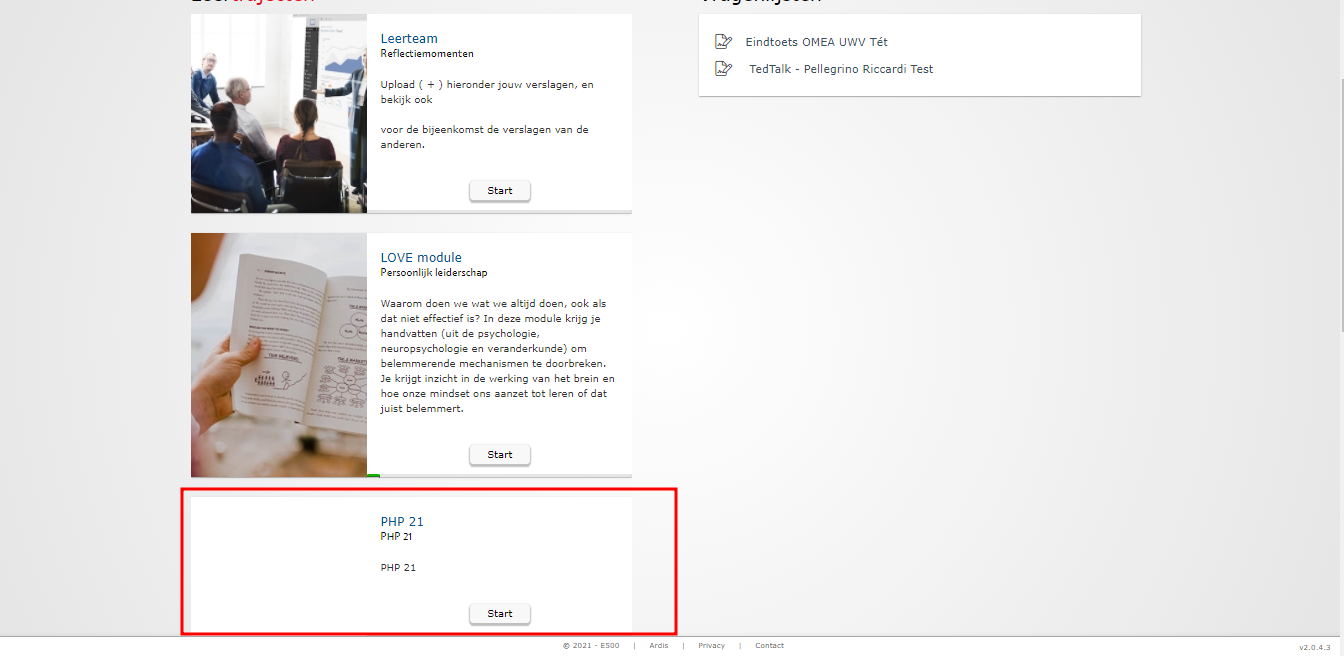
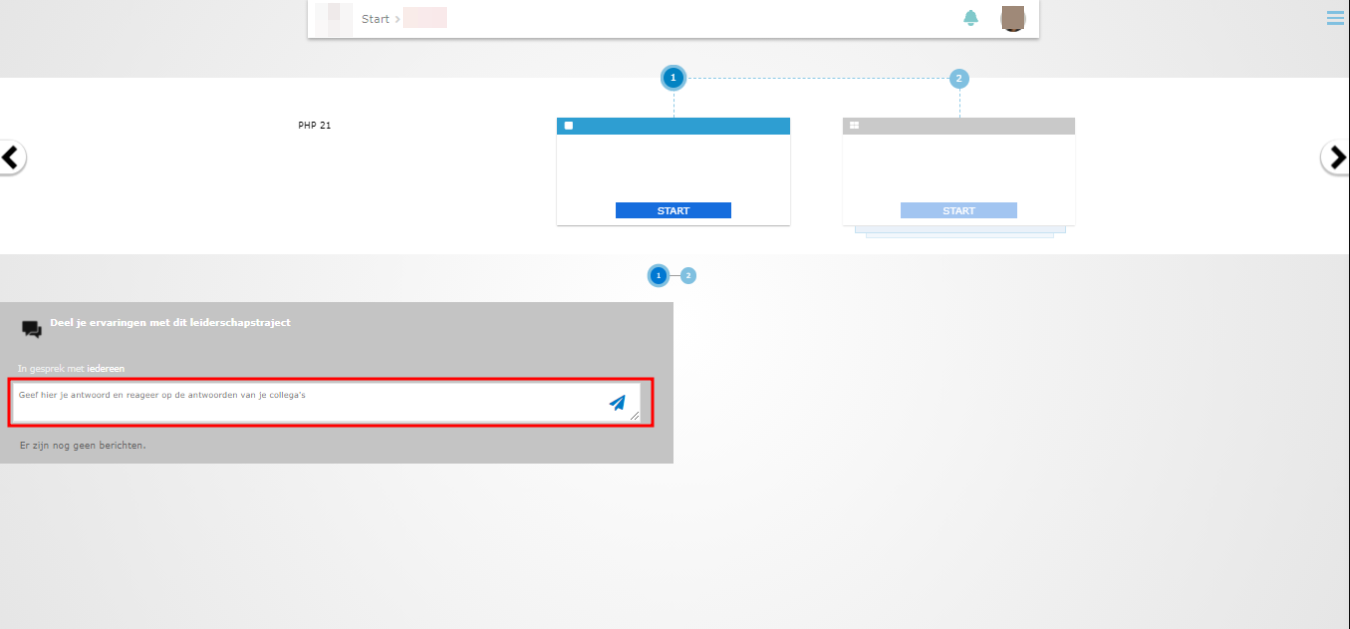
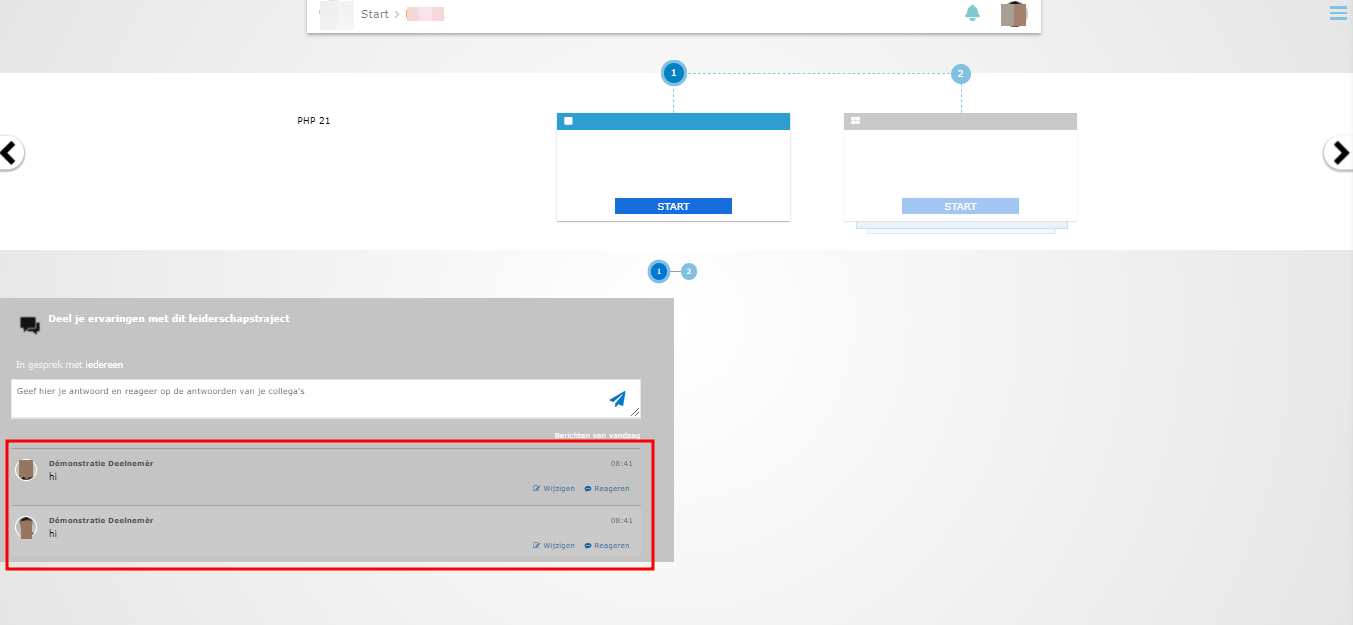
It would be great if the courses have a form chat where everyone can discuss together. To create a form chat and add to a course, please follow the steps below.
How to create a new Forum&Chat
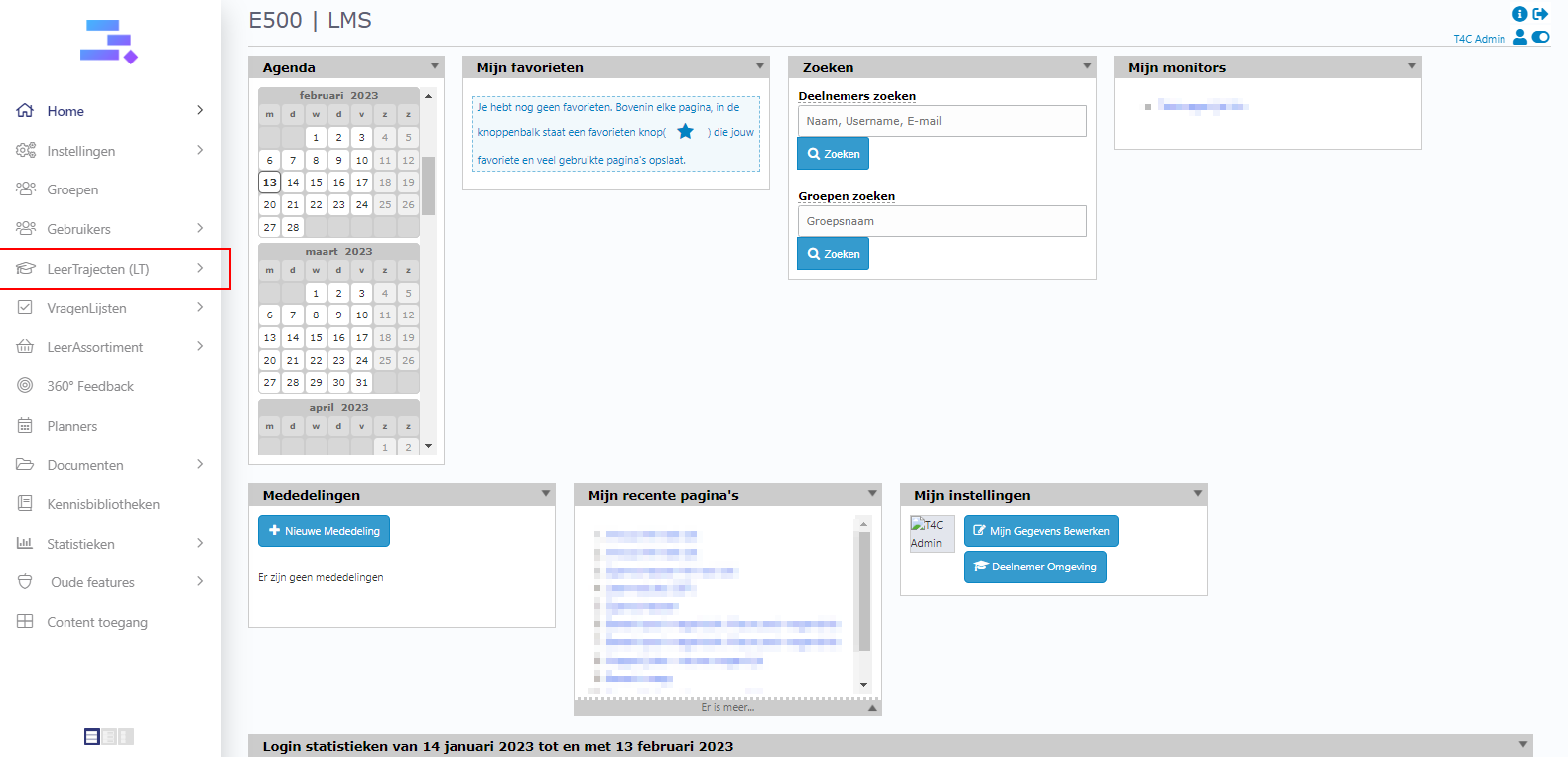
- Login with your administration account. Hover into Leertraject and click Forum&Chat.
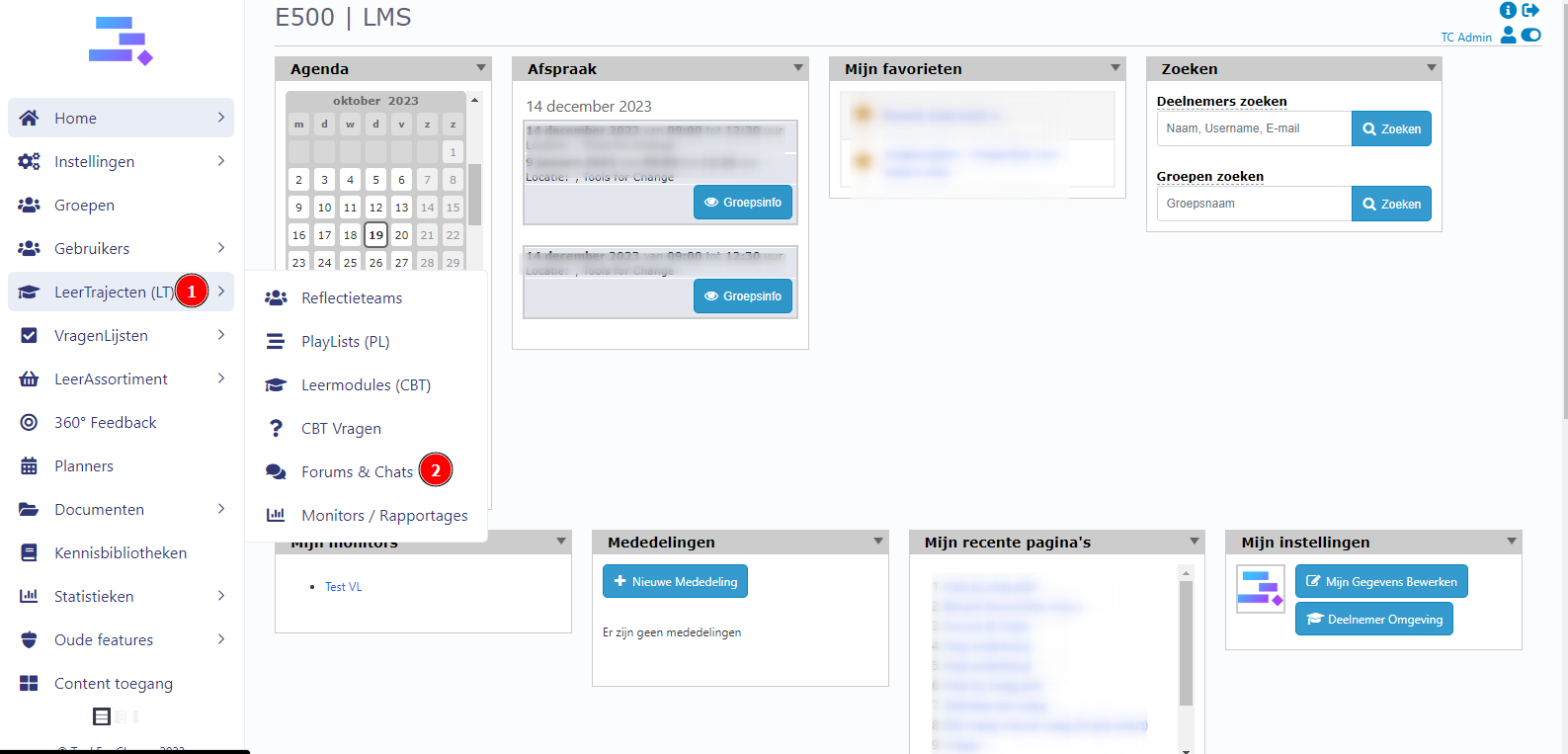
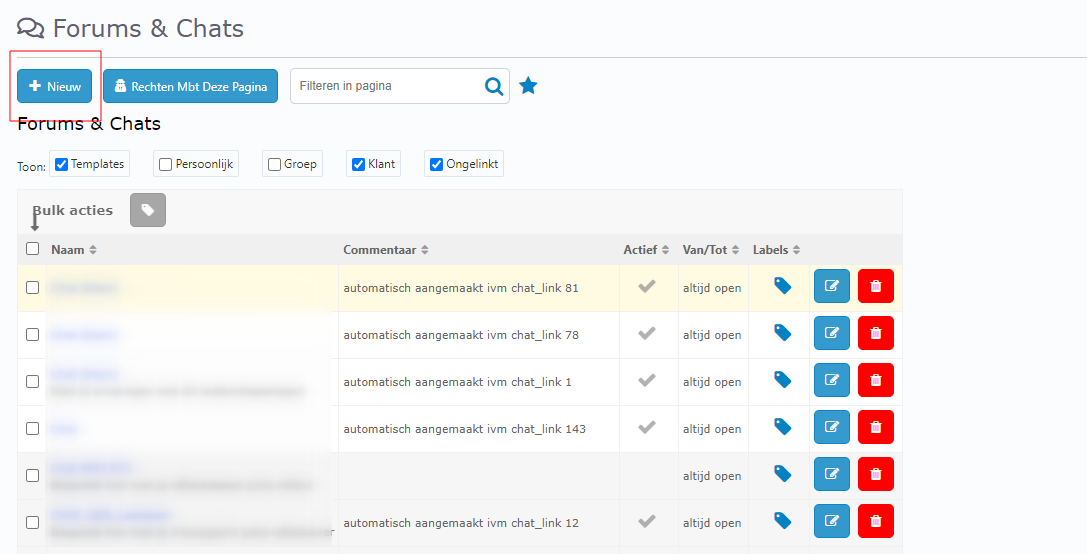
2. Enter +Nieuw button
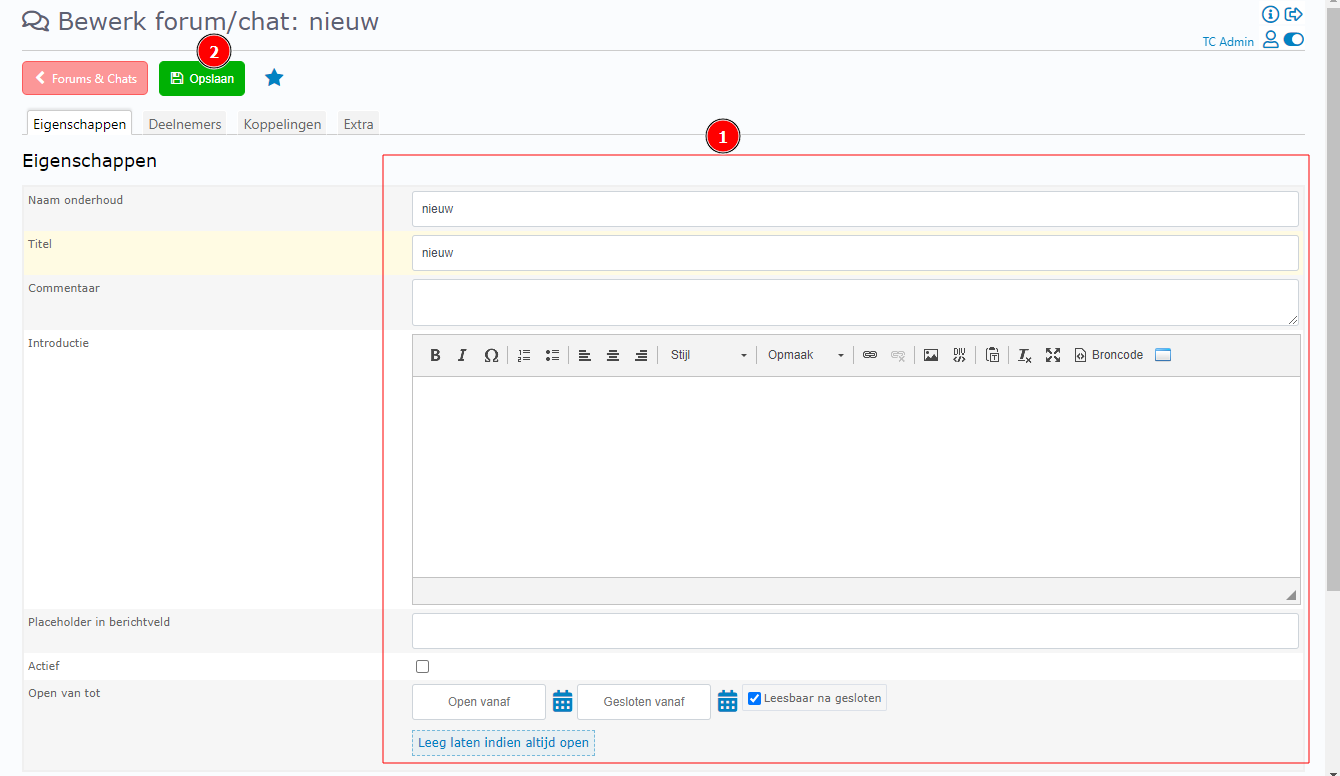
3. Filling the basic information in this form and click Opslaan to create it!
How to add a Forum&Chat and add to a course
1.Click on a course, example Leertrajecten.
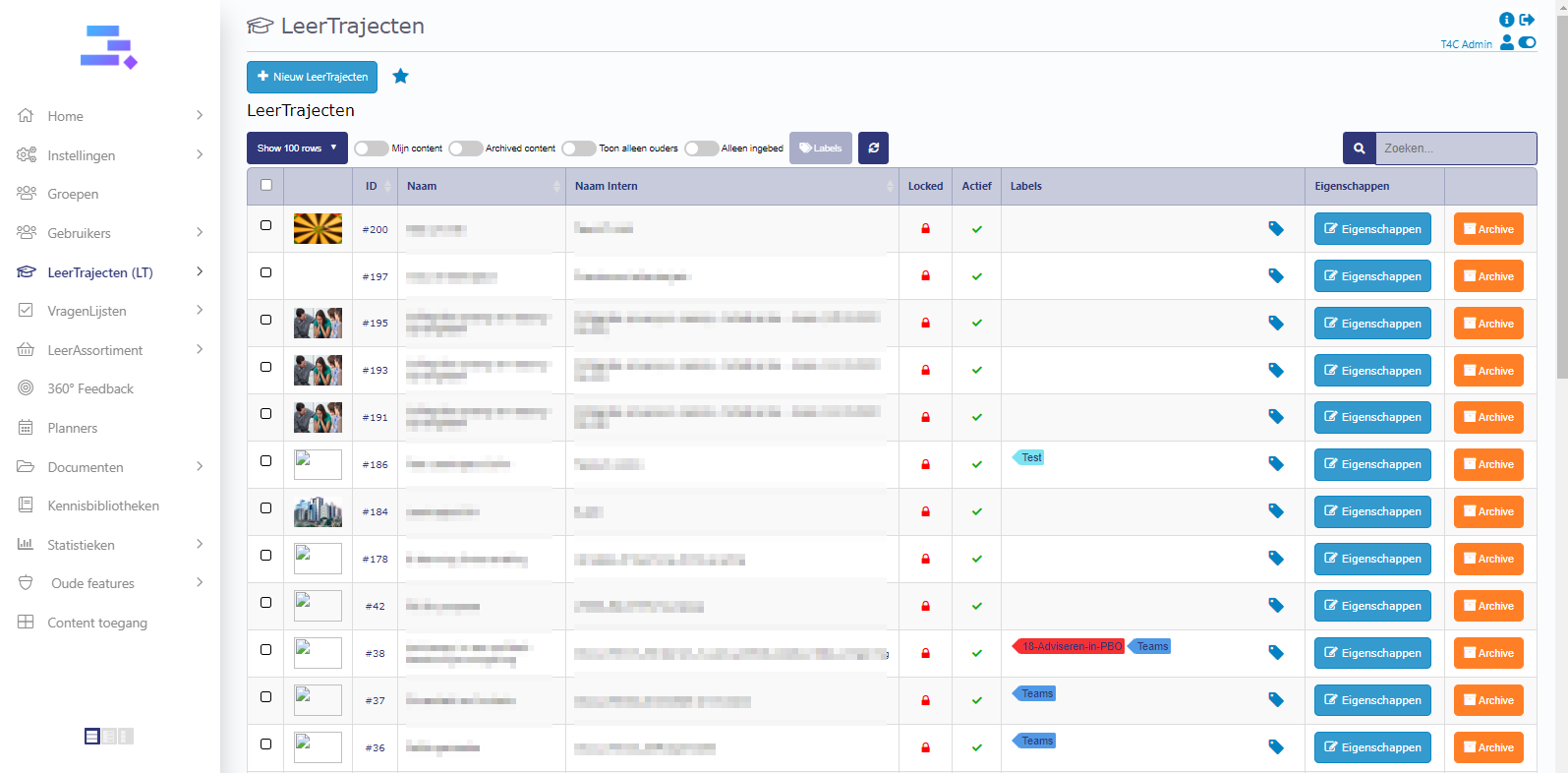
2. Choose the course where you want to add a form chat to.
3. The new windown opens. Click tab Gekoppelde elementen. In block naam, click icon v and choose 2: Chat. In block scope, click hele klant. Then, click Opslaan to save.

4. Then, click on Deelnemers to choose the users who can see the course with form chat

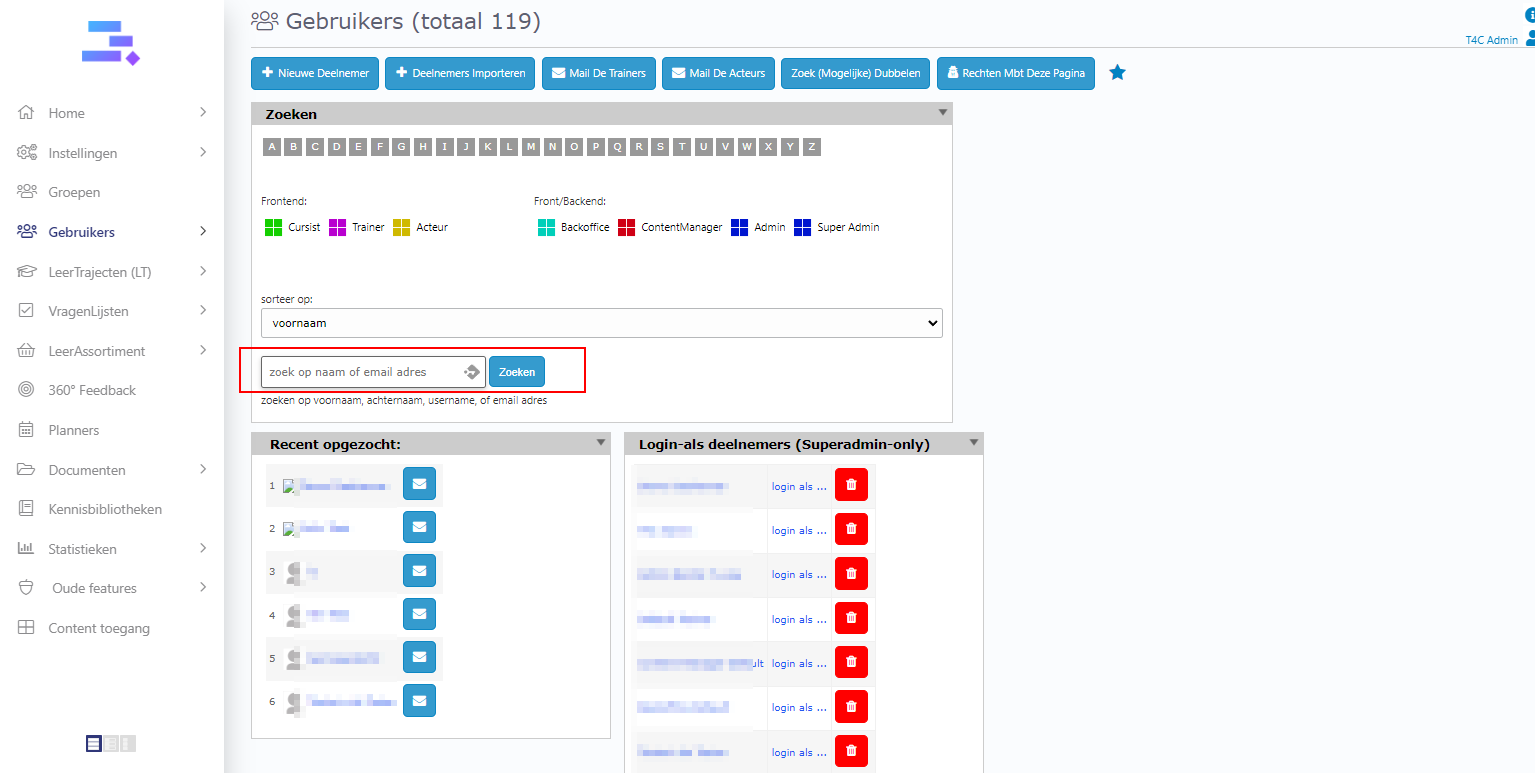
5. In the user’s detail, go to tab Content, in block Kiezen LeerTrajecten/ Playlists/ Leerteams, click icon v in the frame kies een leertraject. Scroll down and select the course that has been set up with the form chat.

6. Login as the user and go to the homepage. Now you can see the course has been set up with a form chat. Access it and see the form chat in the bottom left. Fill in your message in the frame and click versturen to send a message and discuss with all the users in the course.