A vragenlist contains many vragen(questions). It is possible to use as a test but it does not give scores.
How to create a new vragenlijsten (questionnaire)
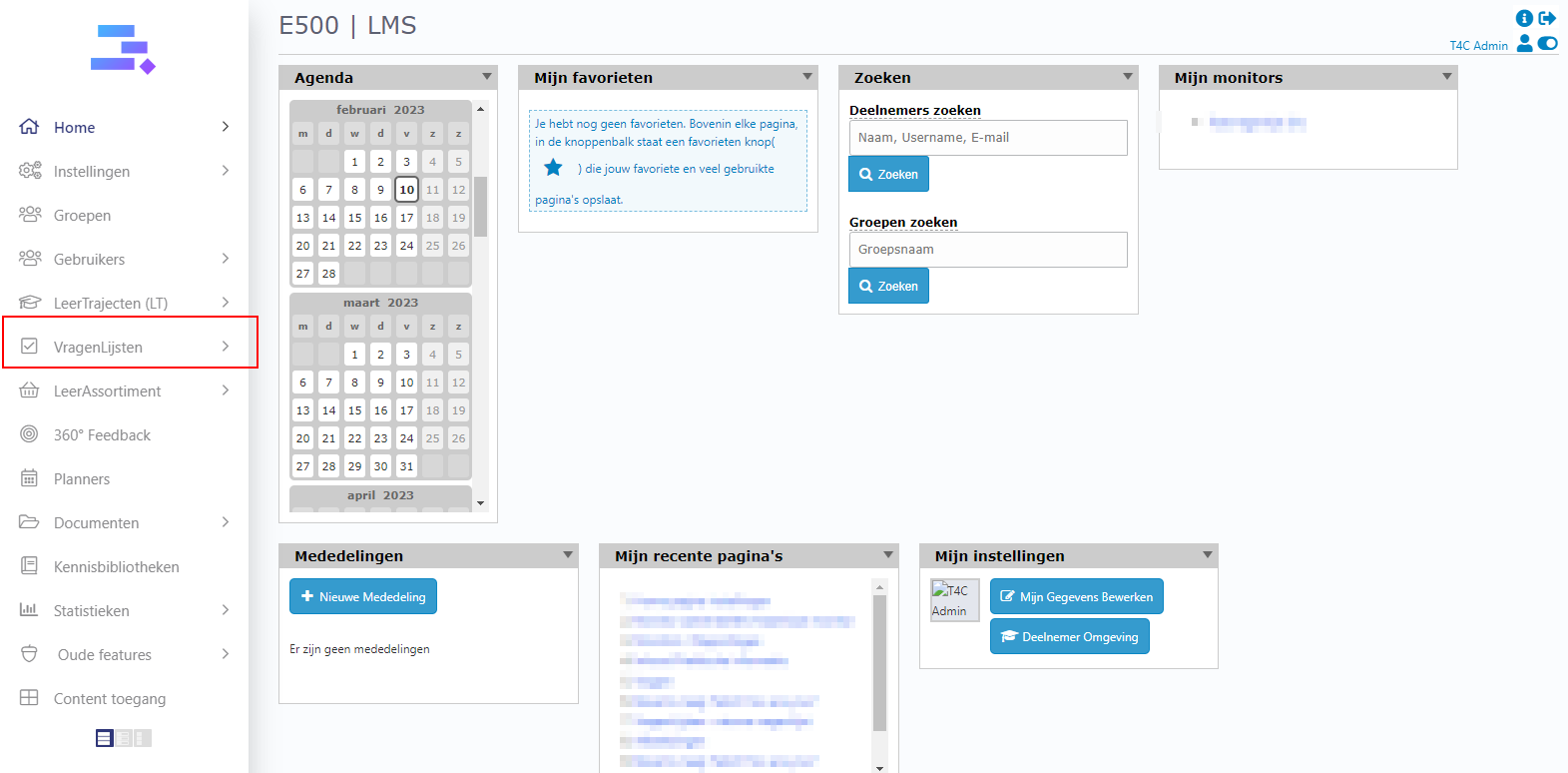
Login with your administrator account. And click on Vragenlijsten.
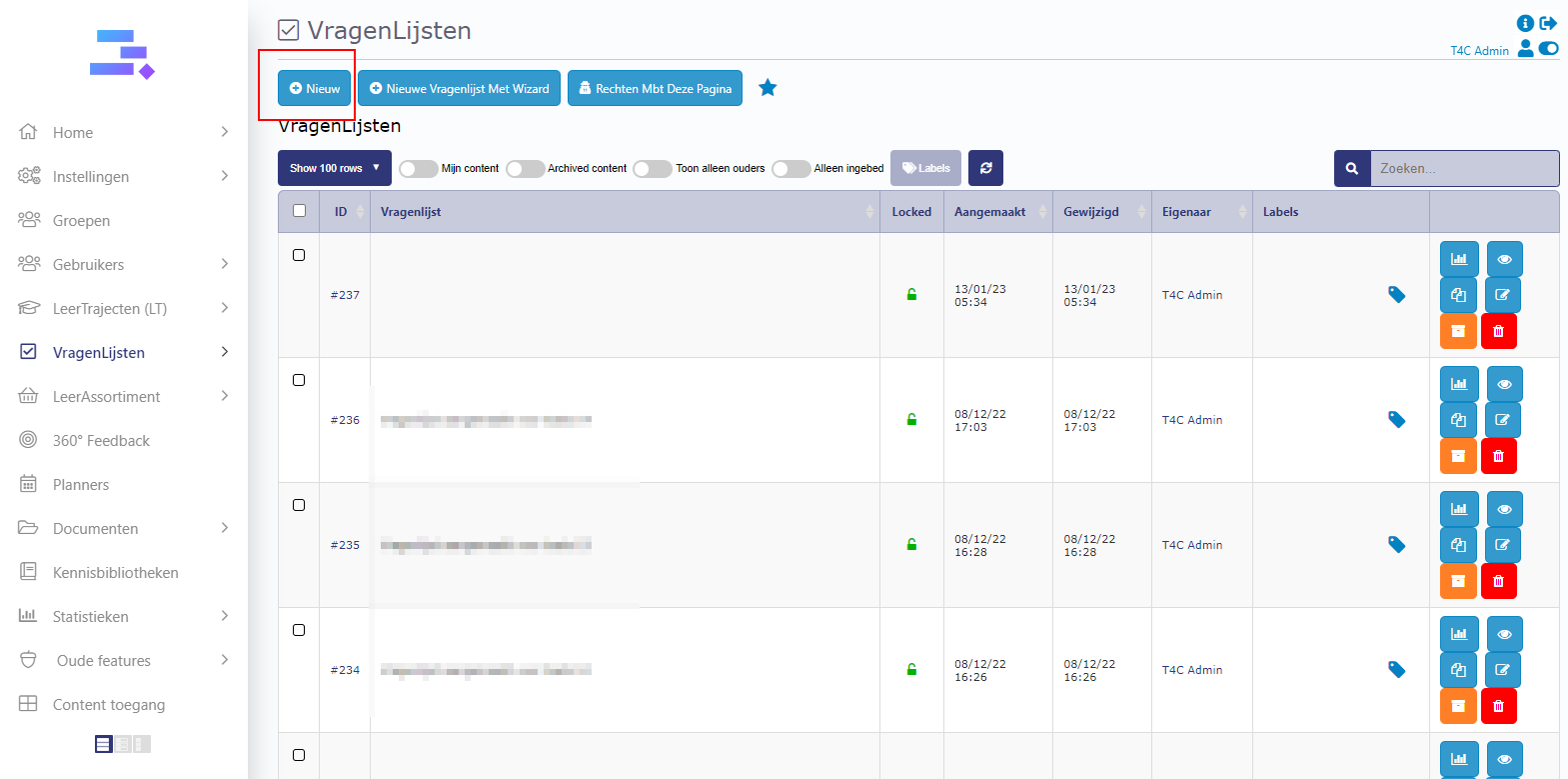
Click Nieuw button to create a new Vragenlijst.
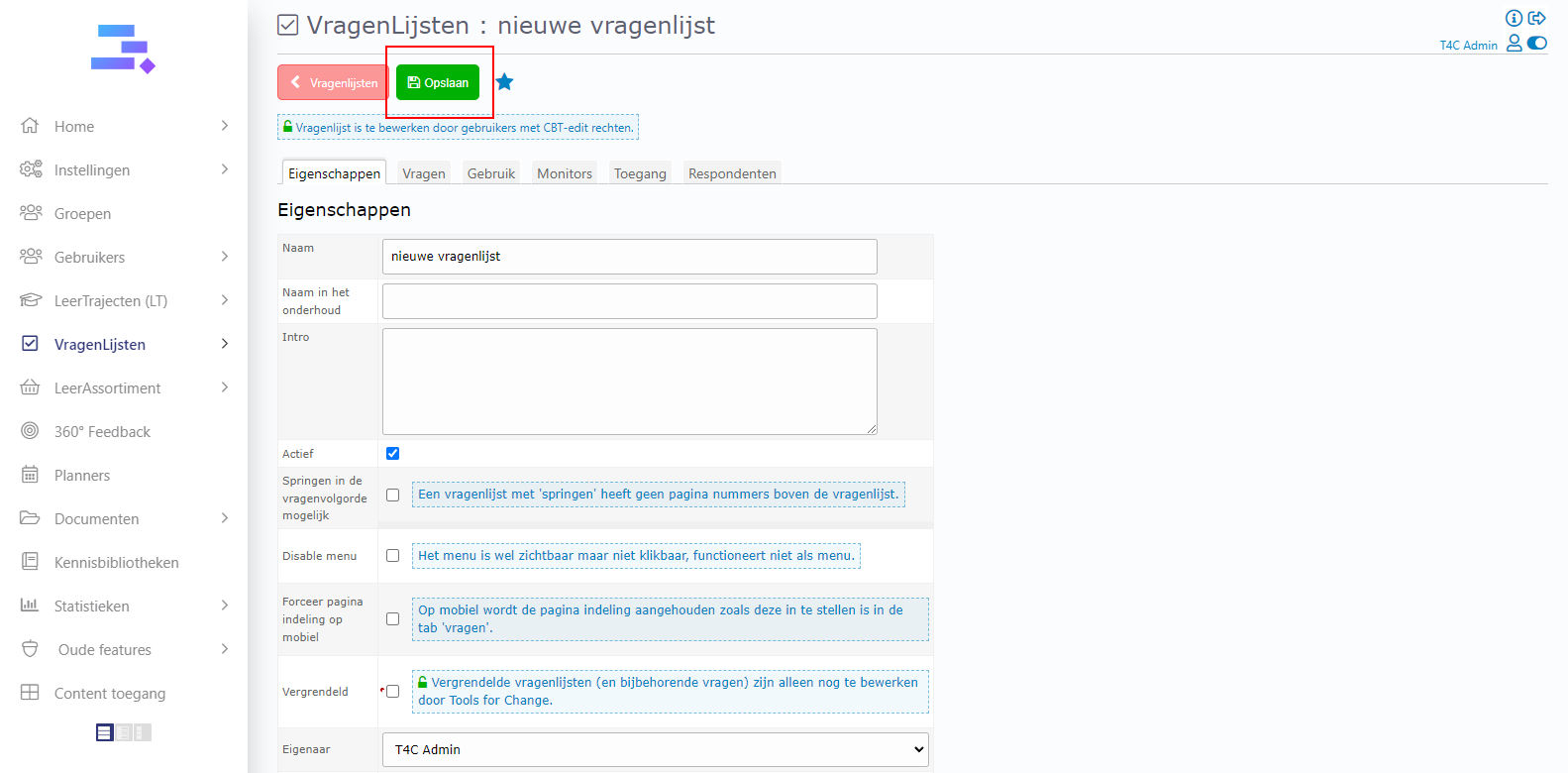
A new window appears. Fill in the in formation of your questionnaire and click Opslaan to create it.
How to add vragen(questions) to vragenlist(questionaire)
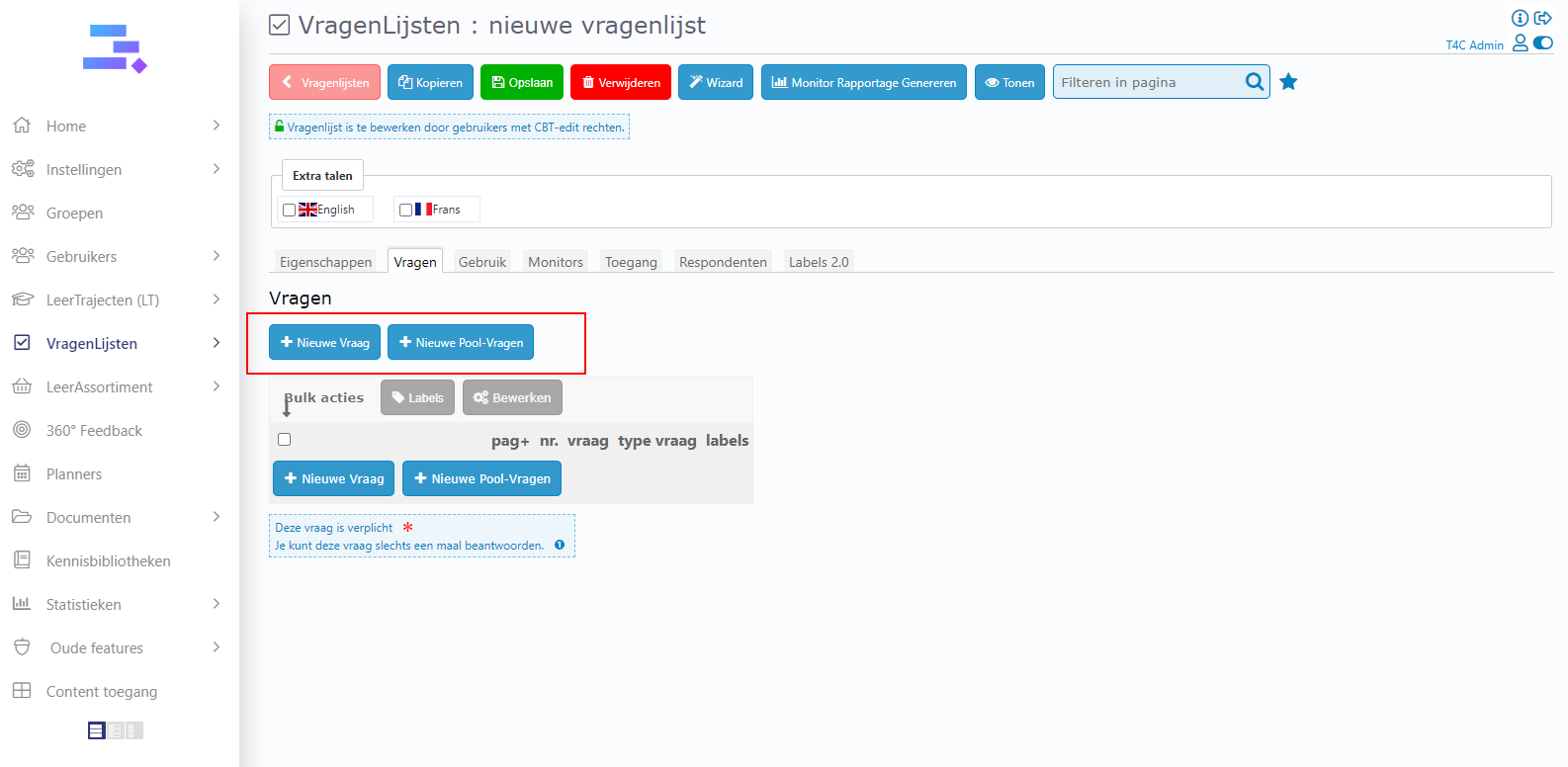
Let’s go to tab Vragen in the detail page of the vragenlist and click on Nieuwe Vraag or Niew pool-Vragen to add a new questions or a new question pool to the vragenlist
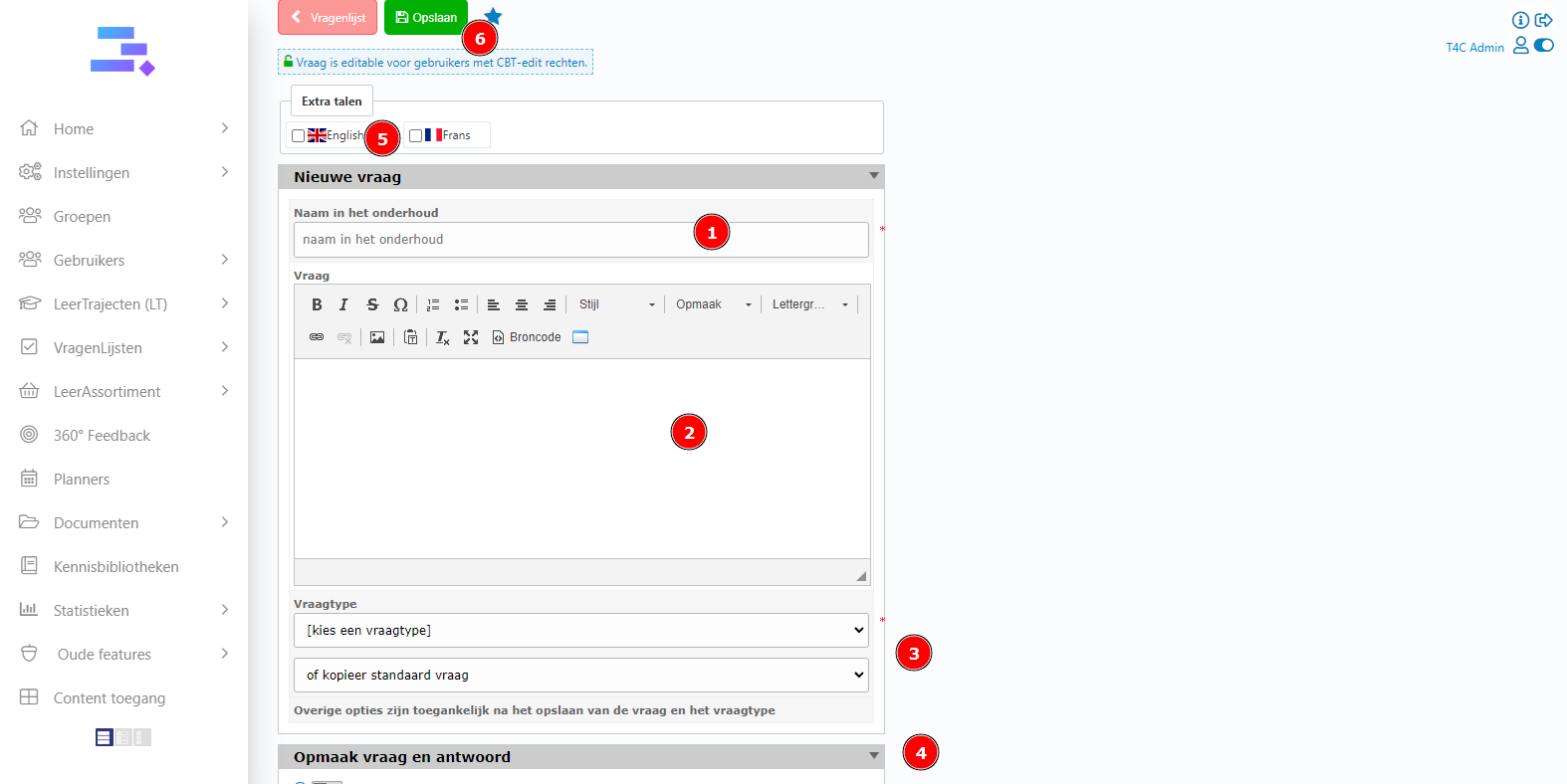
- If you click Nieuwe Vraag
Name for your question and make question for it. You can edit font, size and format… if you like. Then choose question style and formatting question for your content. You also can click the check box at extra talent to add the translate for the vragen. Final, click Opslaan to save.
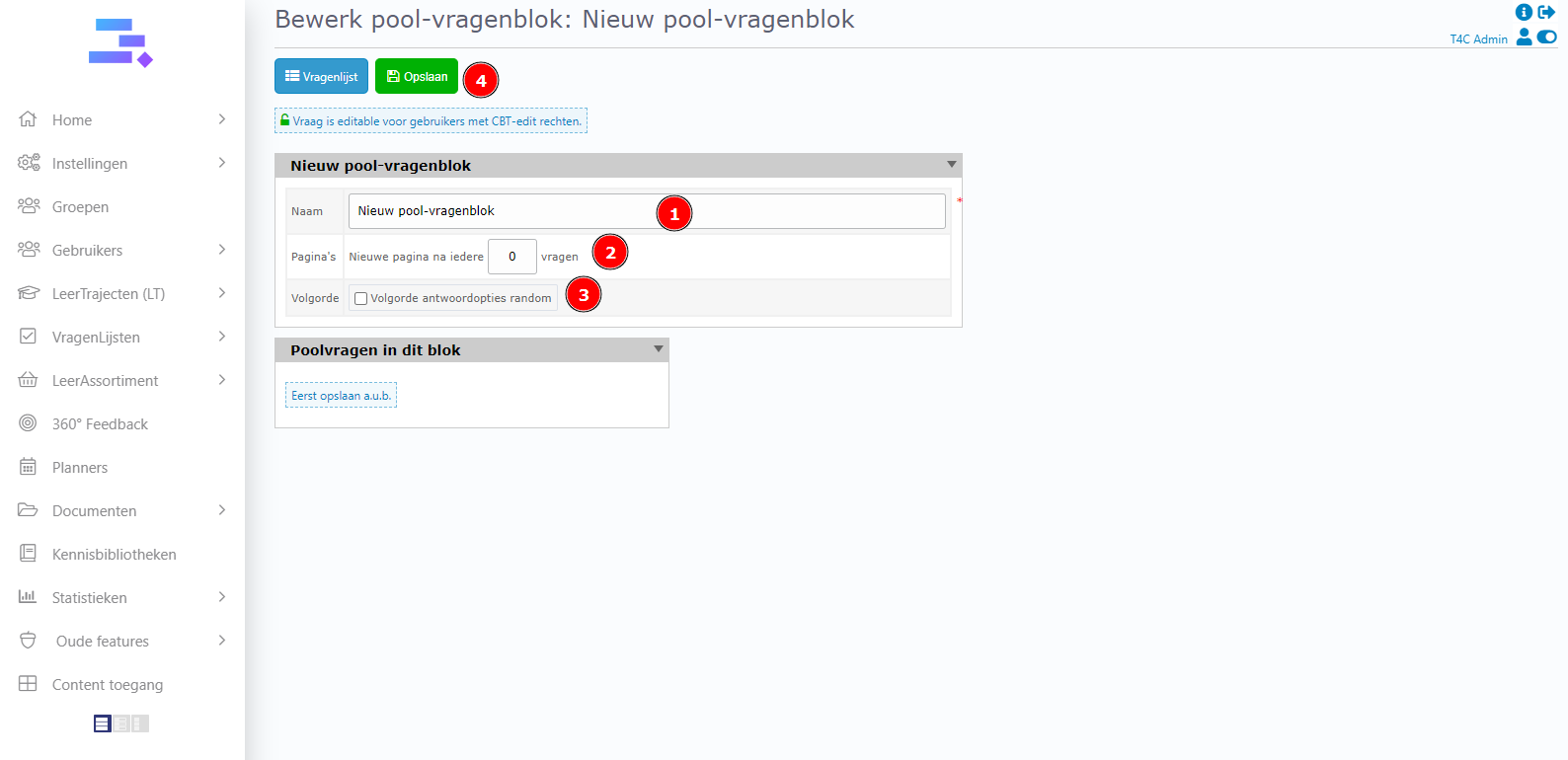
- If you click Niew pool-Vragen
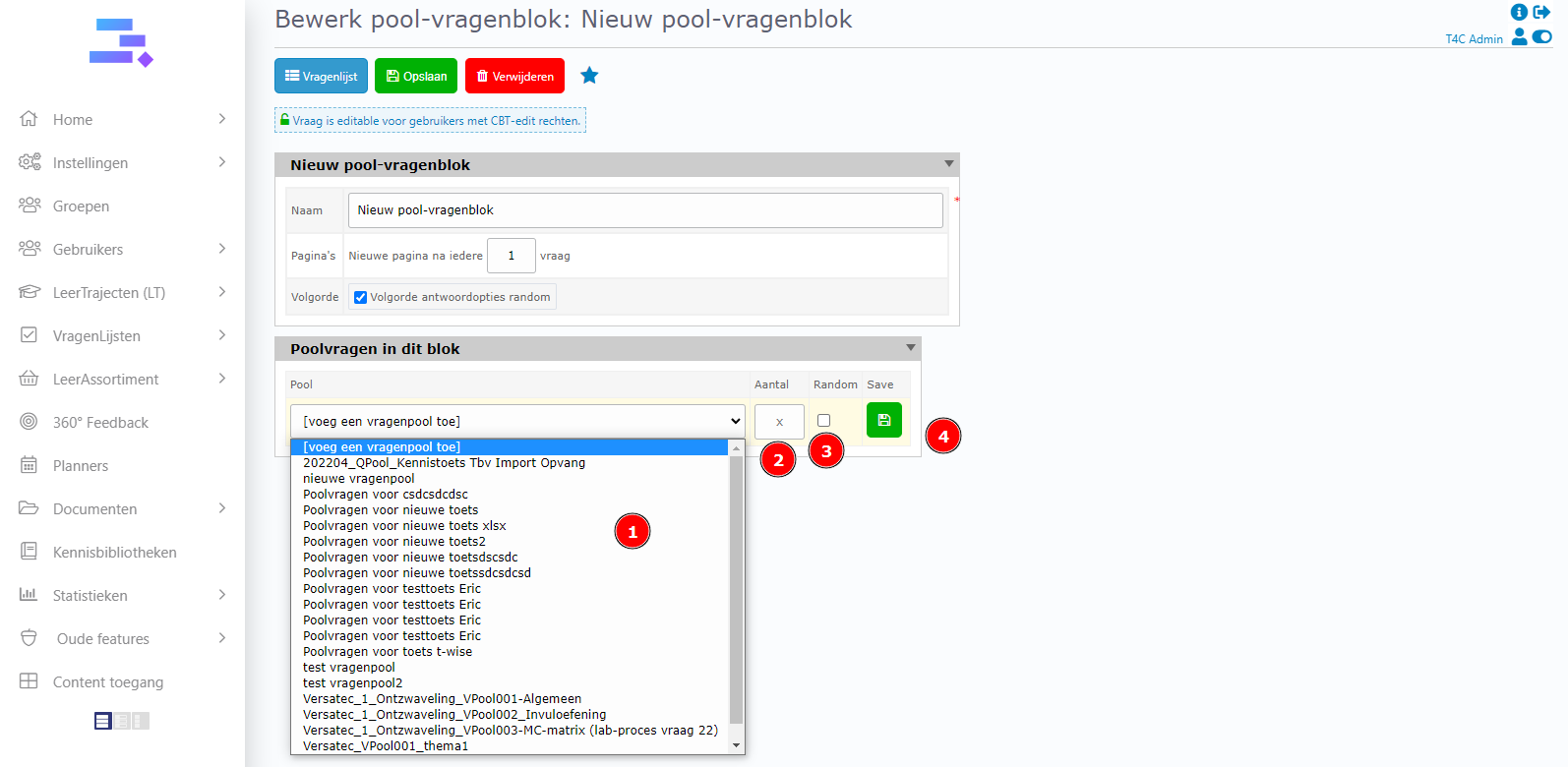
Fill information and choose option at Niew pool-vragenblok. Then click Opslaan button to save
You can choose a vragenpool which is available by click on [voeg een vragenpool toe] then, setup some options about Aantal and Random. Finally click Save button to save all.
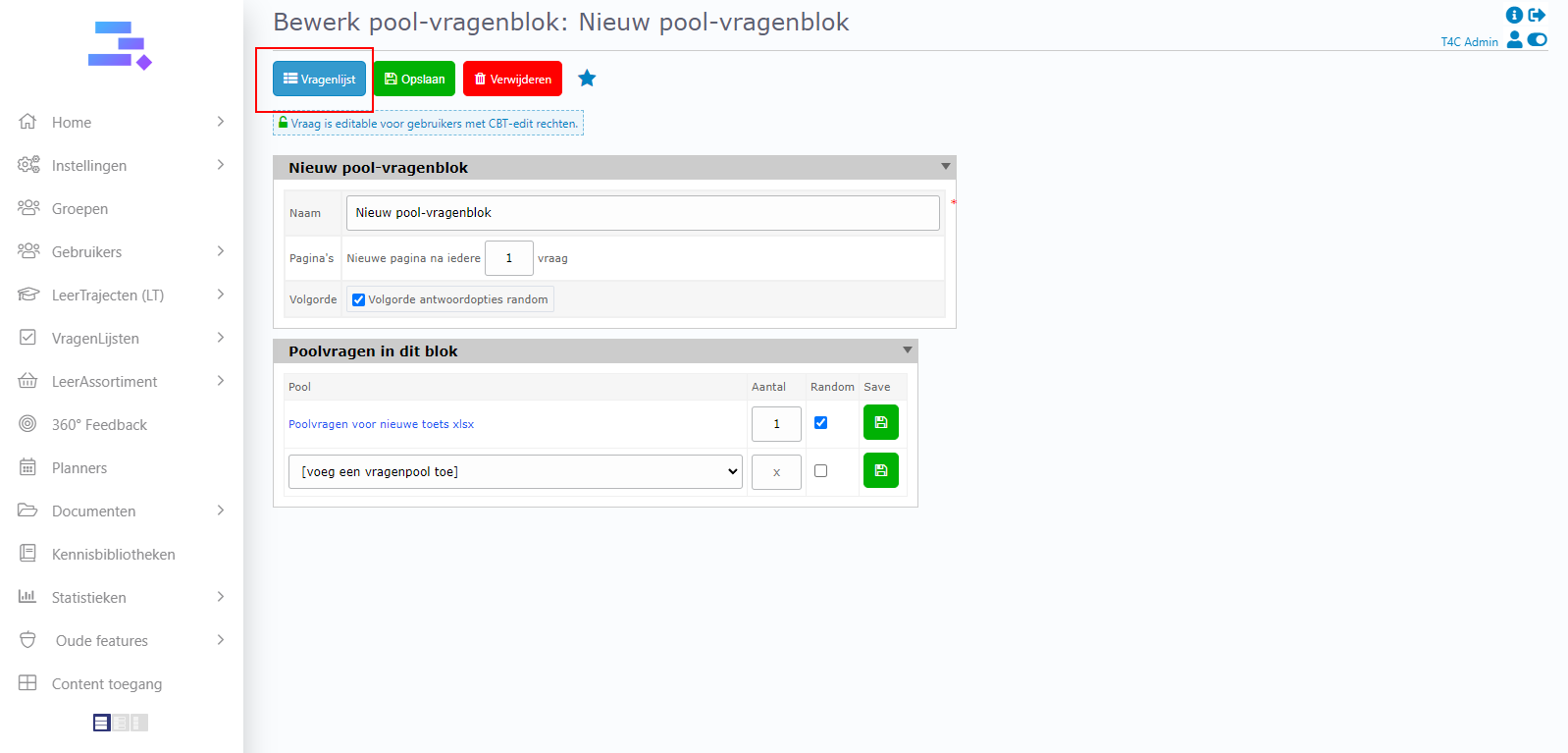
5. After all, click Vragenlist button on the top to back to tab vragen. Here you can see the one that you have just added. You can continue add more vragen or vragenpool for this vragenlist by the same way.
How to copy all vragen in the vragenlist to a vragenpool
*Note: We cannot copy vragen(questions) with type tekst and vragenpool(questionpool).
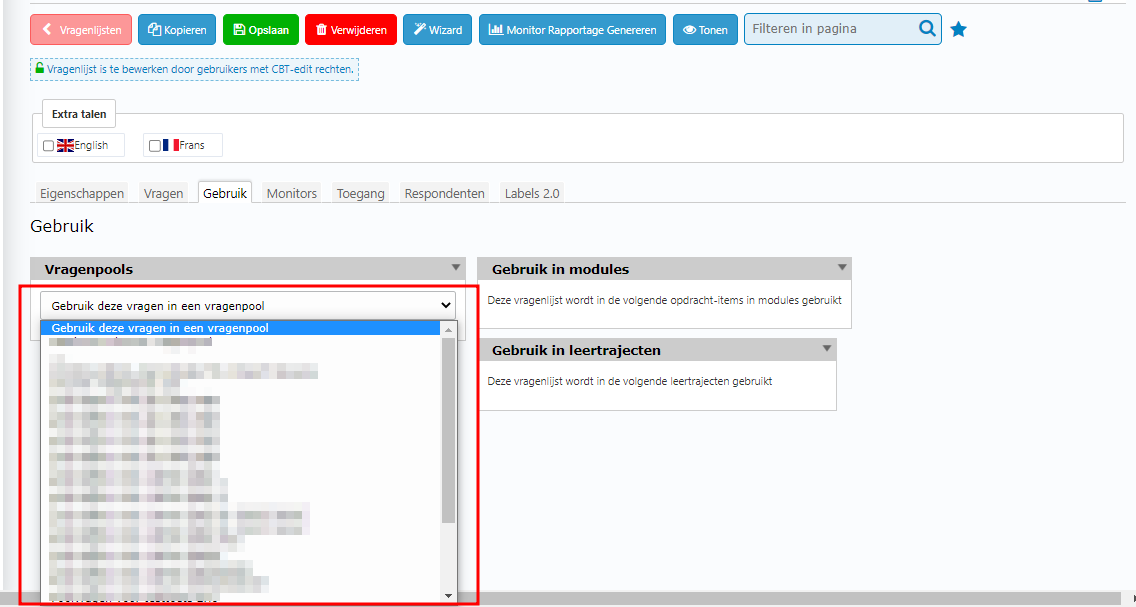
In the detail page of vragenlist, go to Gebruik tab.
At block vragenpool, click on the selectbox Gebruik deze vragen in een vragenpool and select a vragenpool to paste all vragen in this vragenlist to it.
How to convert the vragenlist into monitor
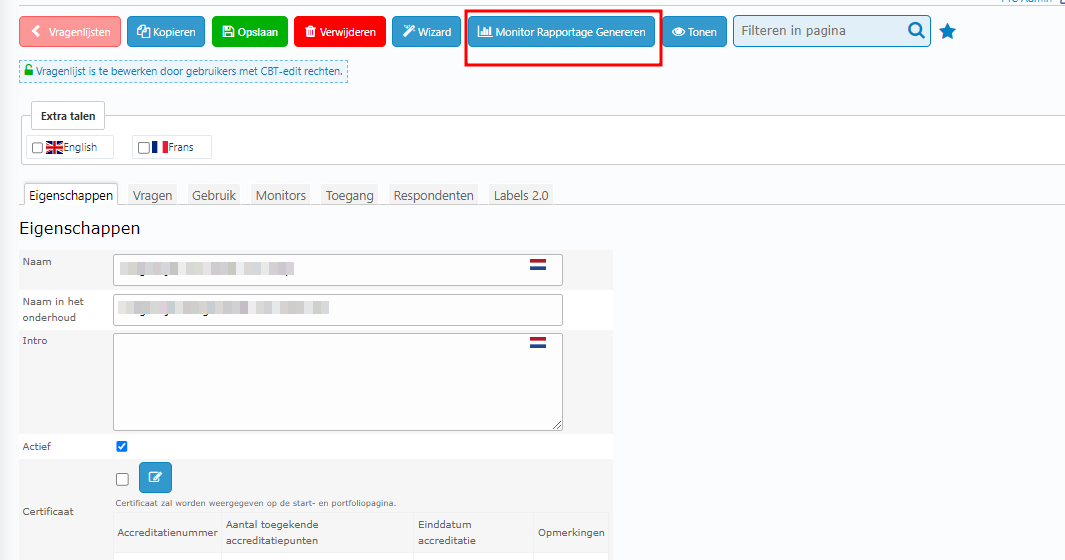
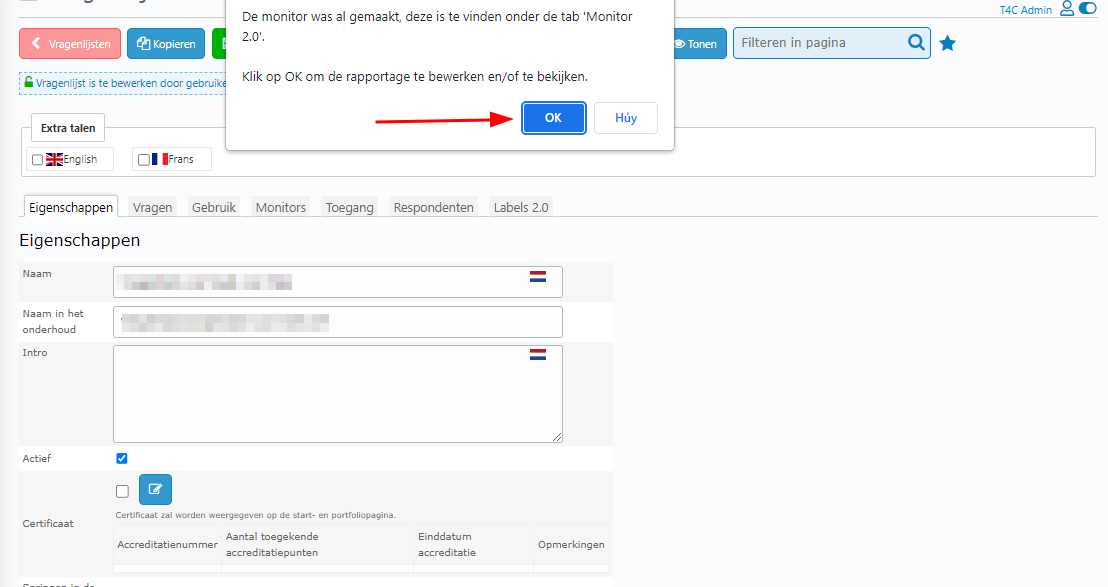
At the detail page of the vragenlist click on monitor rapportage genereren button on the topbar and click OK to confirm. Then it will be converted.