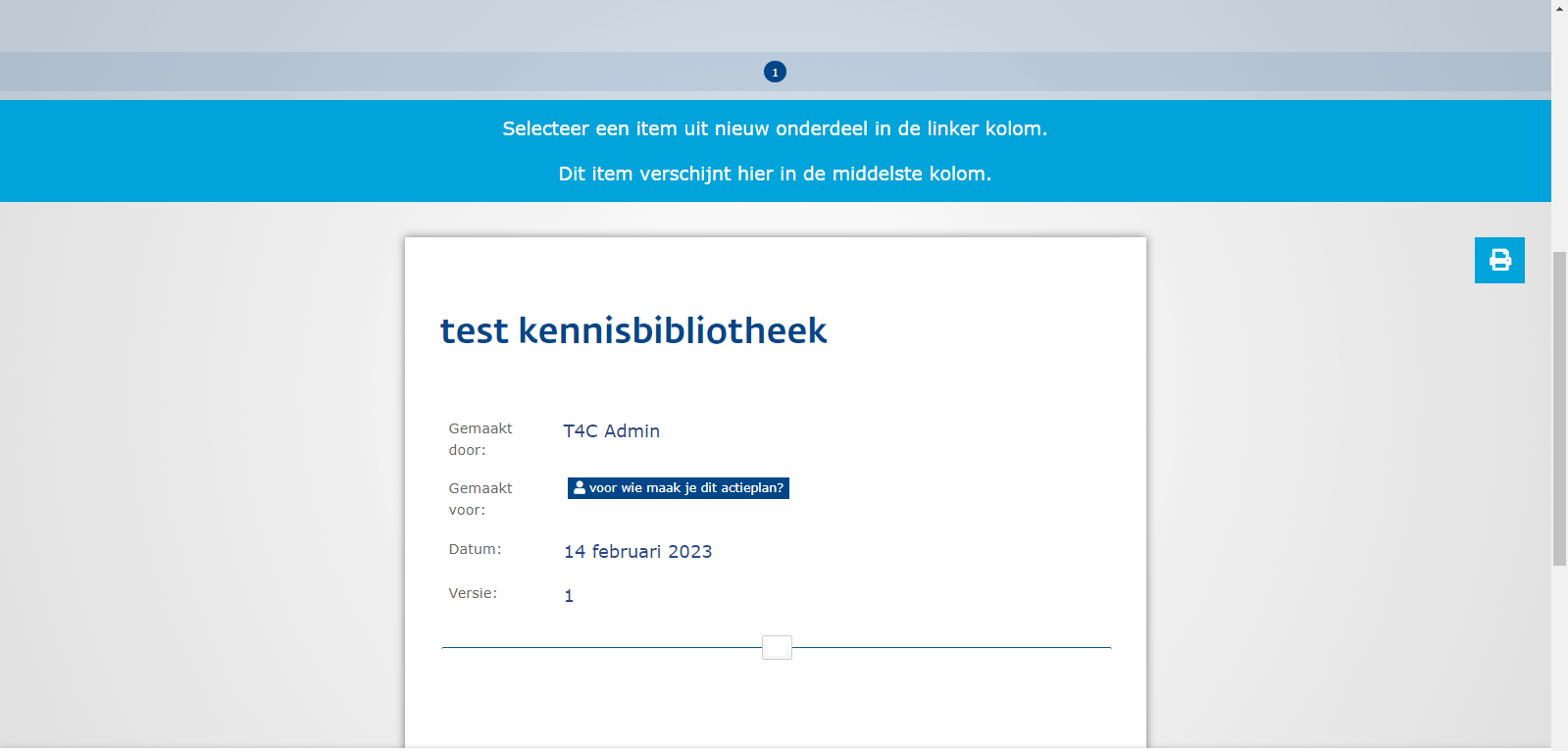
Kennisbibliotheken are the Knowledge Libraries in E500. This is the place where the students can see documents usefull for their learning path. If you want to add a new Kennisbibliotheek, follow the following steps:
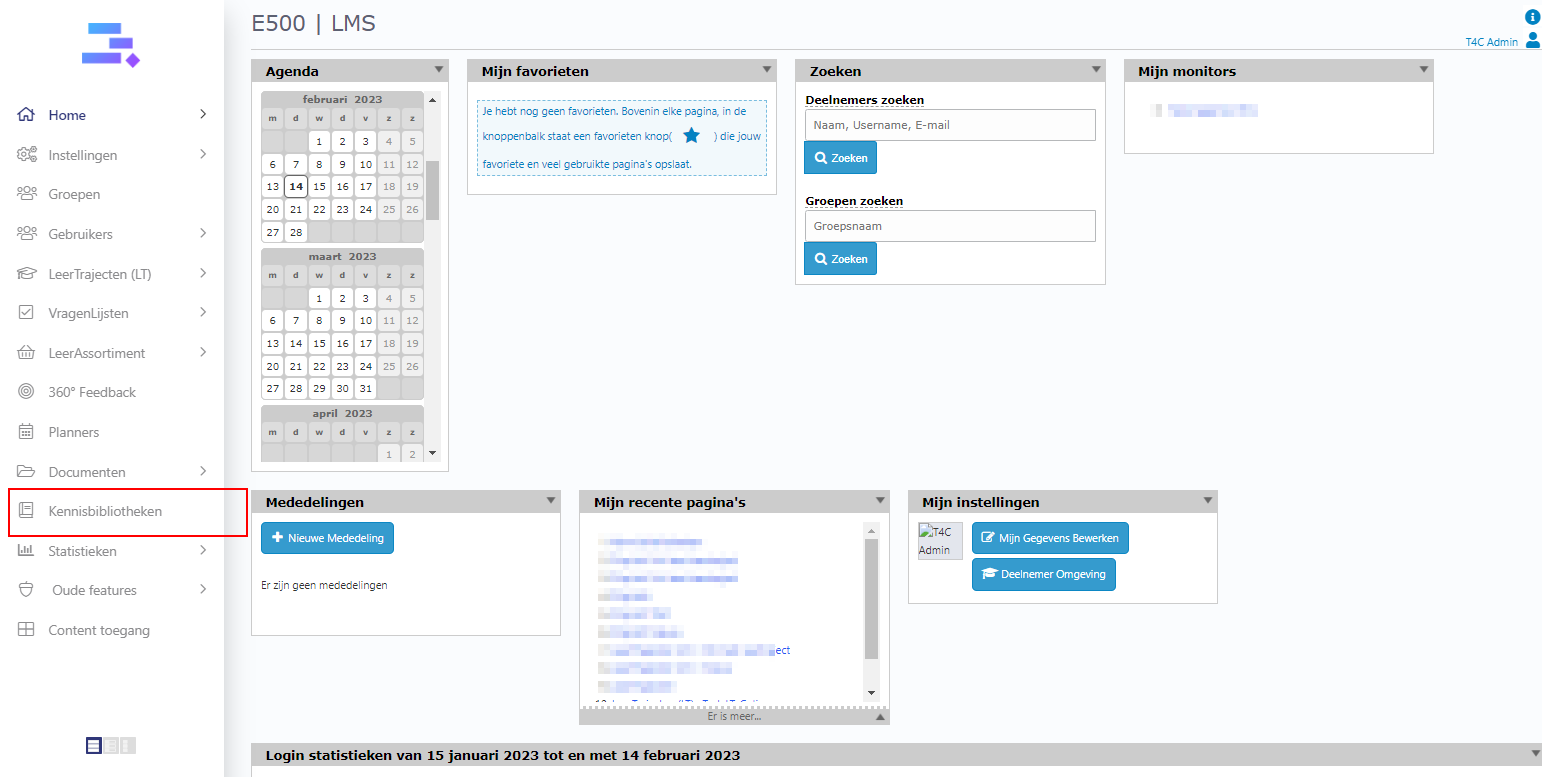
1. Login with your administration account and click on Kennisbibliotheken.
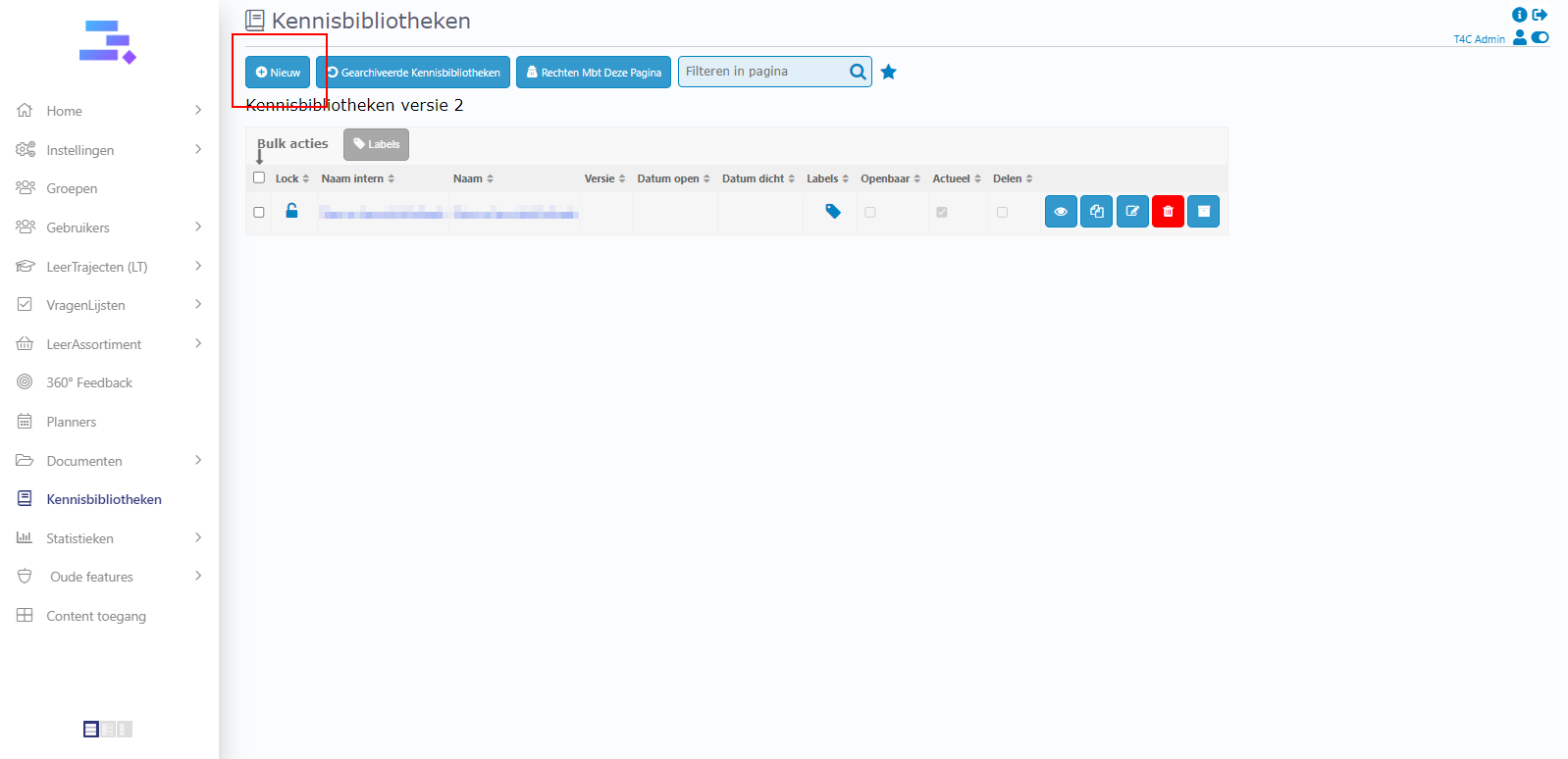
2. Click Nieuw to create a new Kennisbibliotheek.
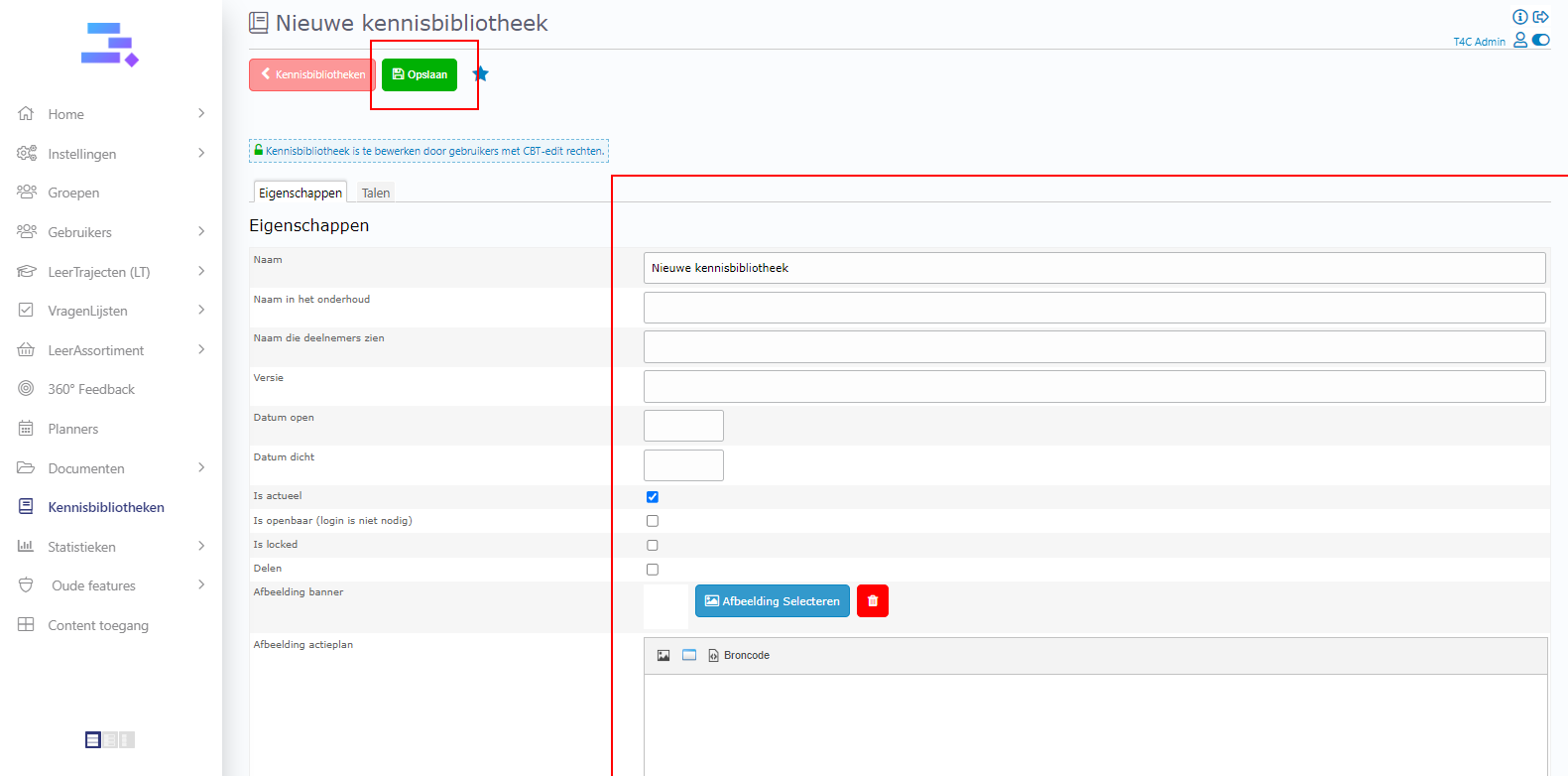
3. On the page Nieuwe kennisbibliotheek, fill in all the necessary information for the new Kennisbibliotheek and don’t forget to click on Opslaan to save.
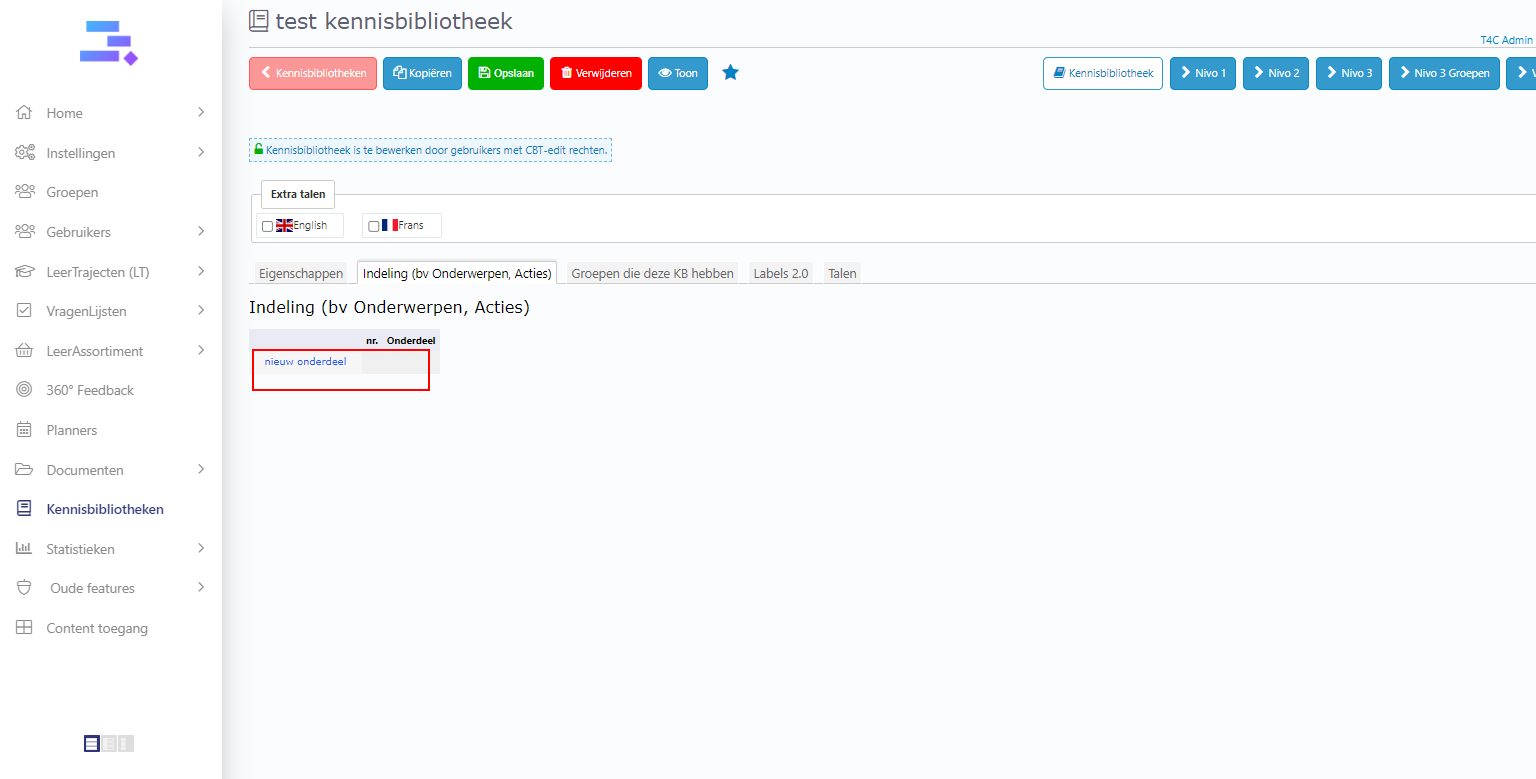
4. Next, go to the tab Indeling (bv Onderwerpen, Acties) and click on nieuw onderdeel to add a new part in the Kennisbibliotheek’s layout.
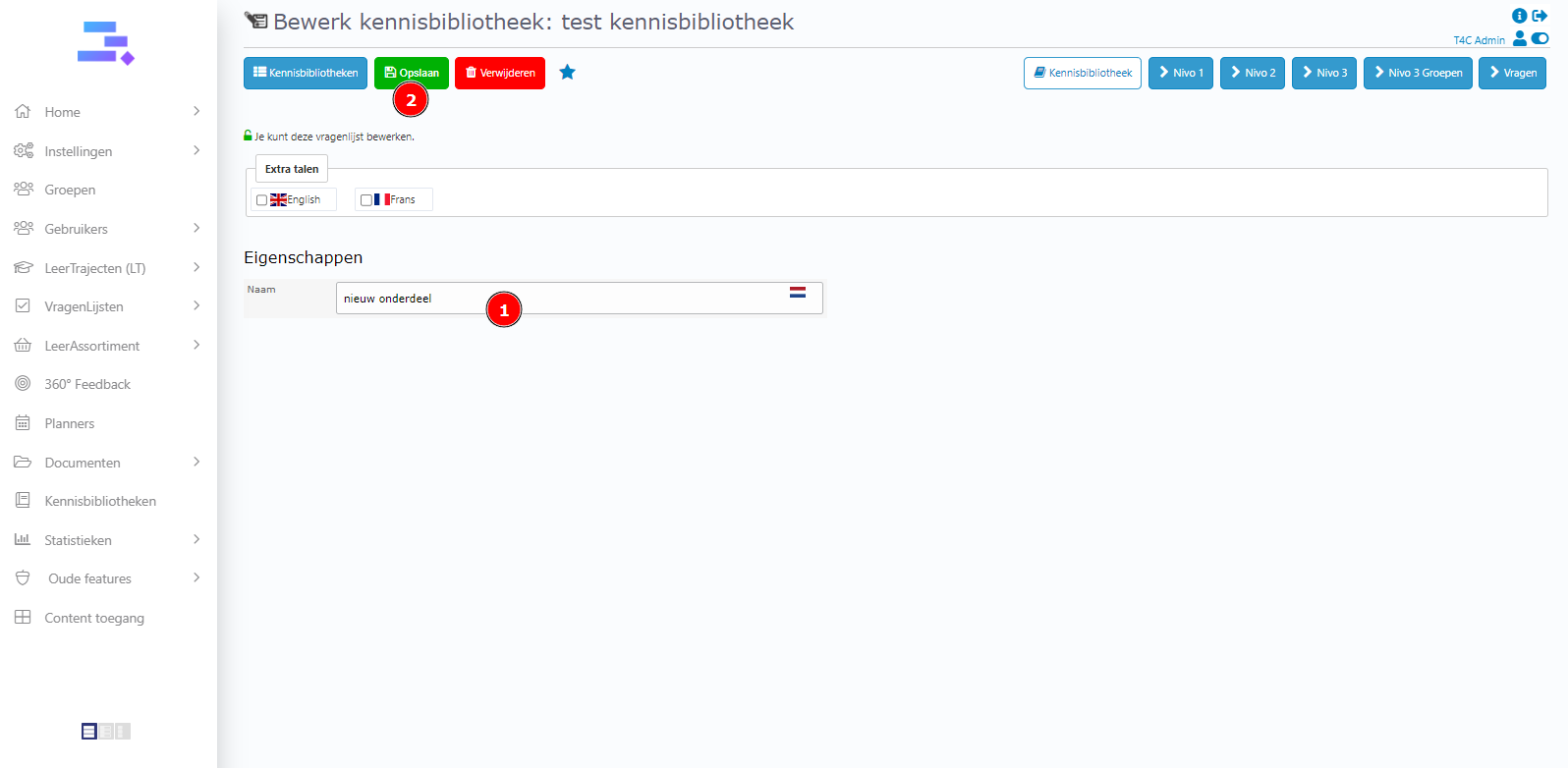
5. After you named it, click Opslaan to save.
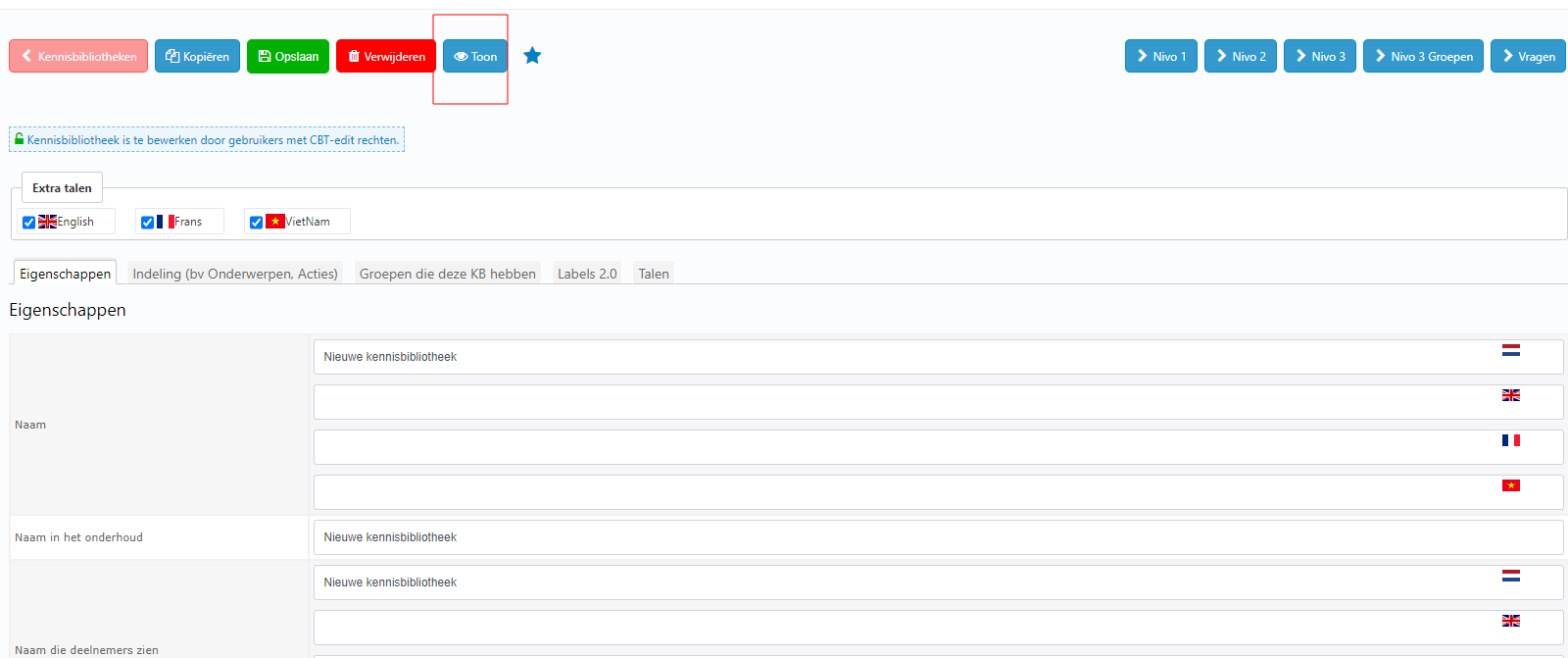
6. Click on Toon to see a demo of the new Kennisbibliotheek.
7. Tadaa! You made a new Kennisbibliotheek. Good luck!