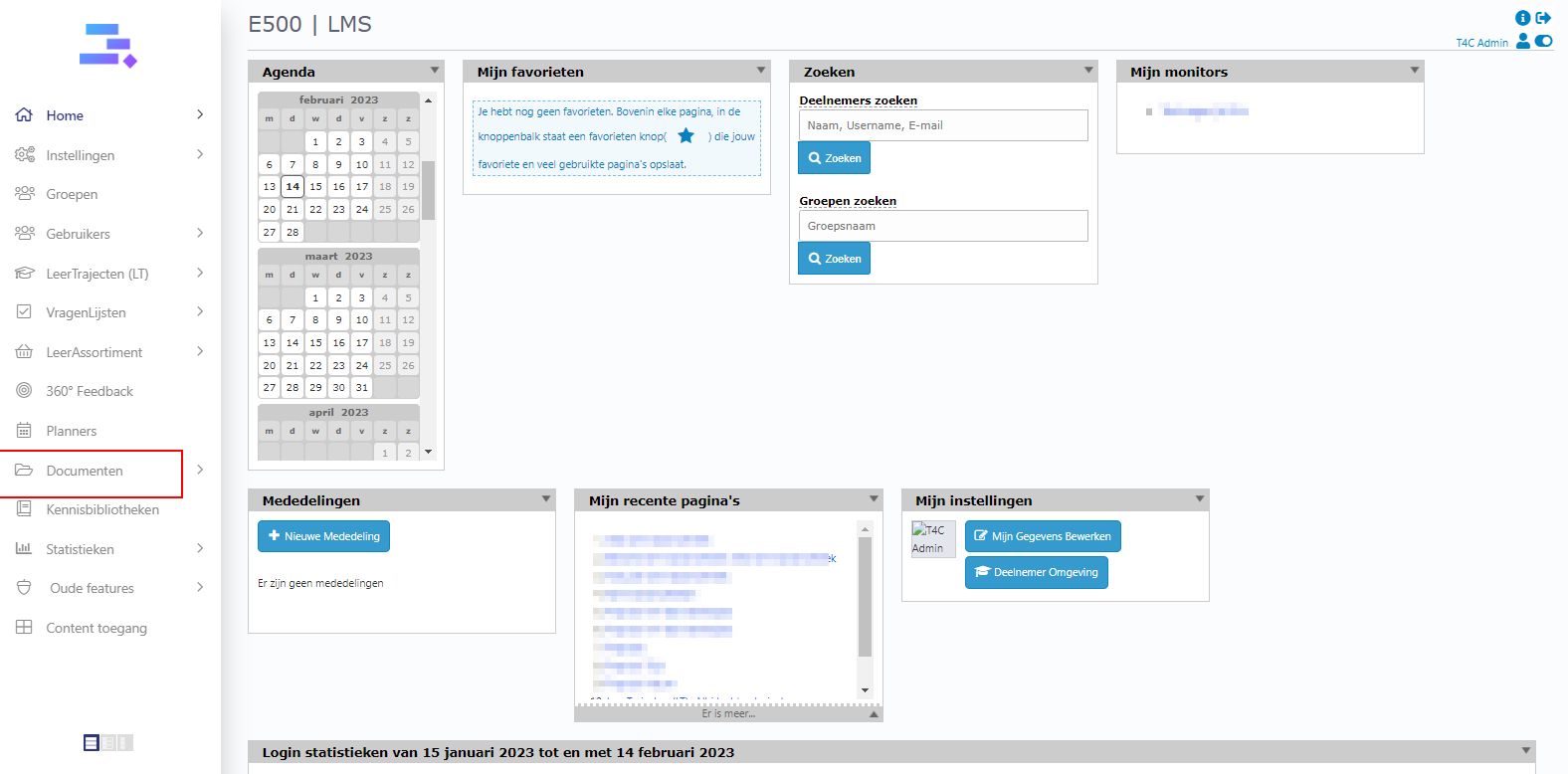
1. Login with your administration account. Click on Documenten.
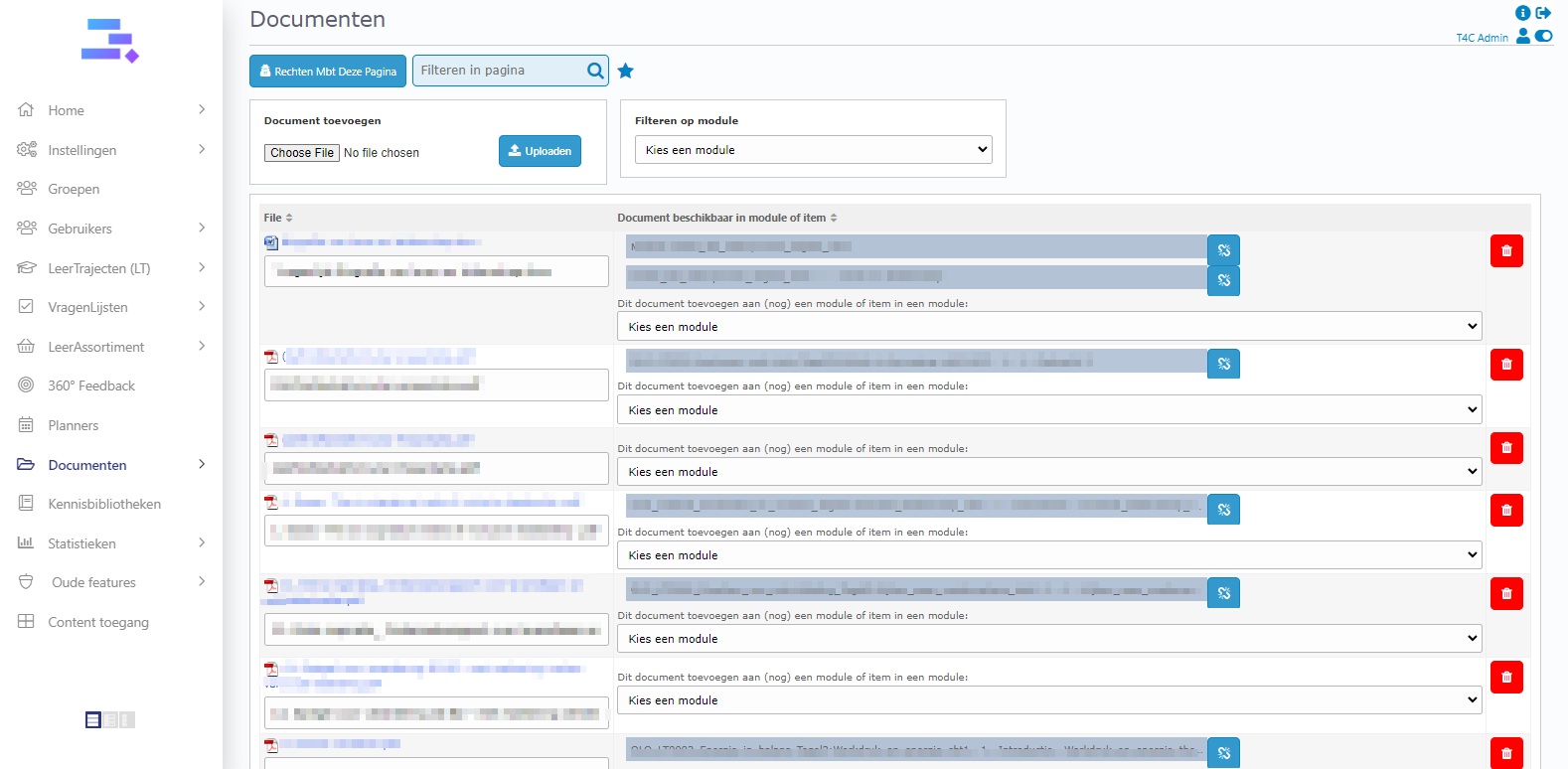
2. Choose the document that you want to share with a user. Then add it to a Leermodules – CBT How to add new Documenten to Leermodules – CBT?
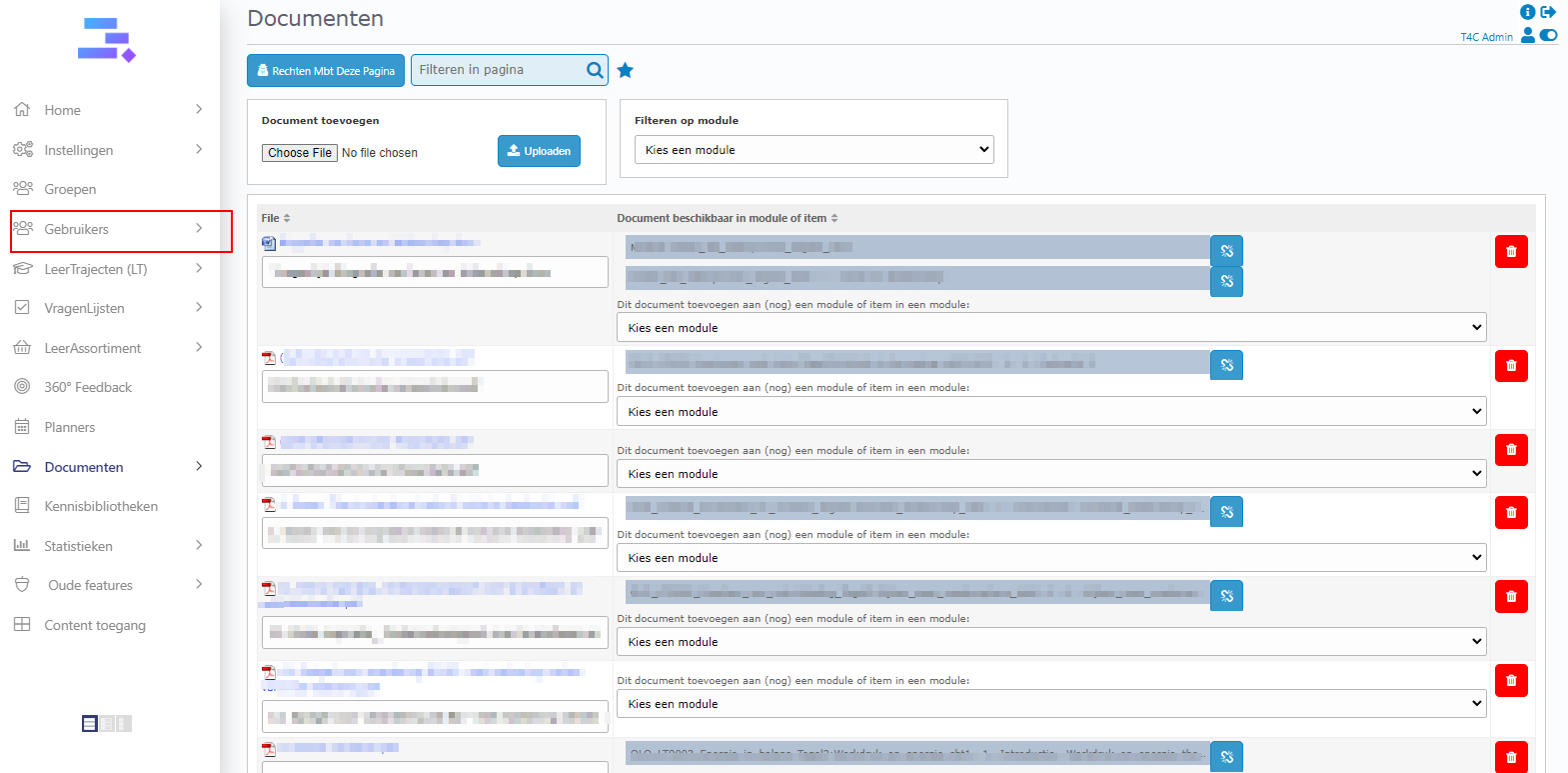
3. After you added the document to a Leermodules – CBT. Go to Gebruikers.
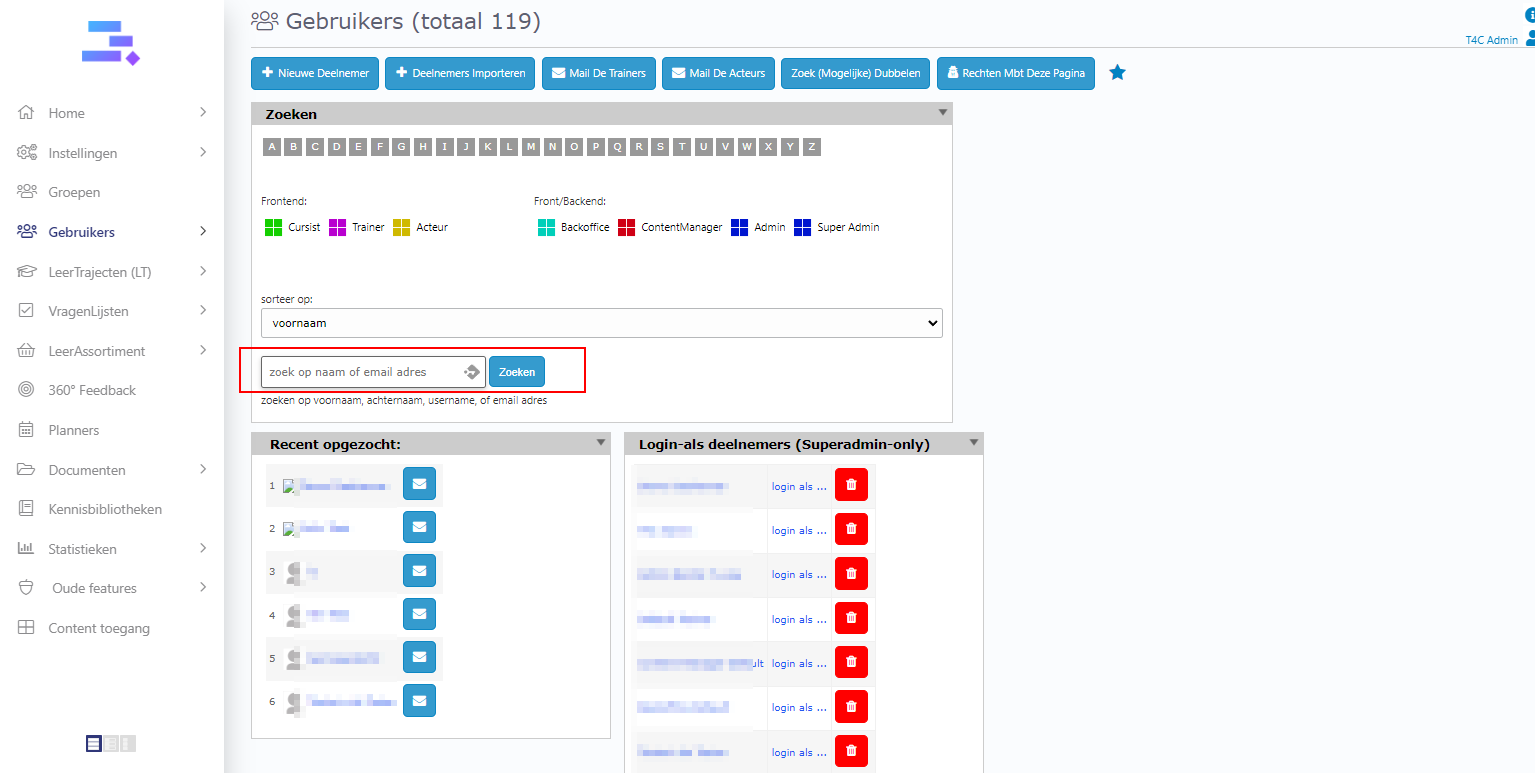
4. Choose a user from the block Login-als deelnemers, or use the search bar to find a user by their name and click zoeken to access their user’s information page.
5. Go to the Content tab. In the block Leertrajecten, click kies een leertraject … Then, choose the Leertrajecten which have the module which you added the document to.

6. Don’t for got to set time for the Leertrajecten.
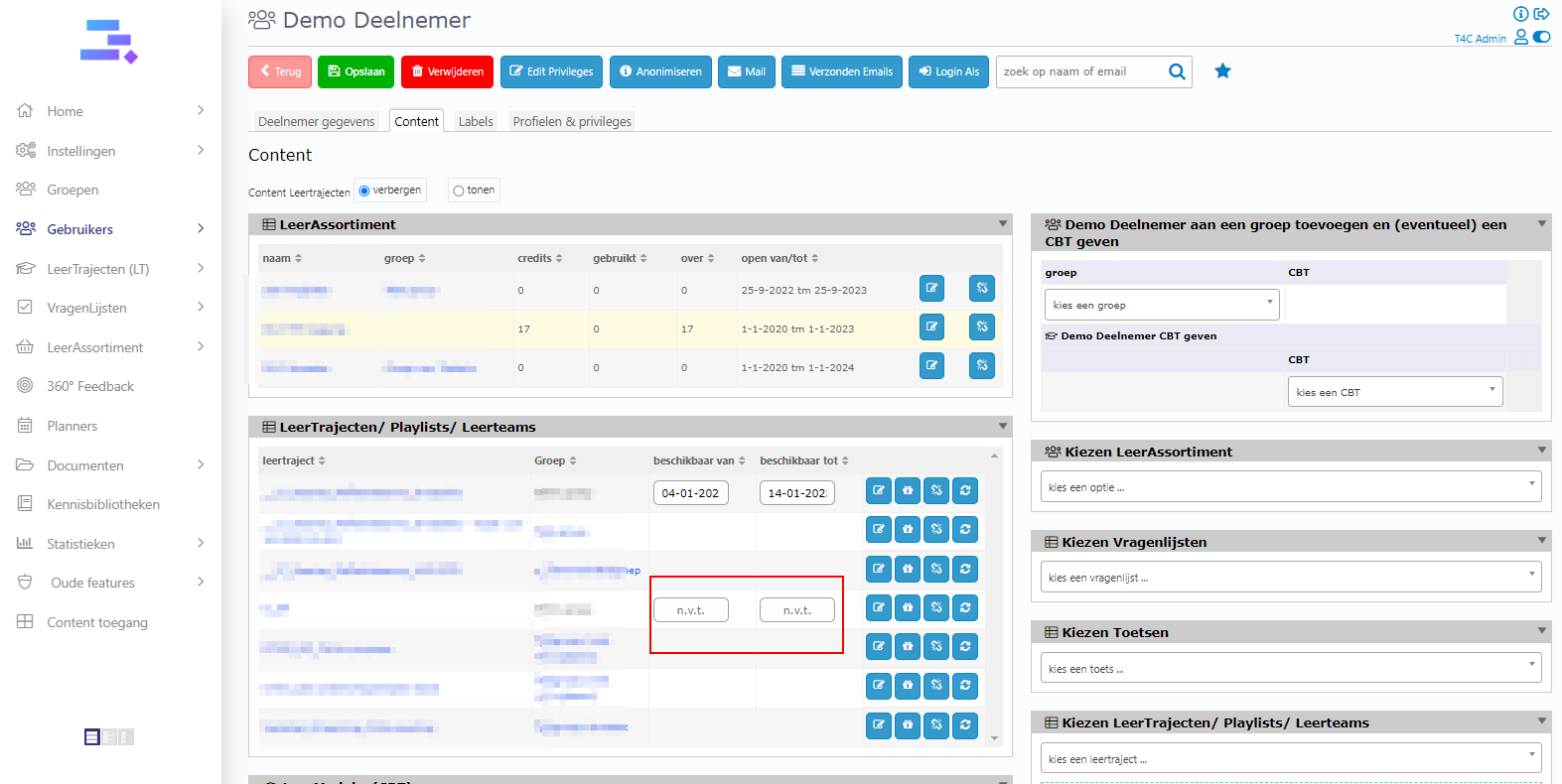
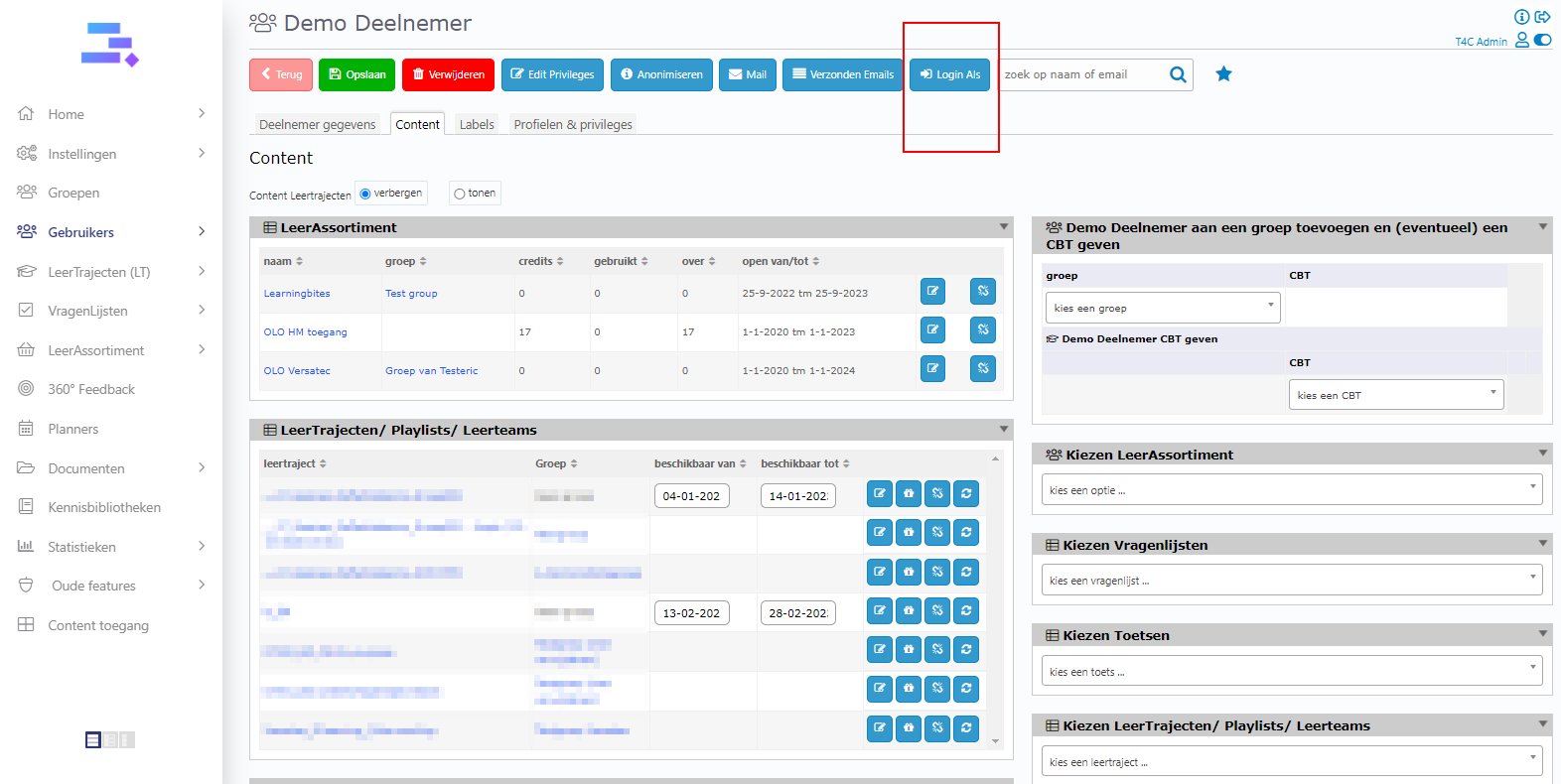
7. Then, the documents from the Leermodules – CBT are being shared with the user. You can click Login Als to login as the user and see the documents shared displayed on the homepage.
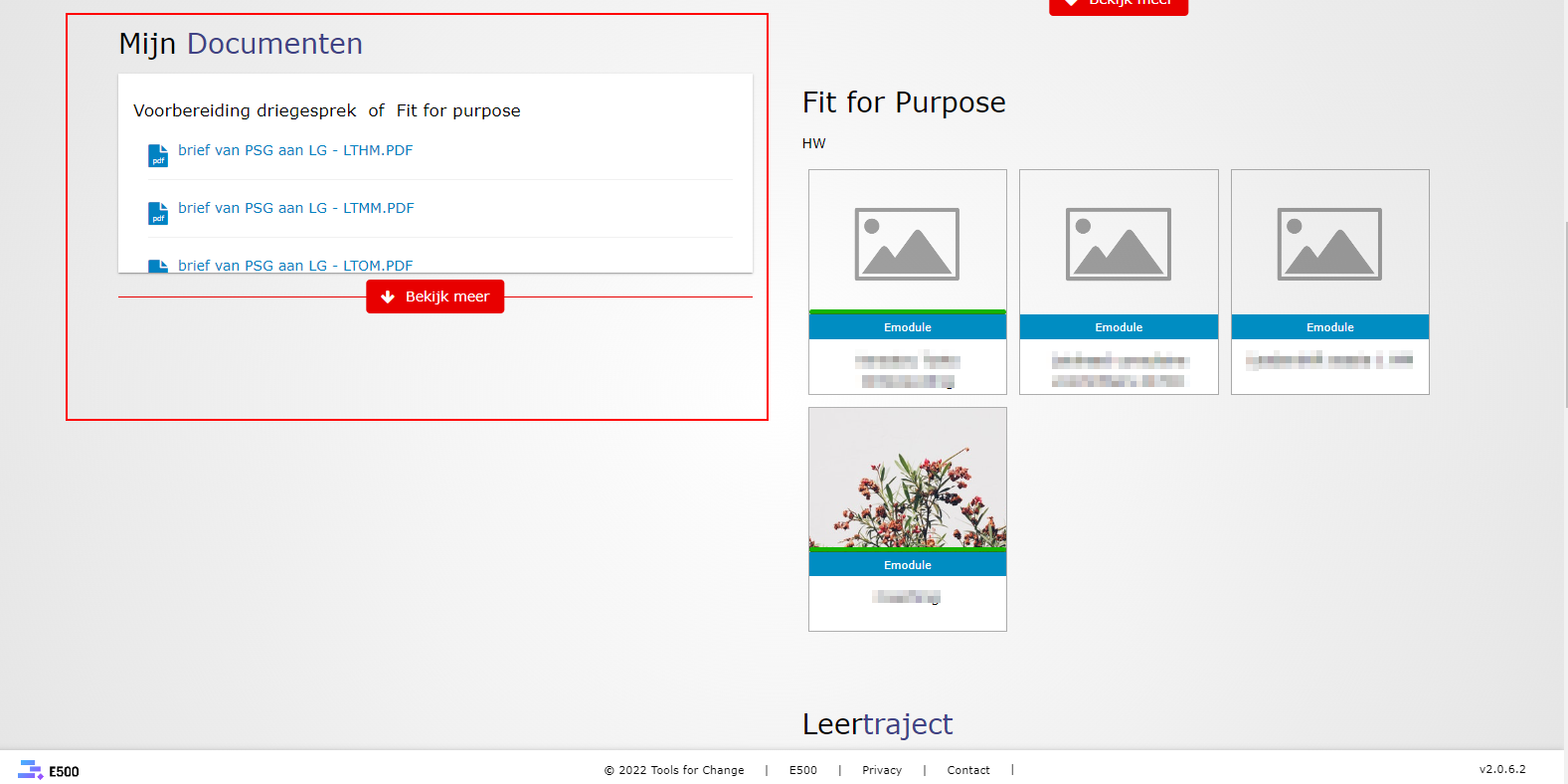
8. Now you can see the documents shared with the user!
Good luck!