A. Remove a document from the Homepage of a user
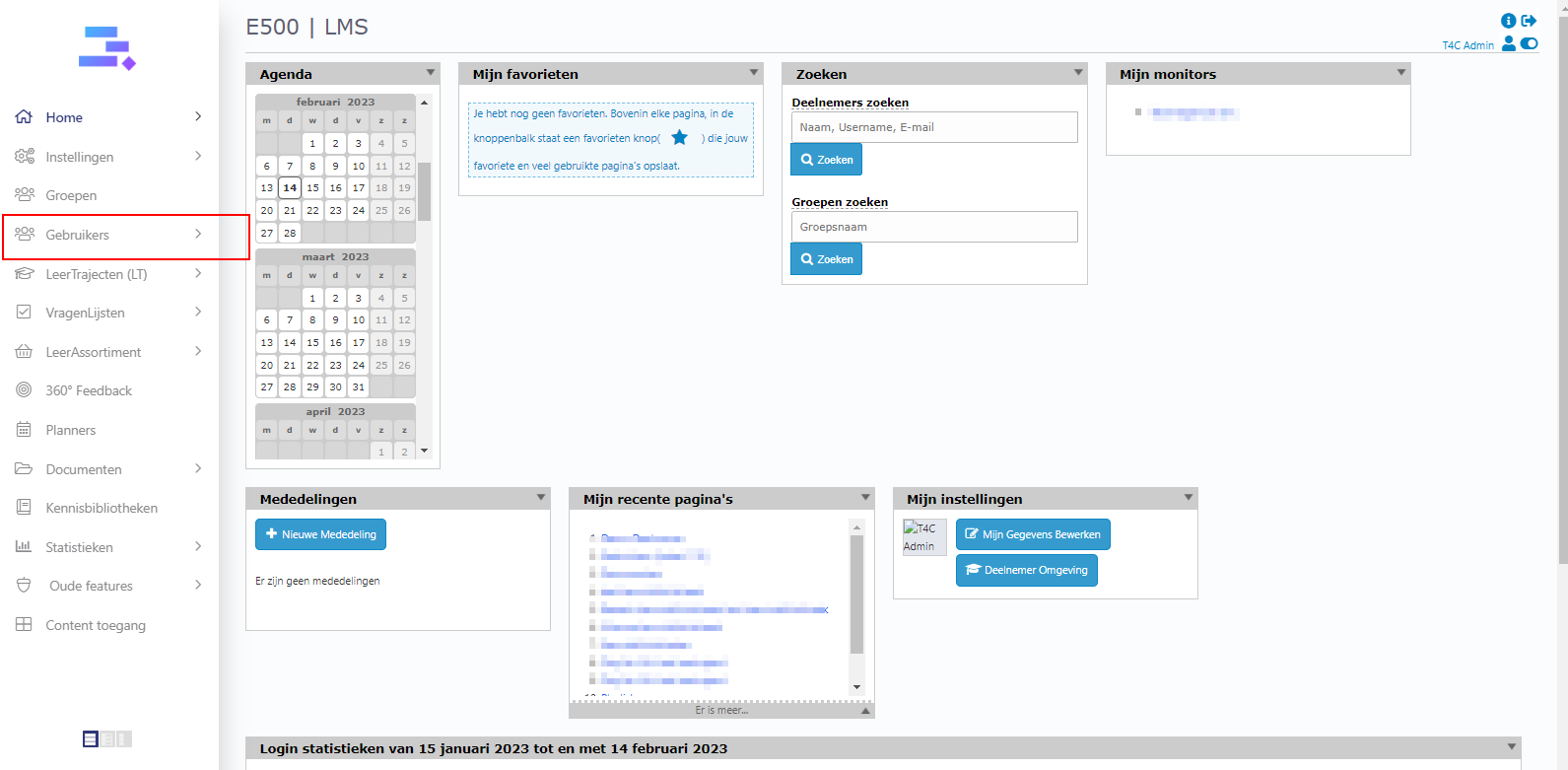
1. Login with your administration account. Click on Gebruikers .
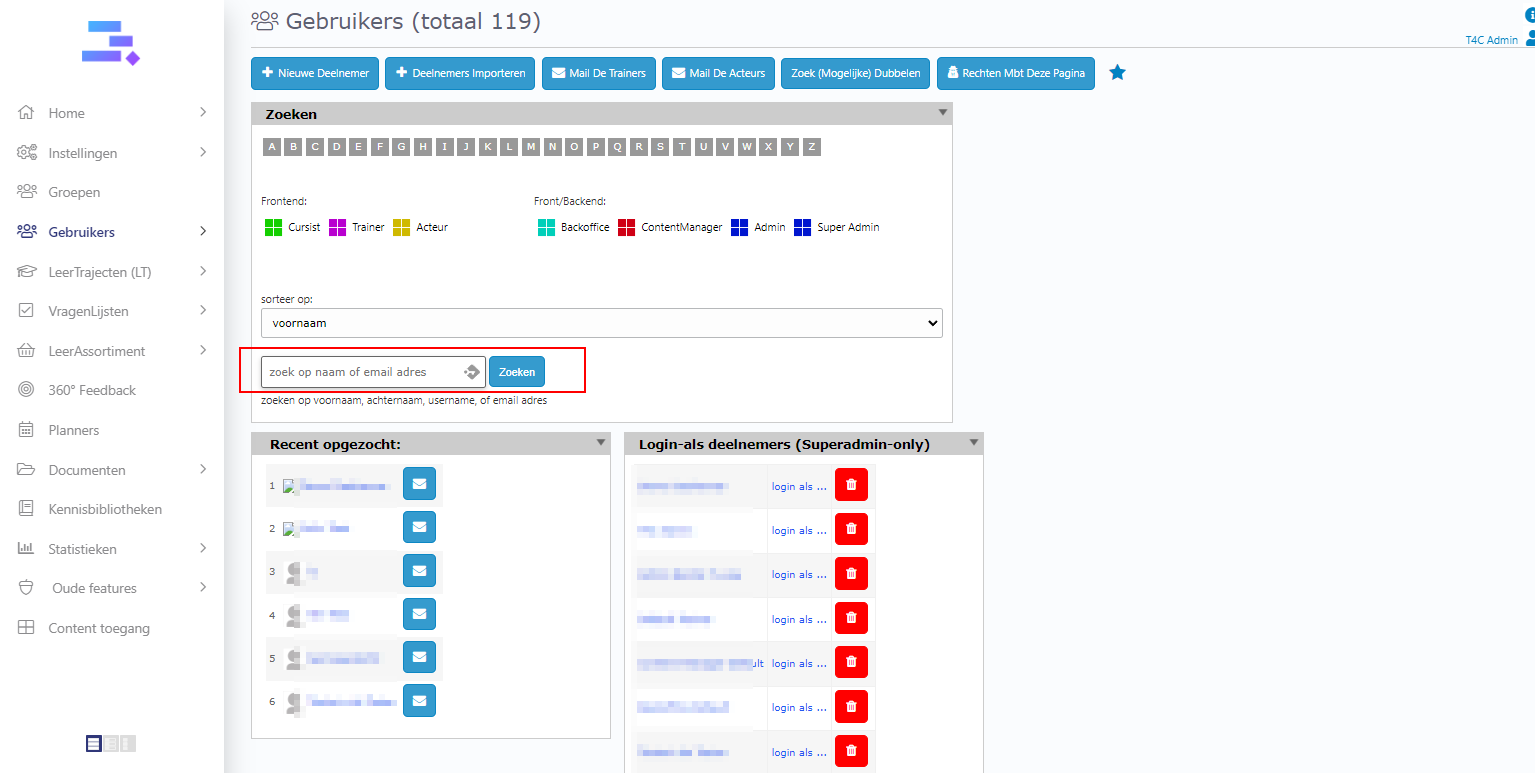
2. Choose a user whom you want to access their user’s information page.
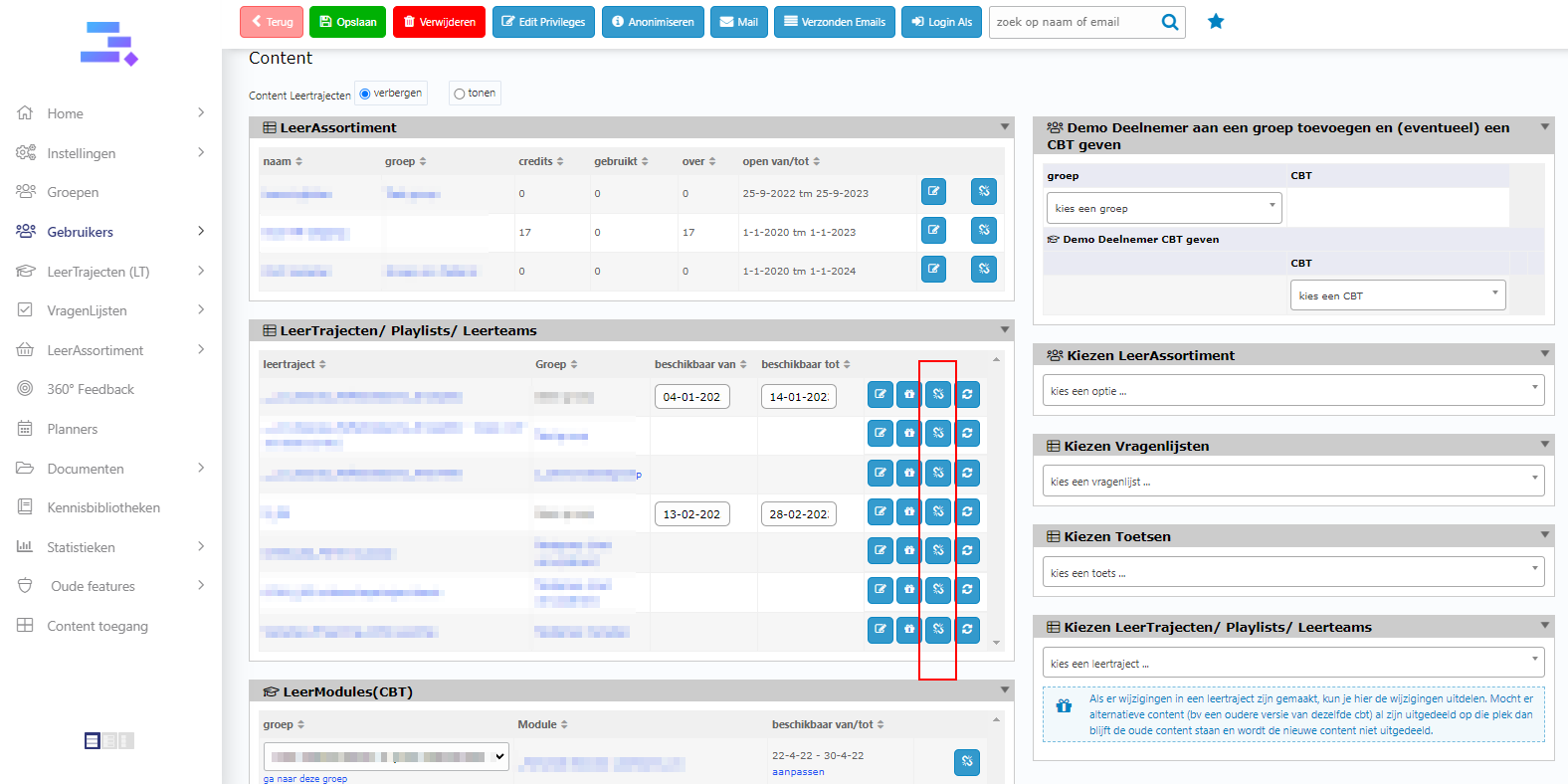
3. In the block Leertrajecten, click on the blue icon in the outermost right of the document that you want to remove from the Homepage of the user.
B. Remove a document from your domain
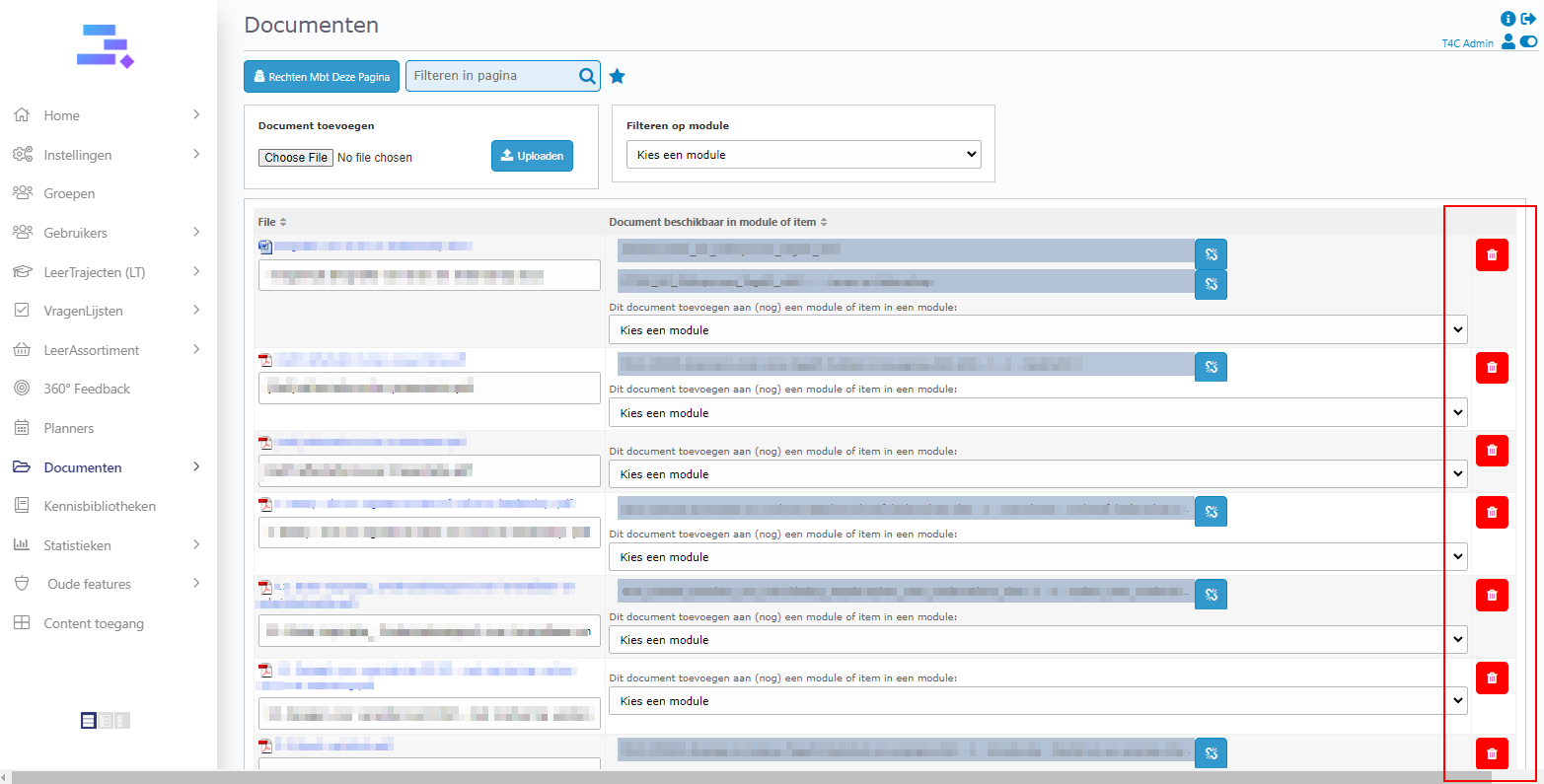
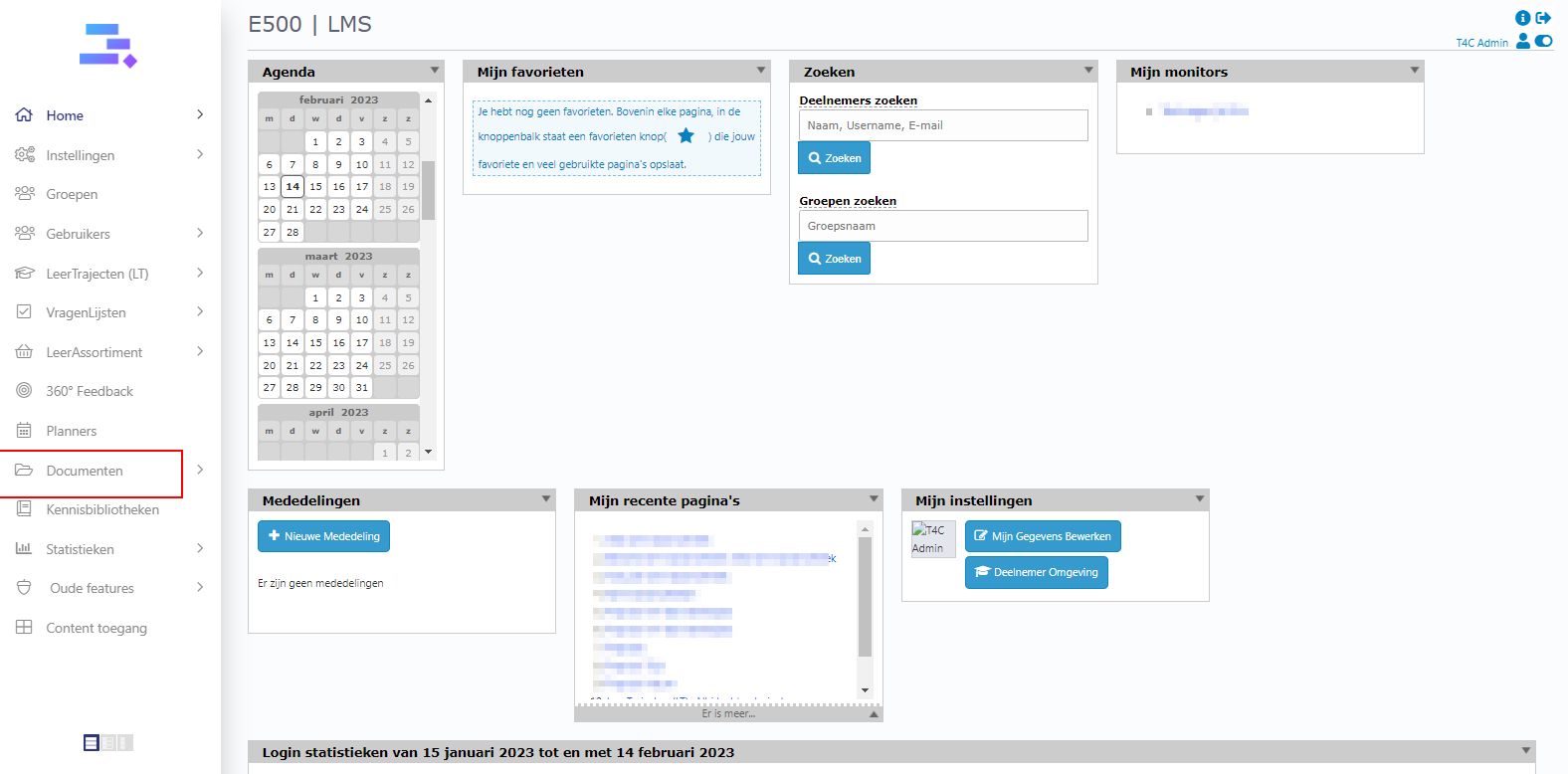
1. To remove a document from your domain, let’s go to Documenten
2. Find the document that you want to delete from your domain and click on the pink recycle bin icon on the right of the document. Good luck!