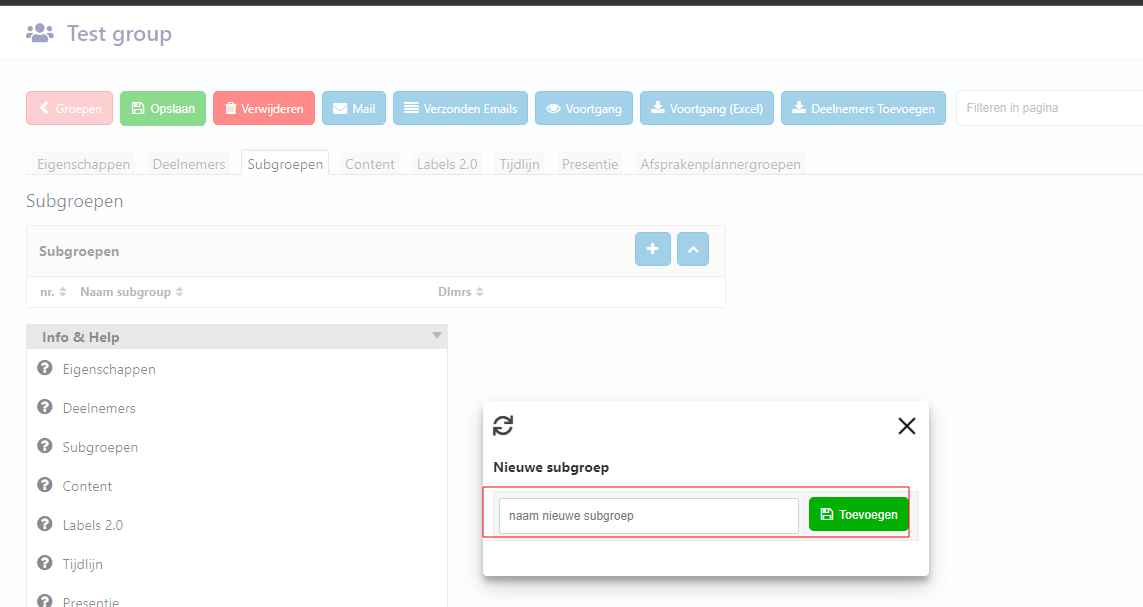
How to add a subgroup in a group:
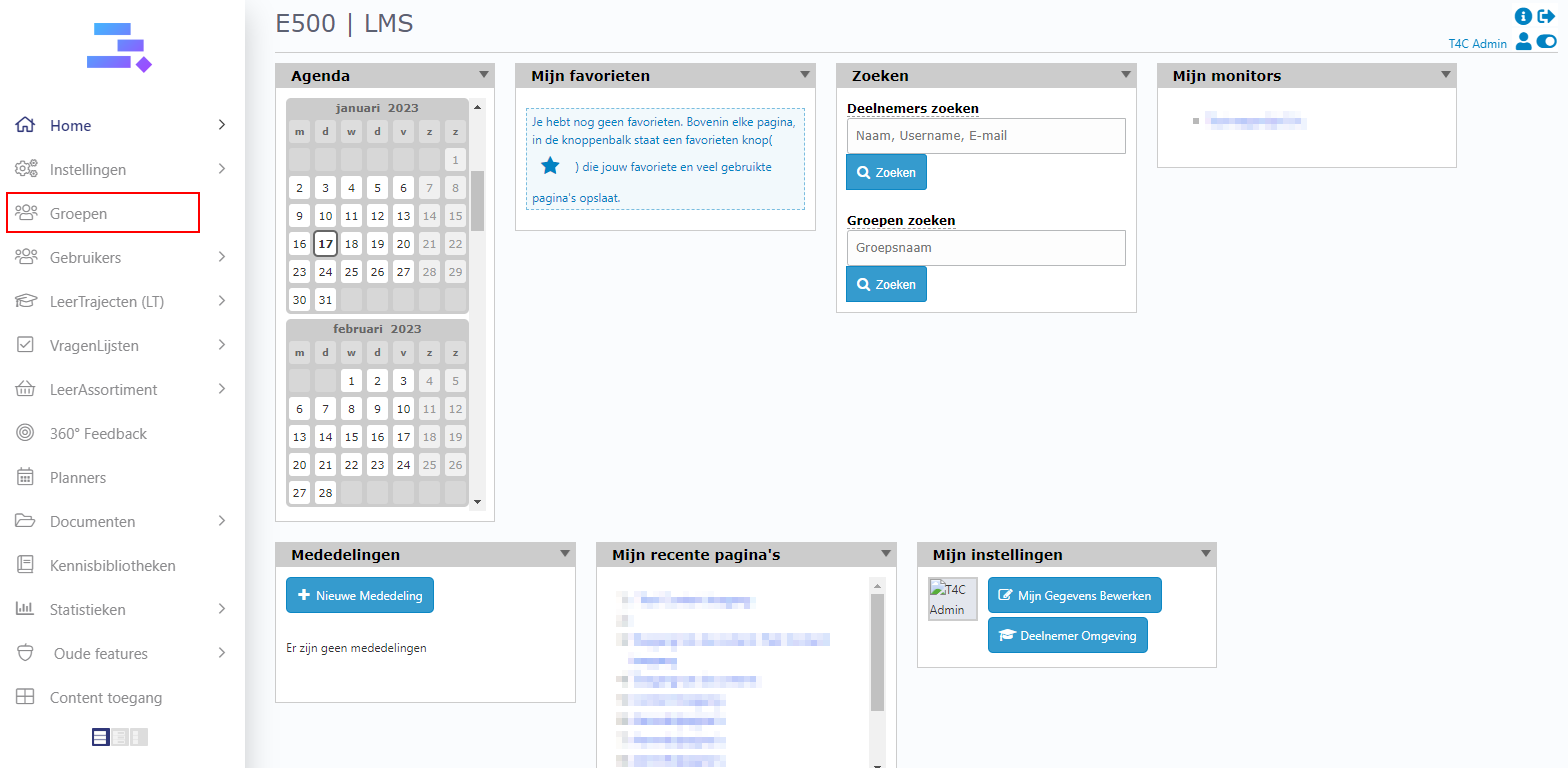
1. Login with your administration account and click on Groepen.
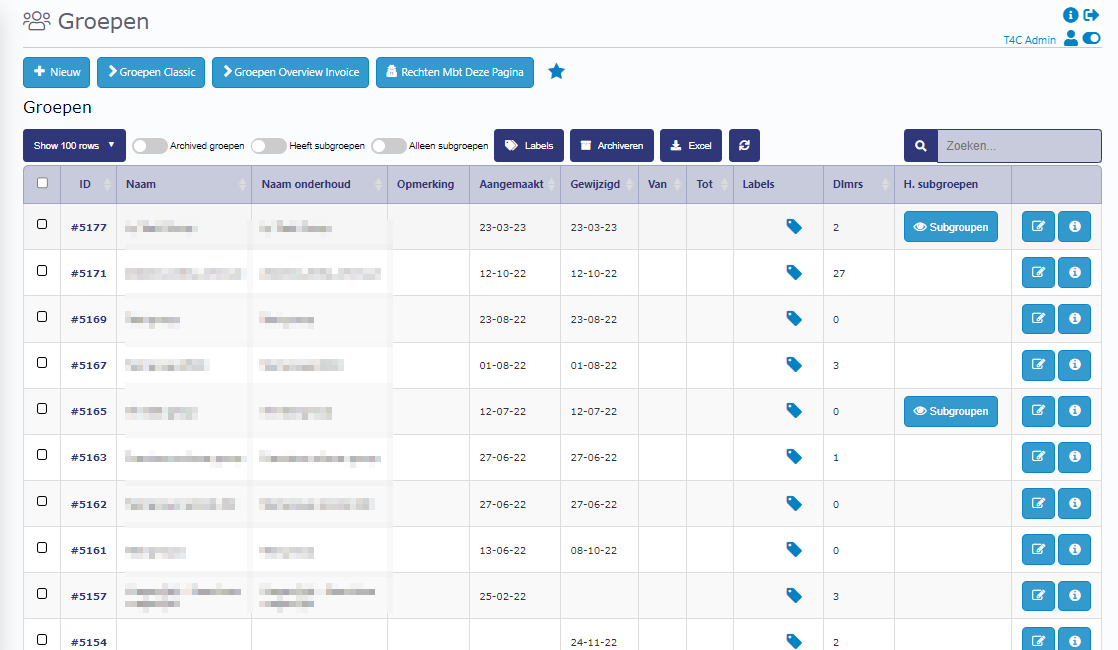
2. In the Groepen page, choose the group where you want to add a subgroup.
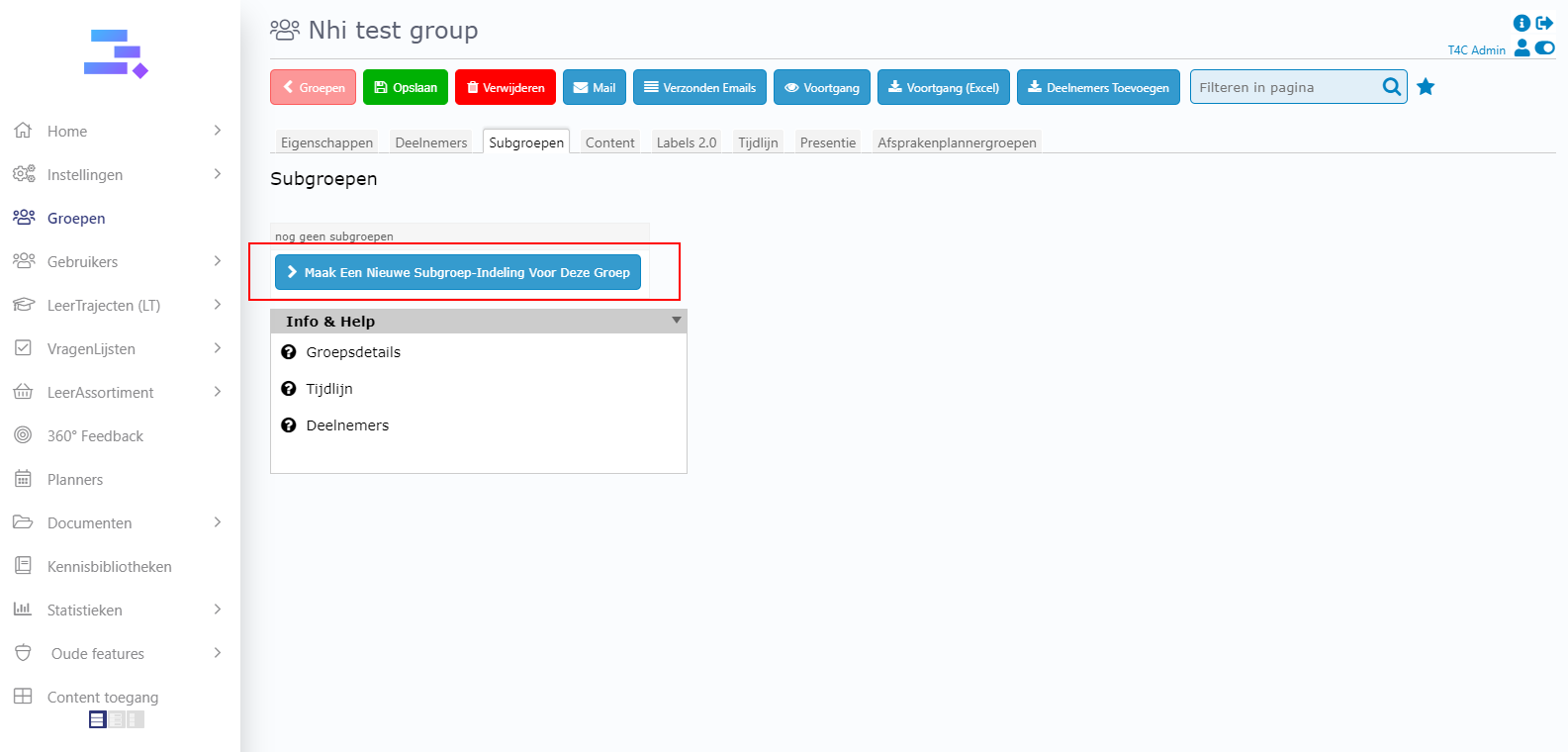
3 Go to the Subgroepen tab and click on Maak een nieuwe subgroep-indeling voor deze groep.
4. Click + button, an pop up appear. Here you can add name for your subgroup and then enter Toevoegen to create it.