How to add a user to a group:
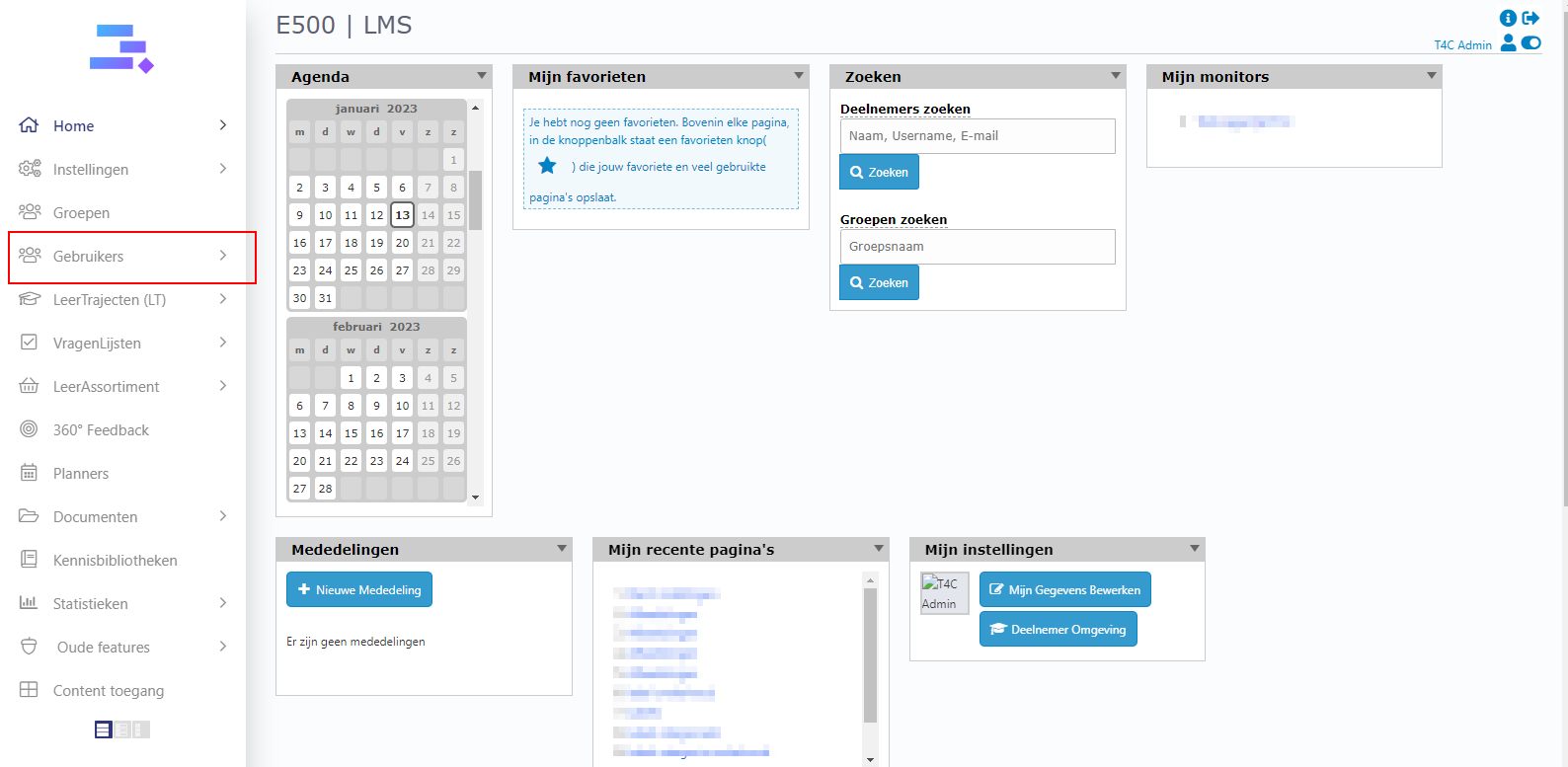
1. Login with your administration account and click on Gebruikers
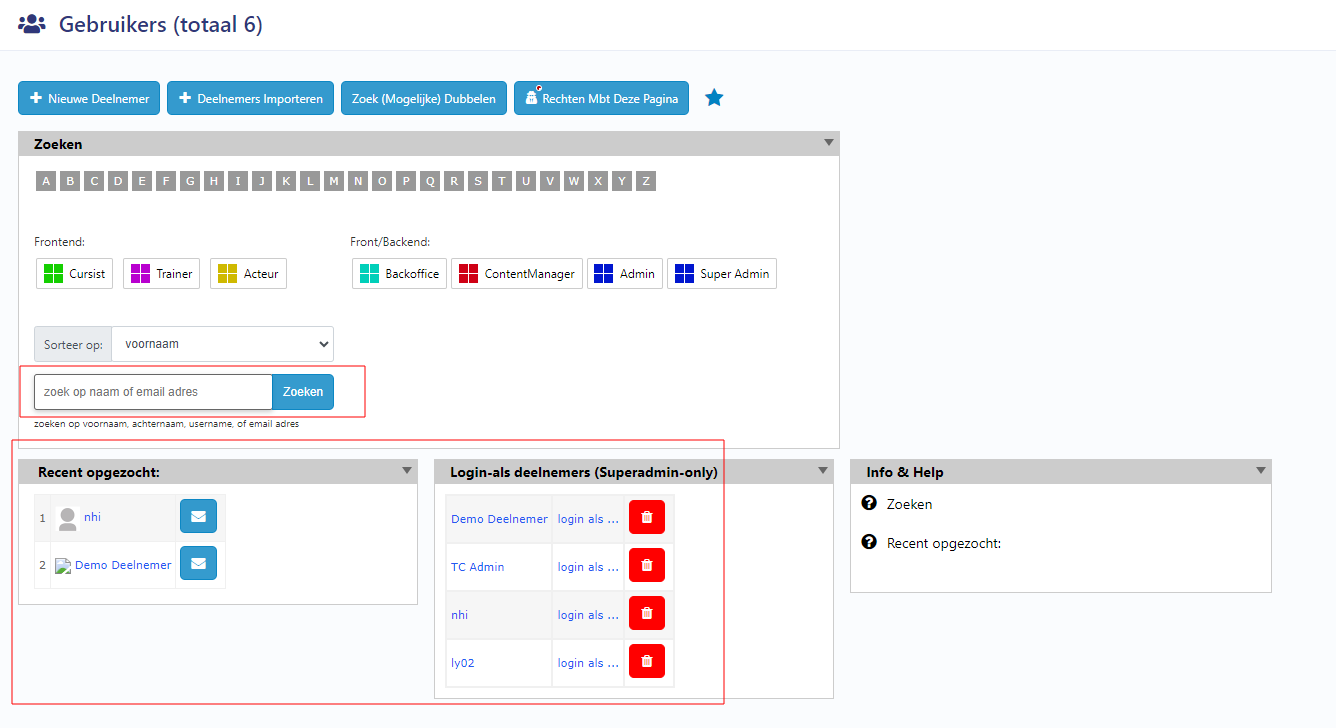
2. Then, search for users to access their user’s information page.
3. Go to tab Content. Now you can see block Username + aan een groep toevoegen en (eventueel) een CBT geven. Click dropdown button kies een option… to choose a group where you want to add the user to.
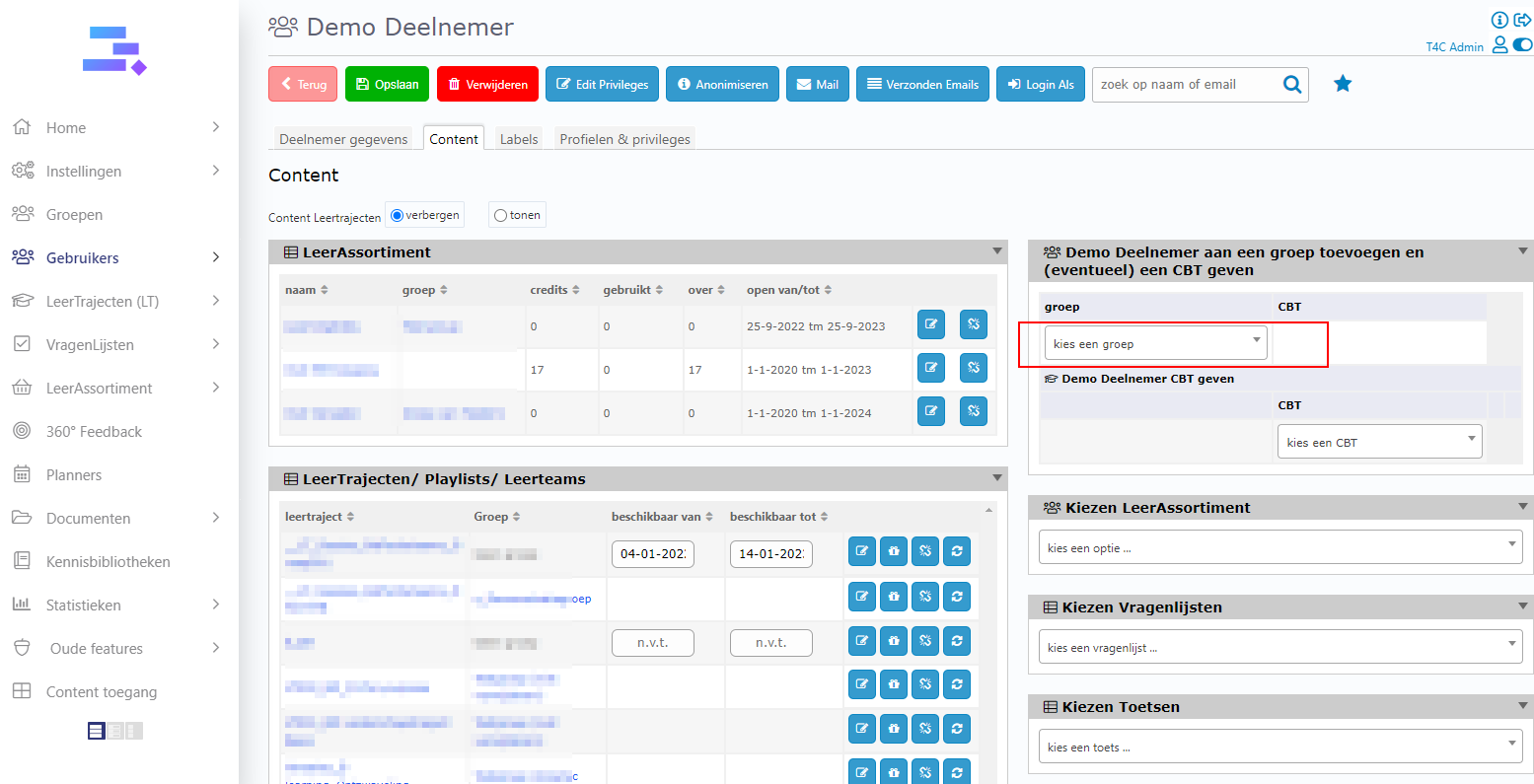
4. Then a dropdown will appear to let you choose a CBT available in this group for the user. If there no CBT available, it will show Geen CBT geven. Please choose it, and then the user will be added to this group.
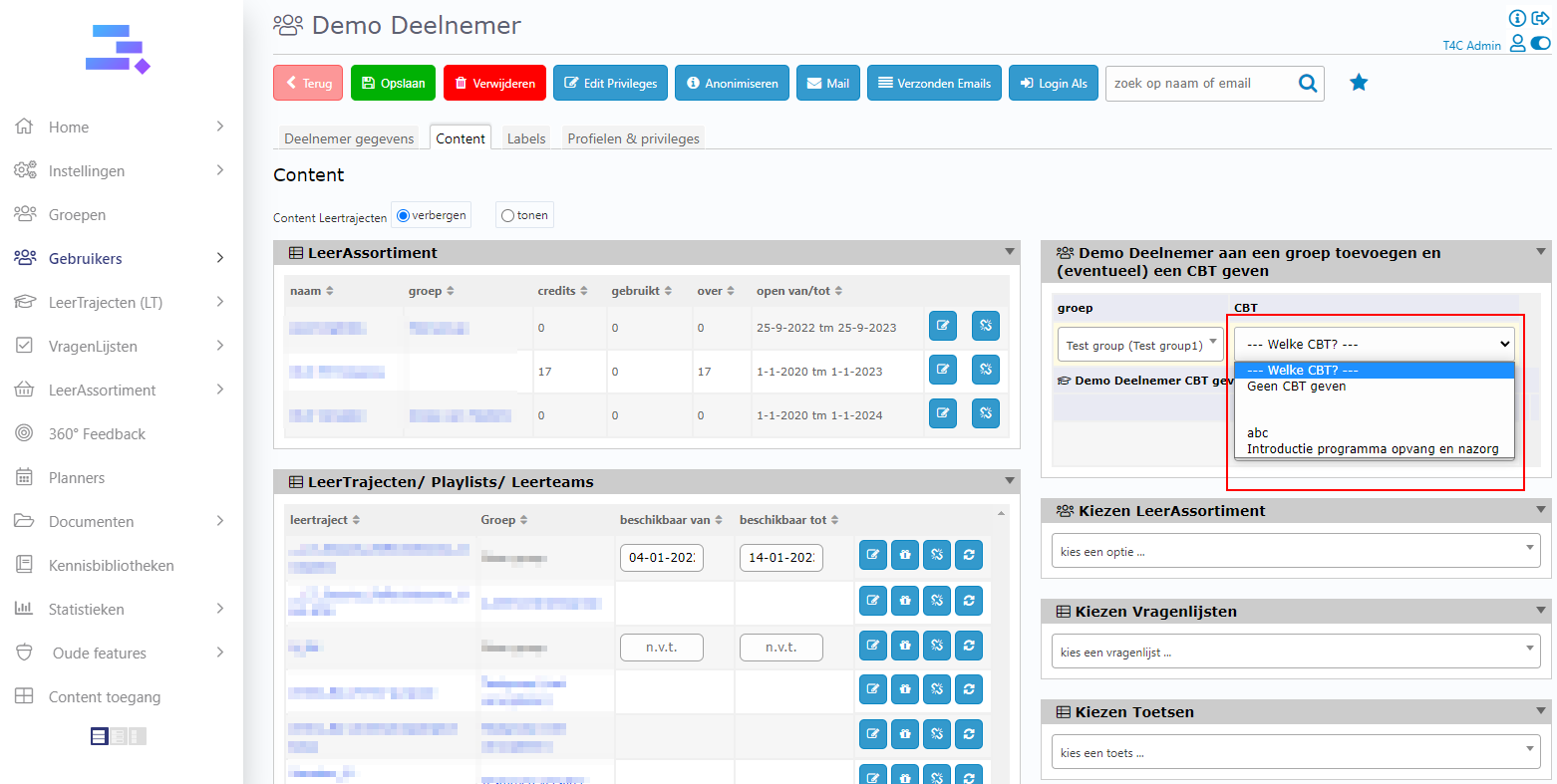
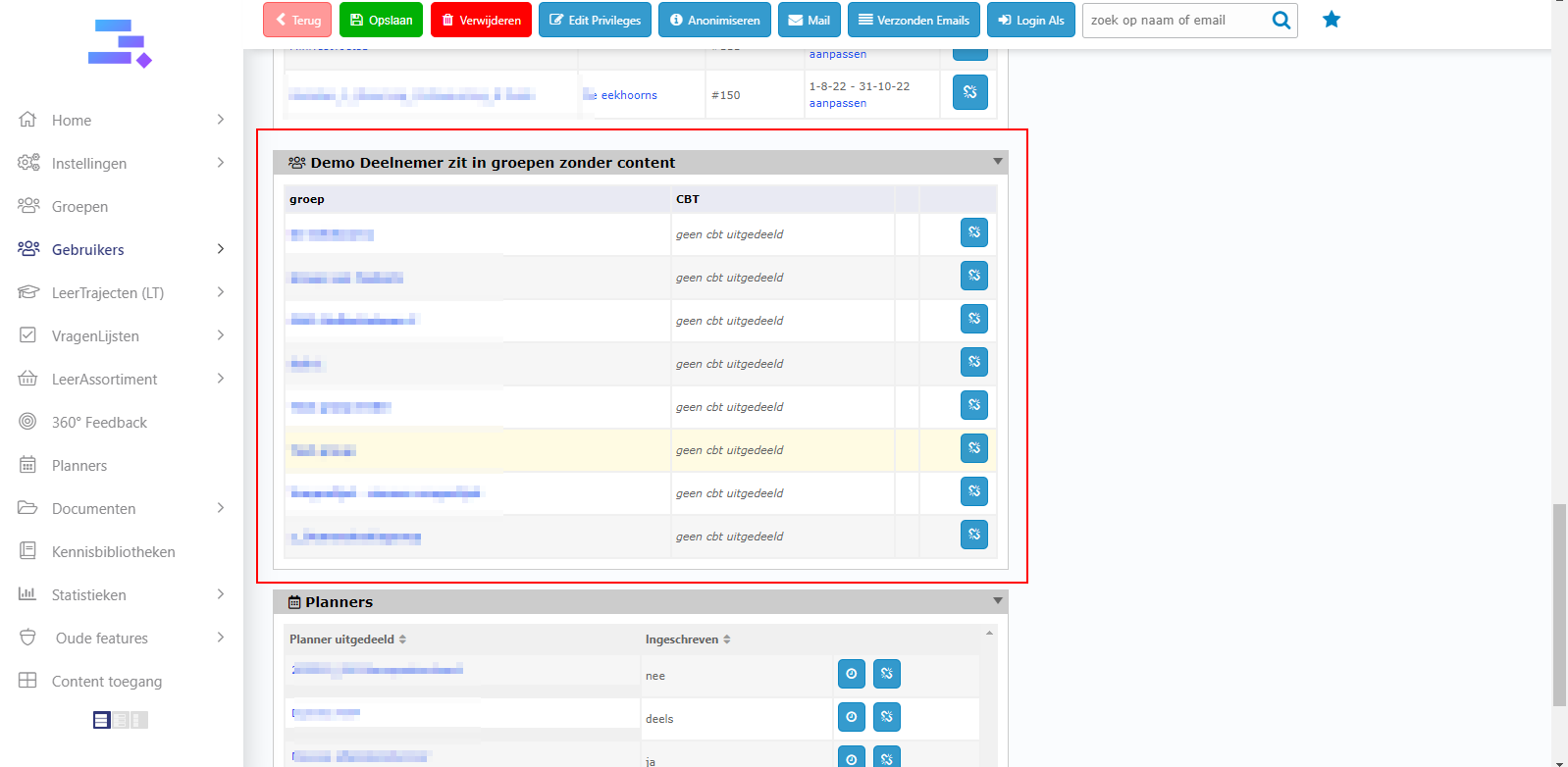
Then it will appear at Demo Deelnemer zit in groepen zonder content block!