How to create a new group on E500
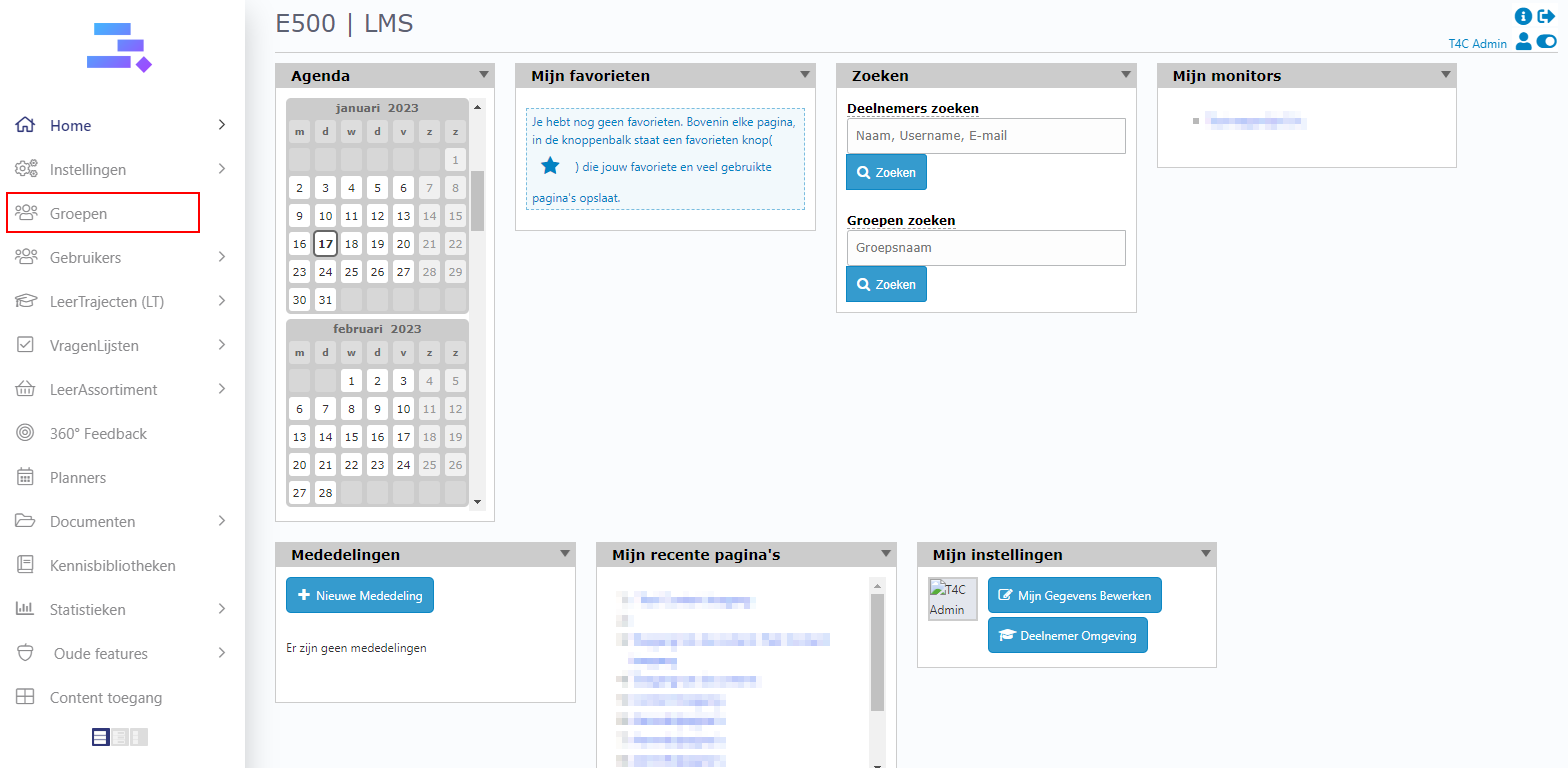
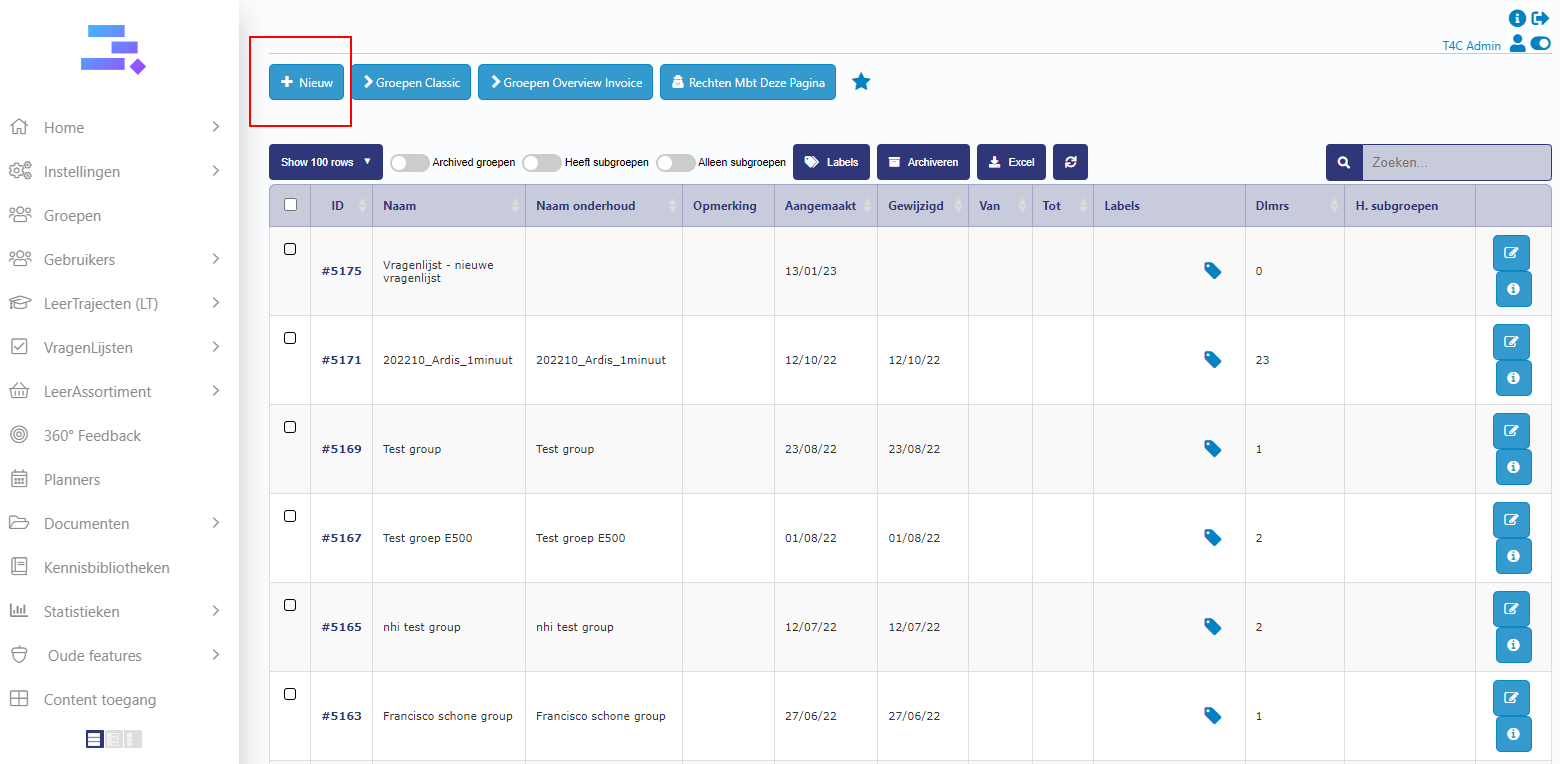
1. Login with your administration account. Click on Groepen and then click + Nieuw to create a new group.
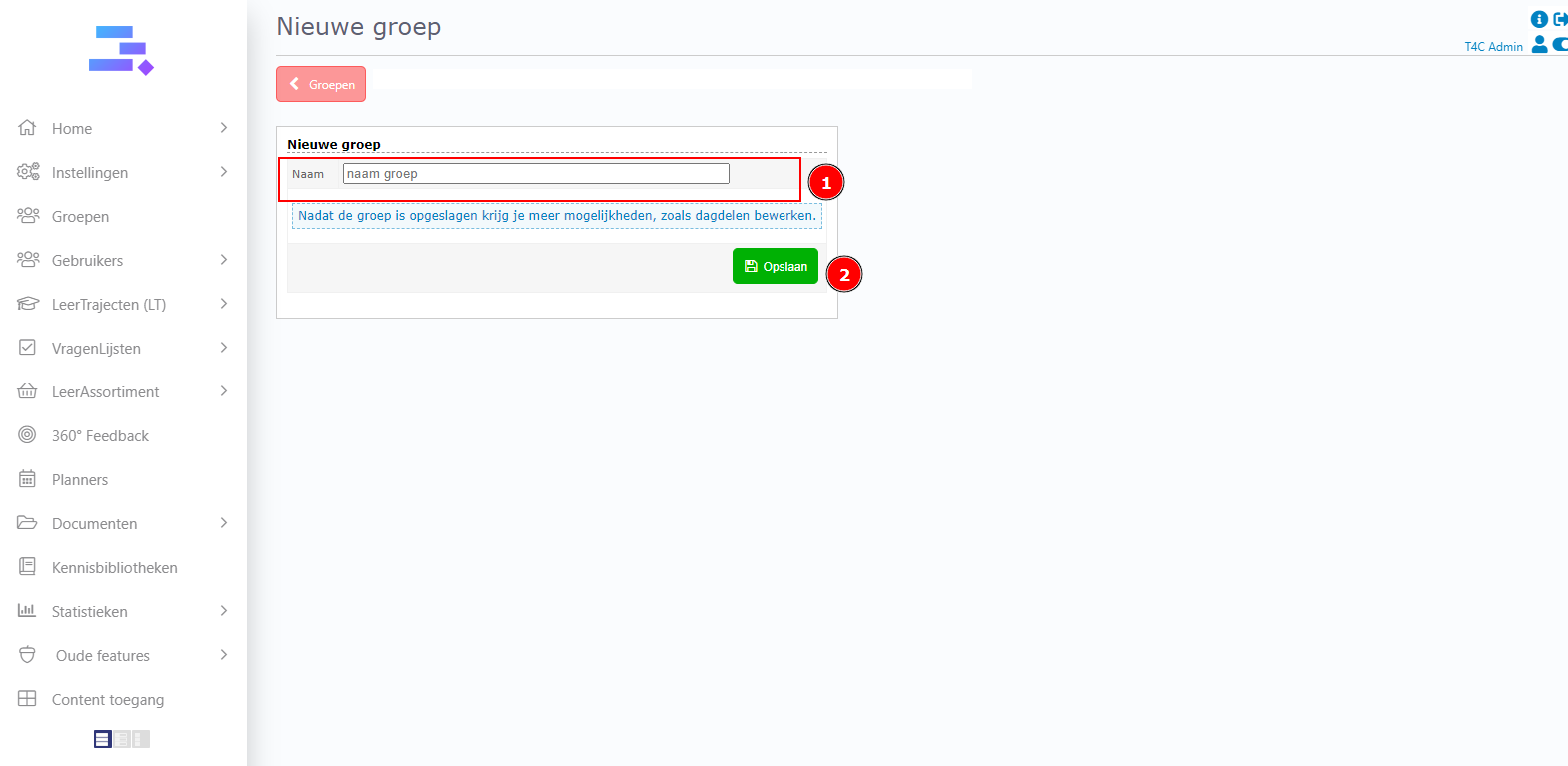
2. Fill in the group’s name and click on Opslaan to save the new update.
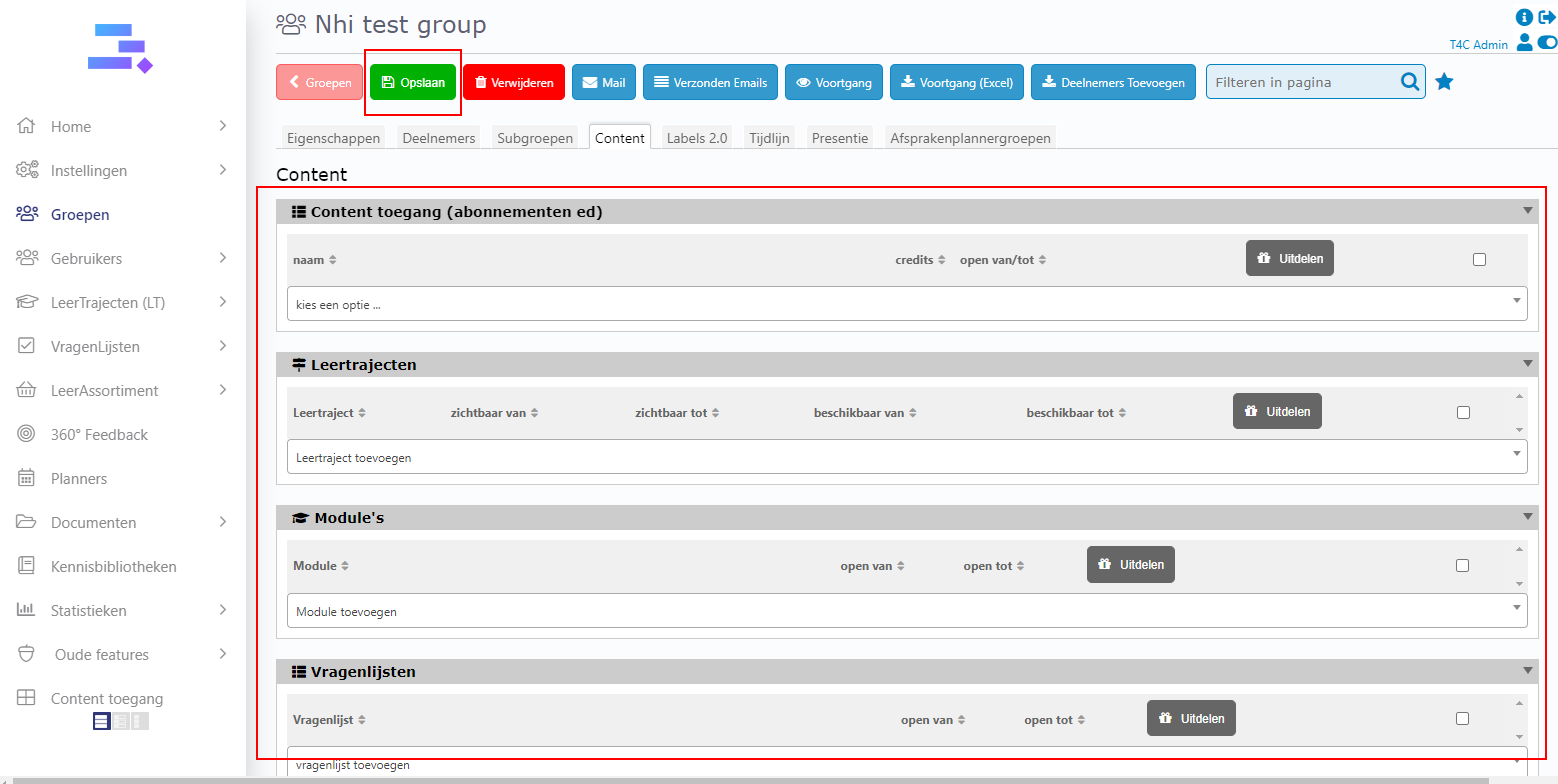
3. Tada !!! The new group is created. Let’s set up content for your group. You can choose options in each blocks, and don’t forget to click Opslaan to save all content set up for the group. Good luck!