To give a certificate for a user. Firstly, we have to enable certificate mode in course.Then hand out that course for the user. After start learning that course, the user can recieve the certificate. Certificate will be displayed on the home and portfolio page.
- Login with your administrator account. And choose a type of coures: LeerTrajecten, Playlist, Leermodule, Vragenlist orToetsen.
- Open the course which you want to enable certificate mode in it.
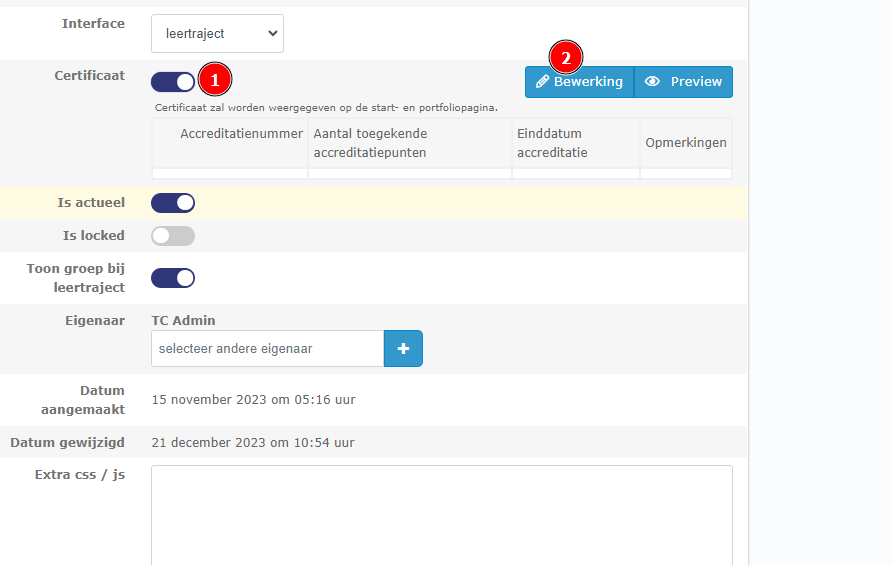
- In the detail page of content. Switch on certificate mode and click on the Bewerking button on the right of the checkbox to add Extra certificate.
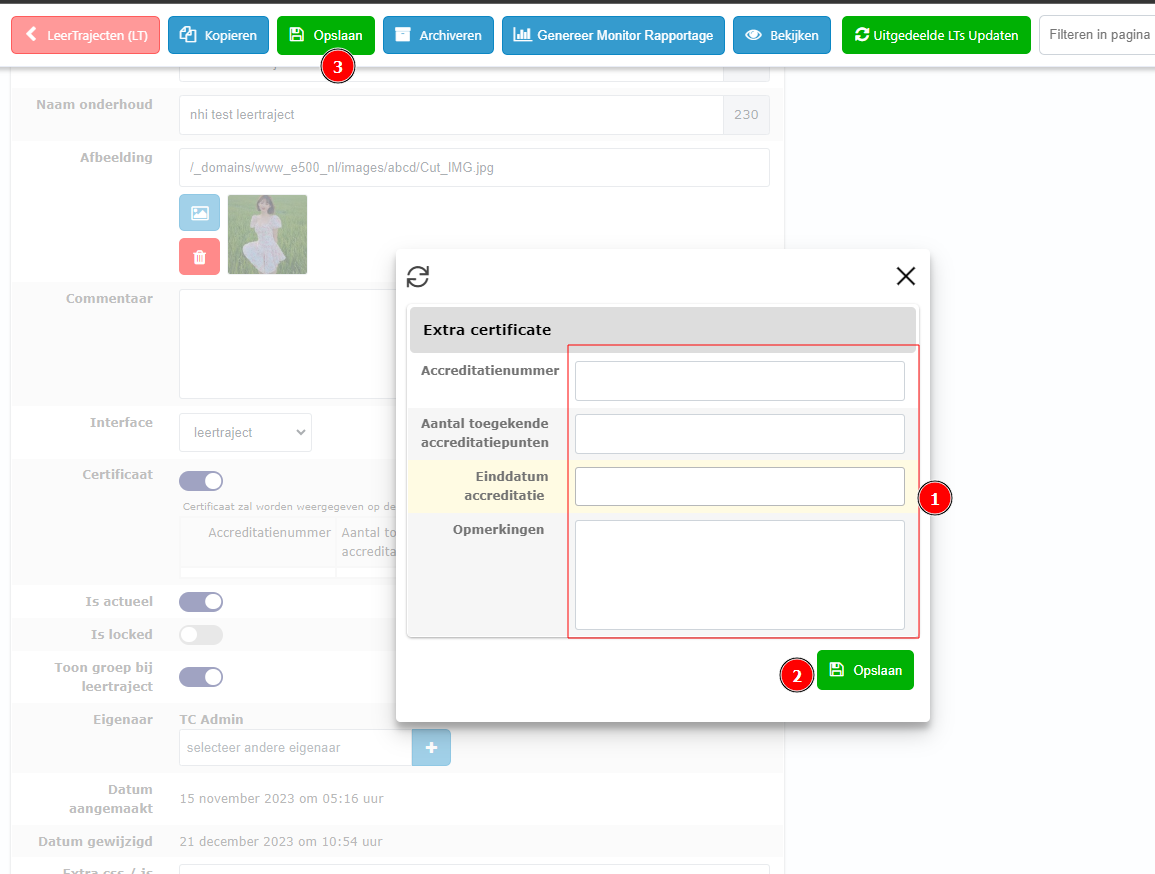
After filling in the fields, click Opslaan to save change in the popup and click Opslaan on the top bar to save enable certificate
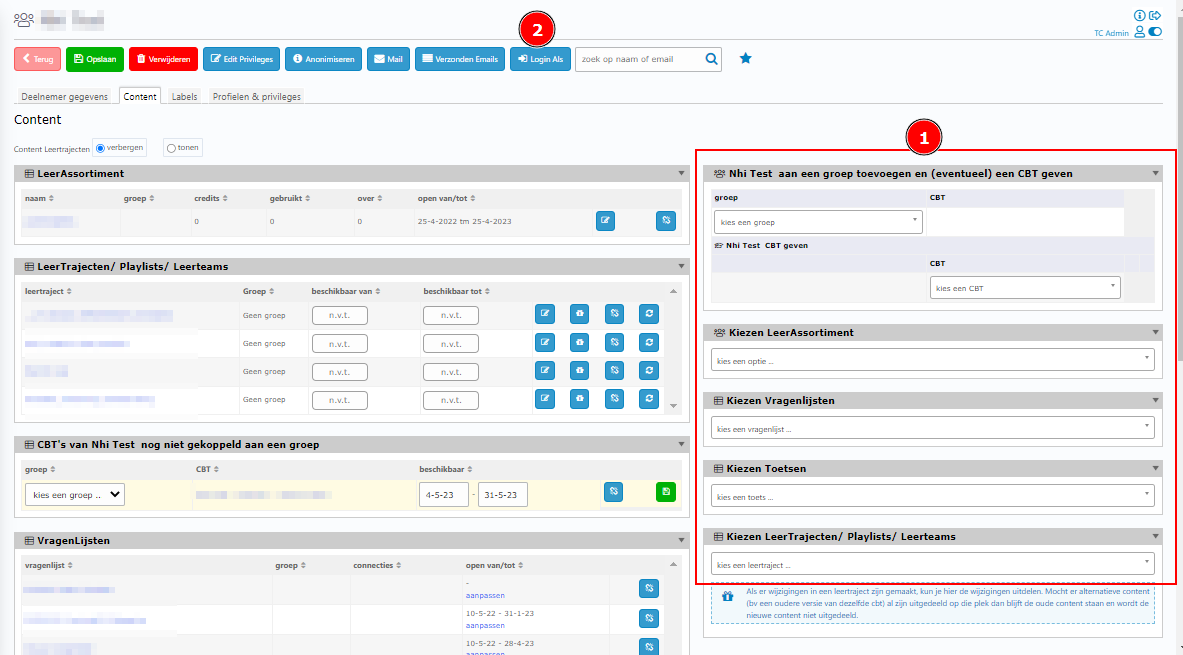
4. Go to handout this content to a user. Then login as him/her
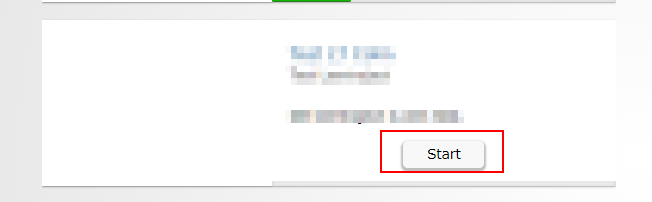
5. On homepage, start the course and complete it
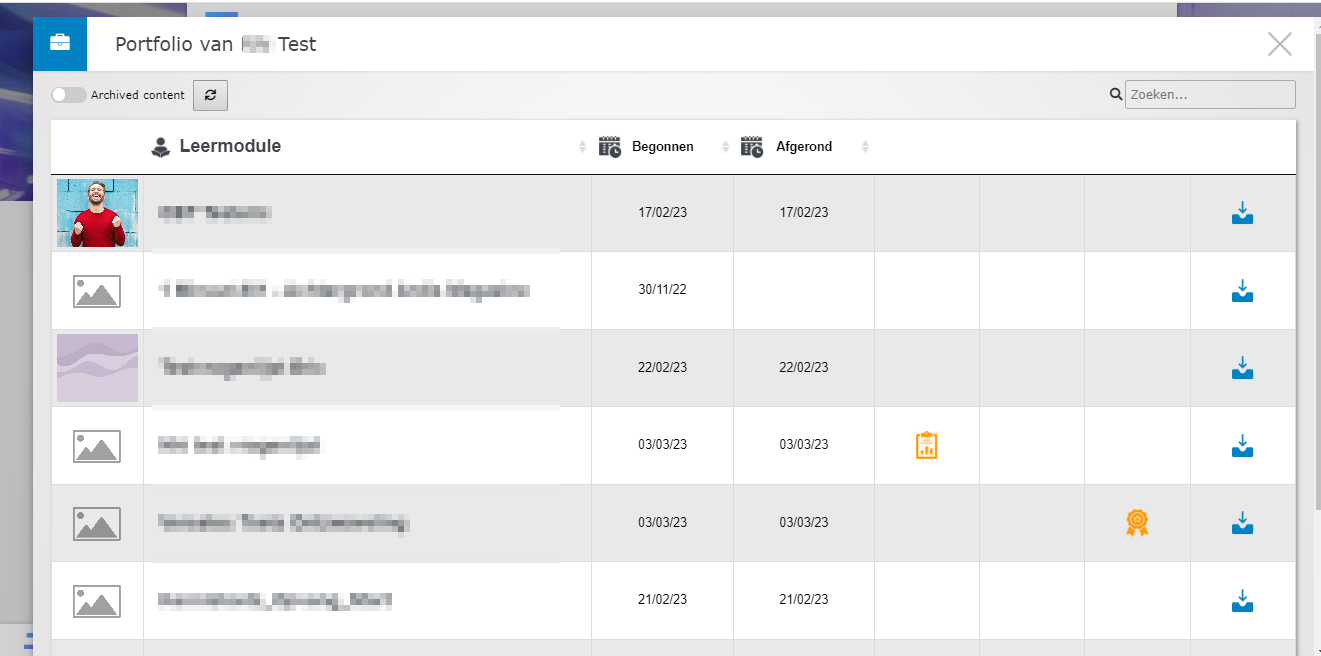
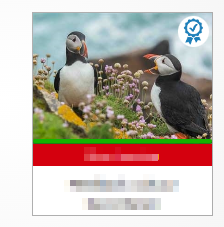
6. After that, the certificate of all content will appear at the Portfolio. The certificate of CBT and LeerAssortiment can appear at the Portfolio and on it block too.
How to set up certificate of the domain
In the back-end of the domain. Click on instellingen and go to Certificate tab.
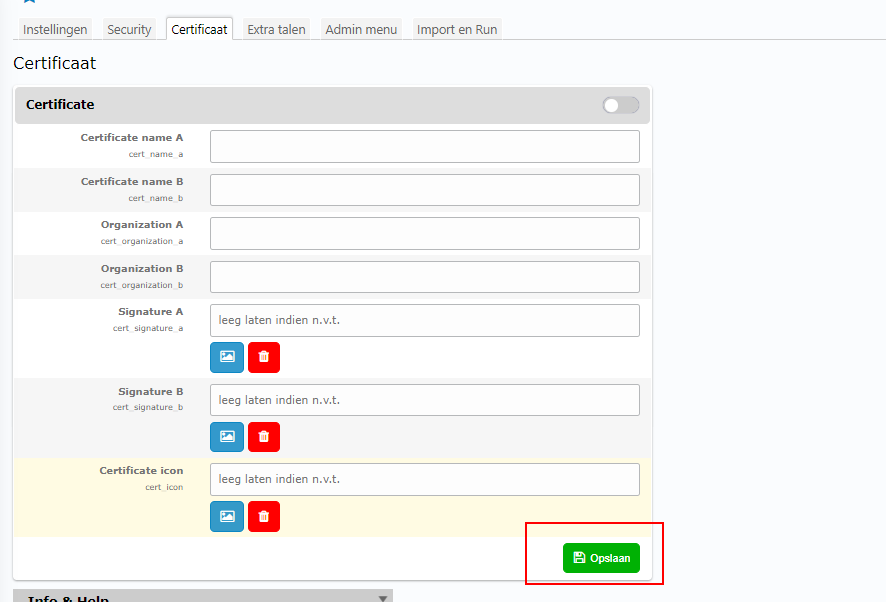
Here you can set up certificates name, organizations, signatures, and icon. After filling, click Opslaan to save!