To add a new user, you can follow these simple steps below:
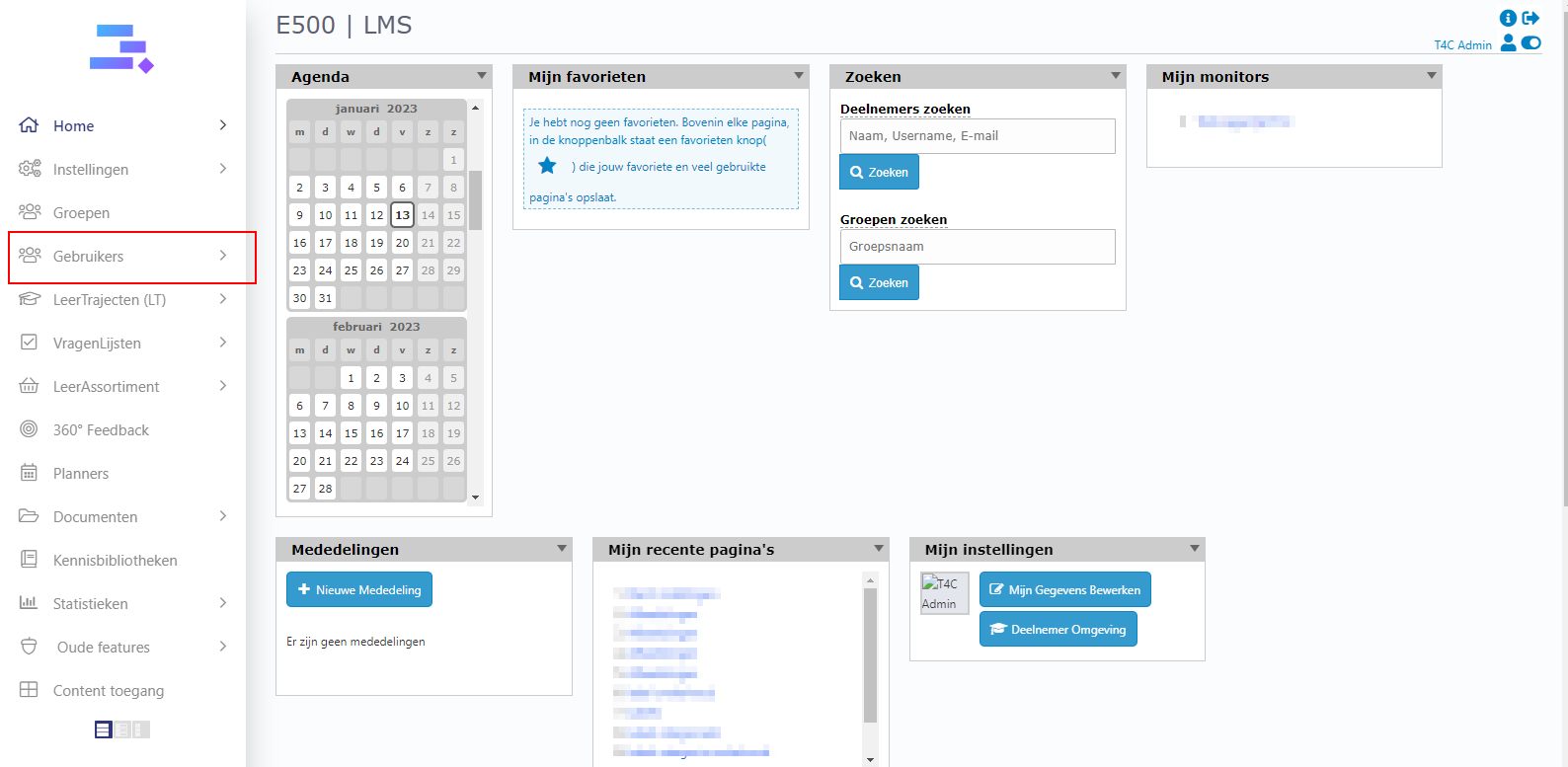
1. Log in with your administrator account. Click on Gebruikers.
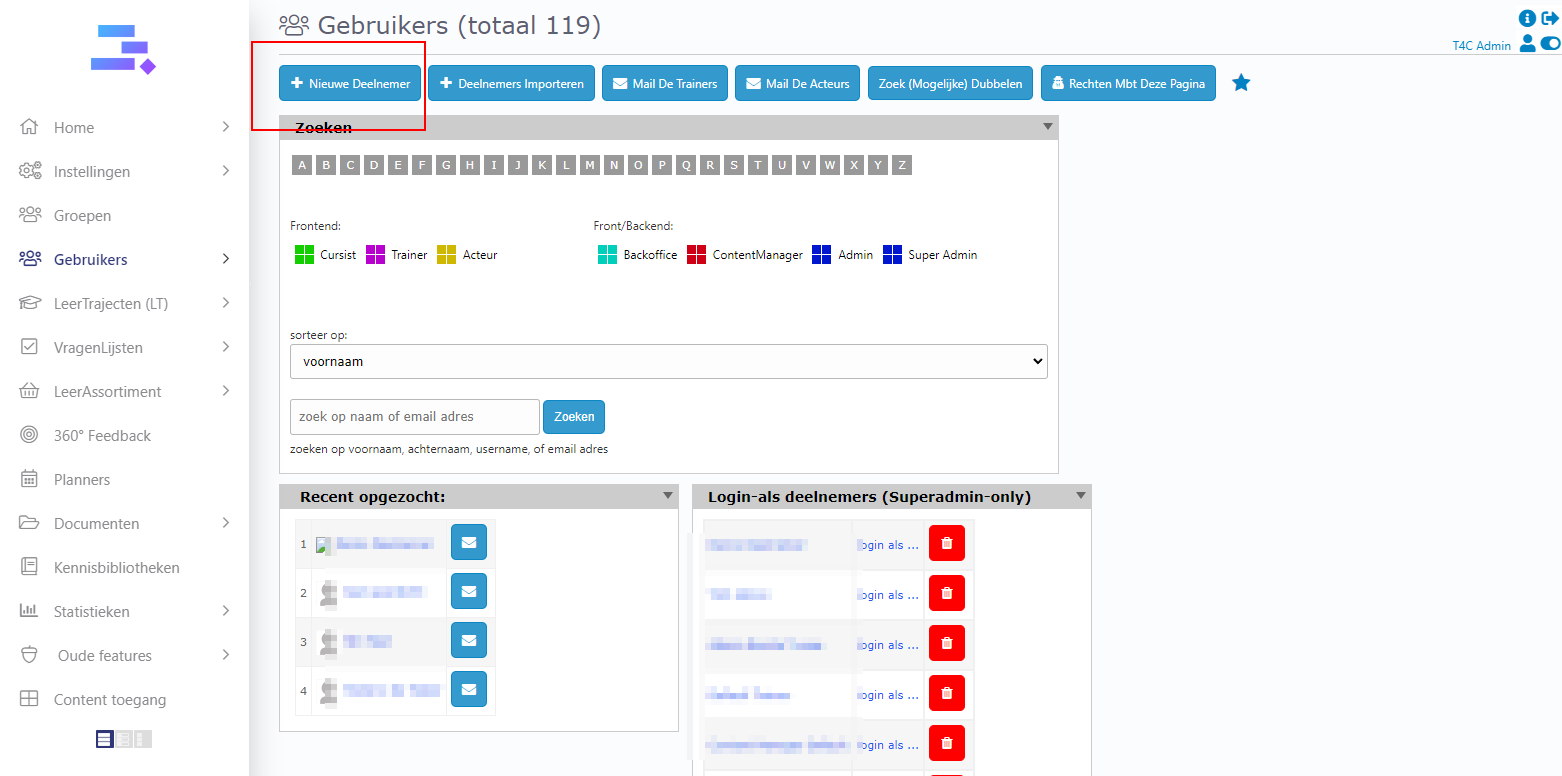
2. Then click on + Nieuwe Deelnemer on the top left
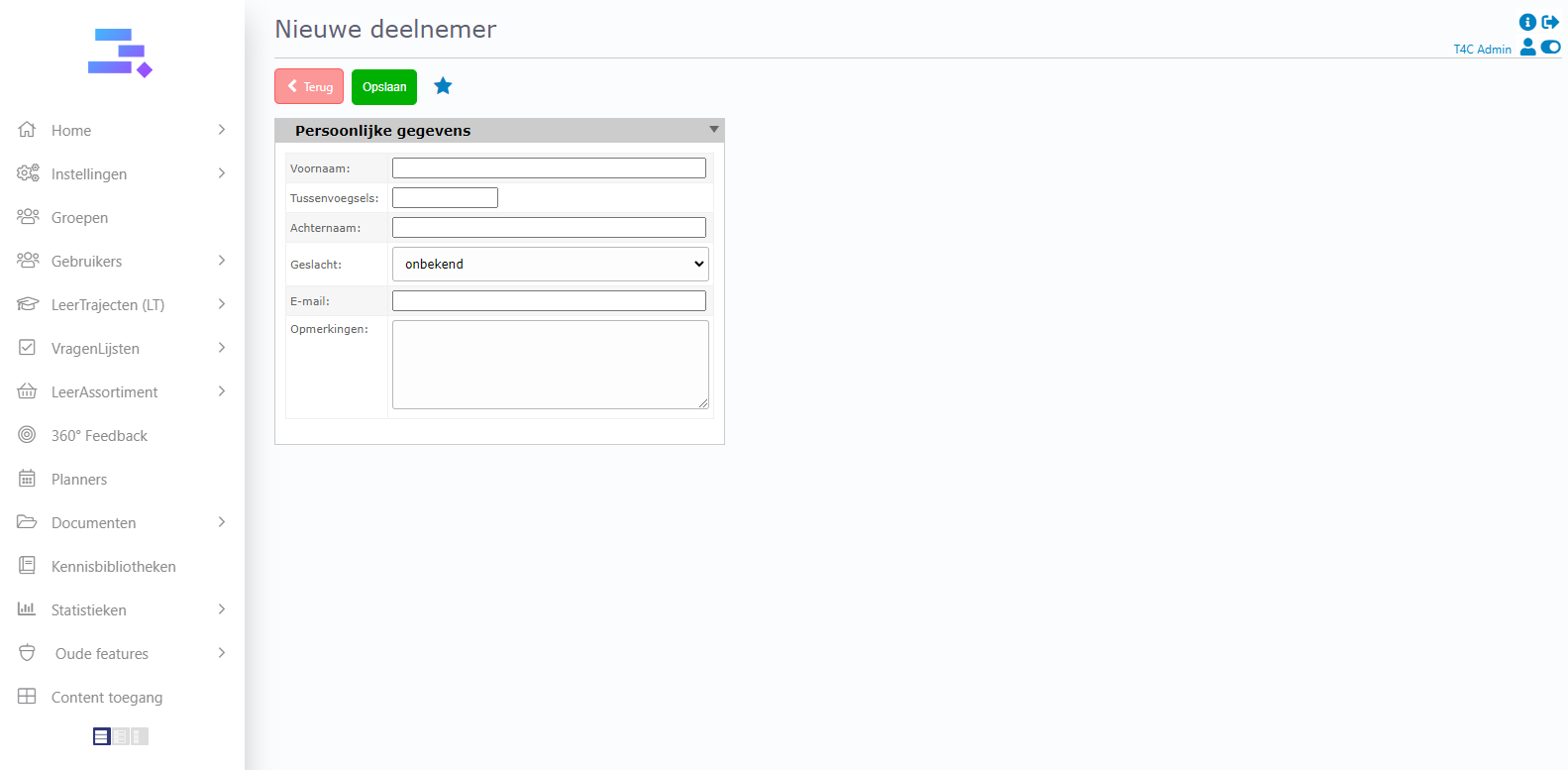
4. Fill in the user information of who you want to add. Then, click Opslaan to finish adding a new user
Well done!
Now, you can add new users quickly and easily!