Let’s follow these next steps to change the background on the loginpage:
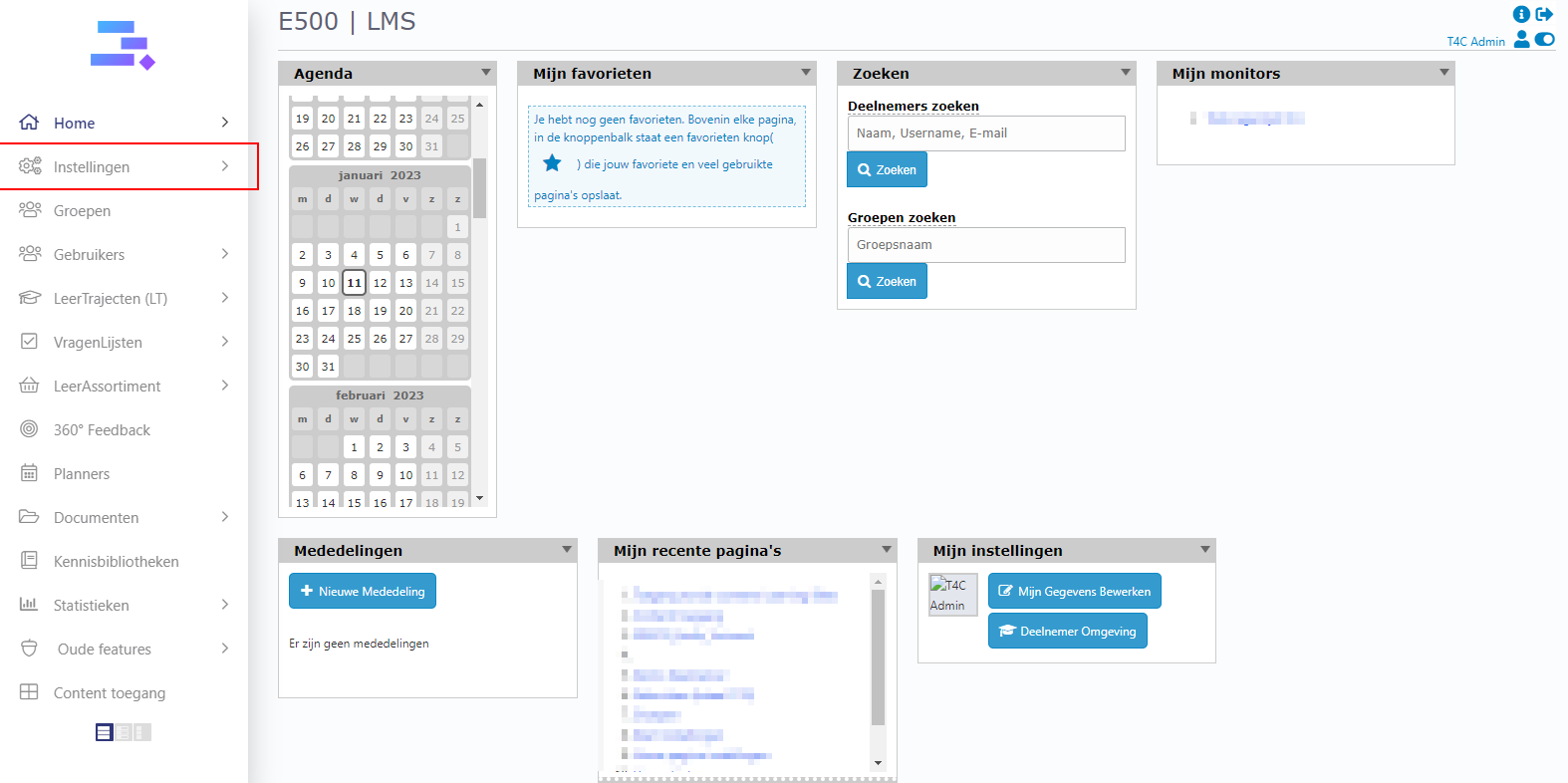
1. Login with your administration account. Click on Instellingen.
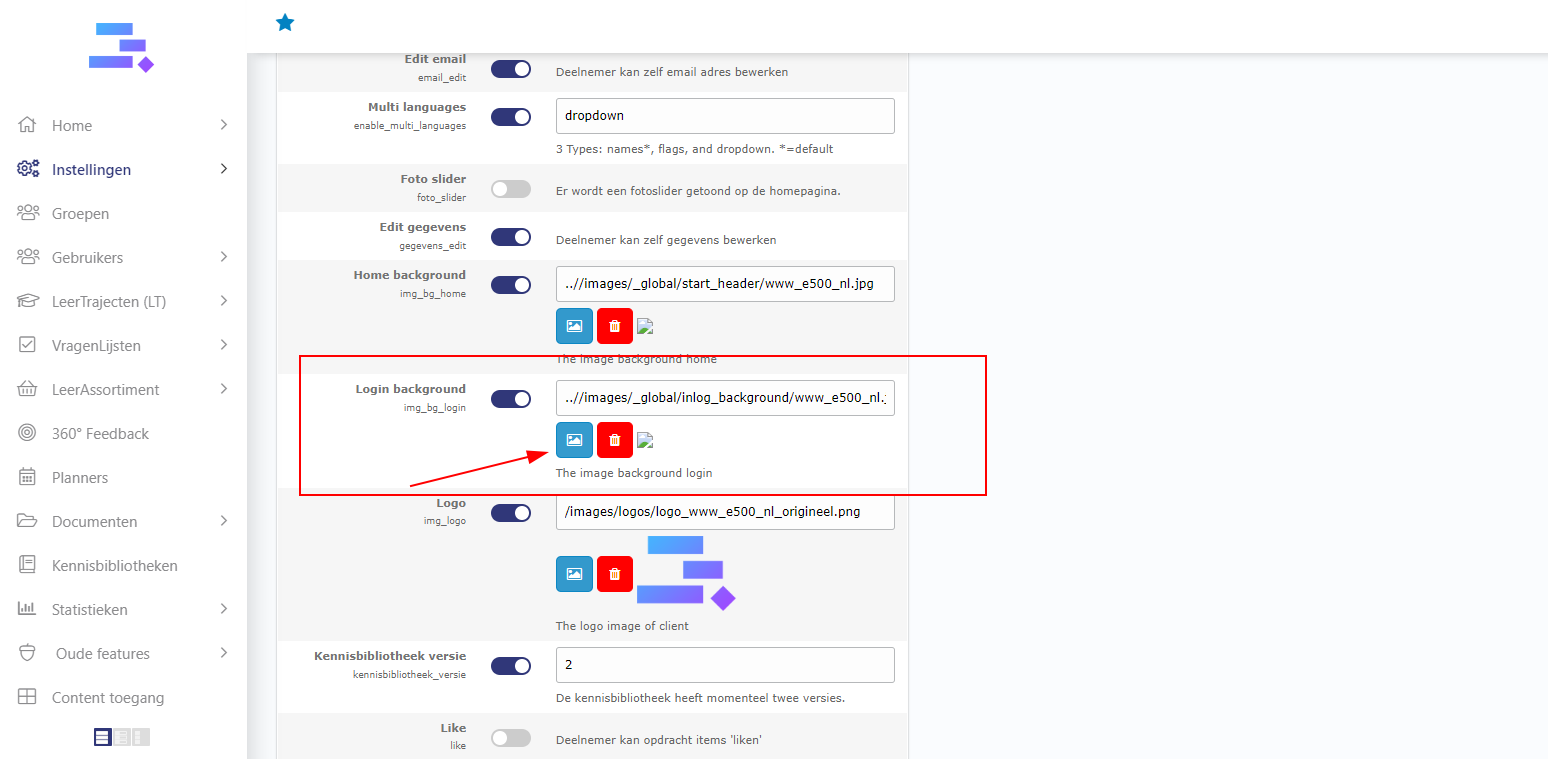
2. Then in tab Instellingen, scroll down and you can see row Login Background. Let’s active its toggle , then click on icon image to choose another image for login background of this domain.
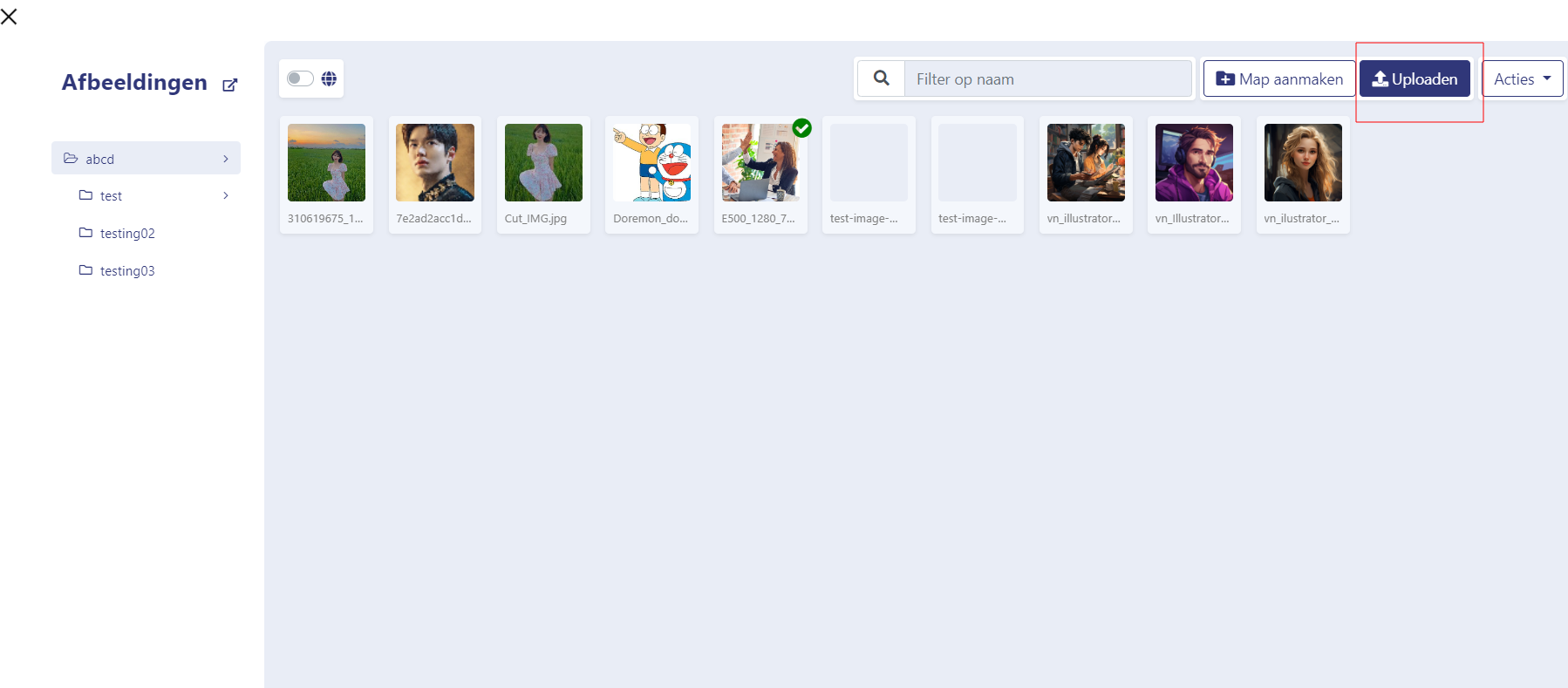
3. A popup appear with many folder which have a lot images are ready for you to choose. But if you want a new image from your computer. Let’s choose a folder for image background and click on Afbeelding Uploaden to up a new image from your computer.
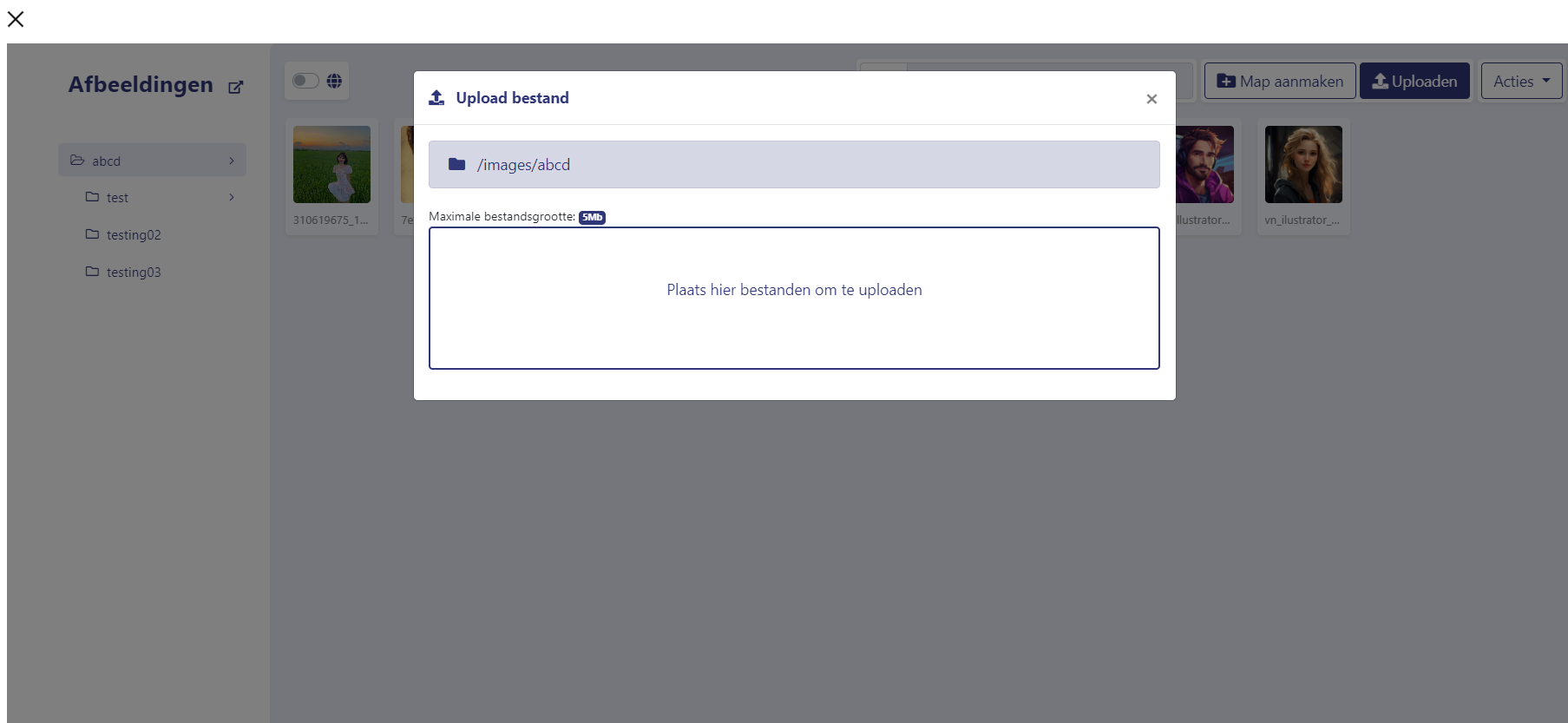
5. Drag your image to here
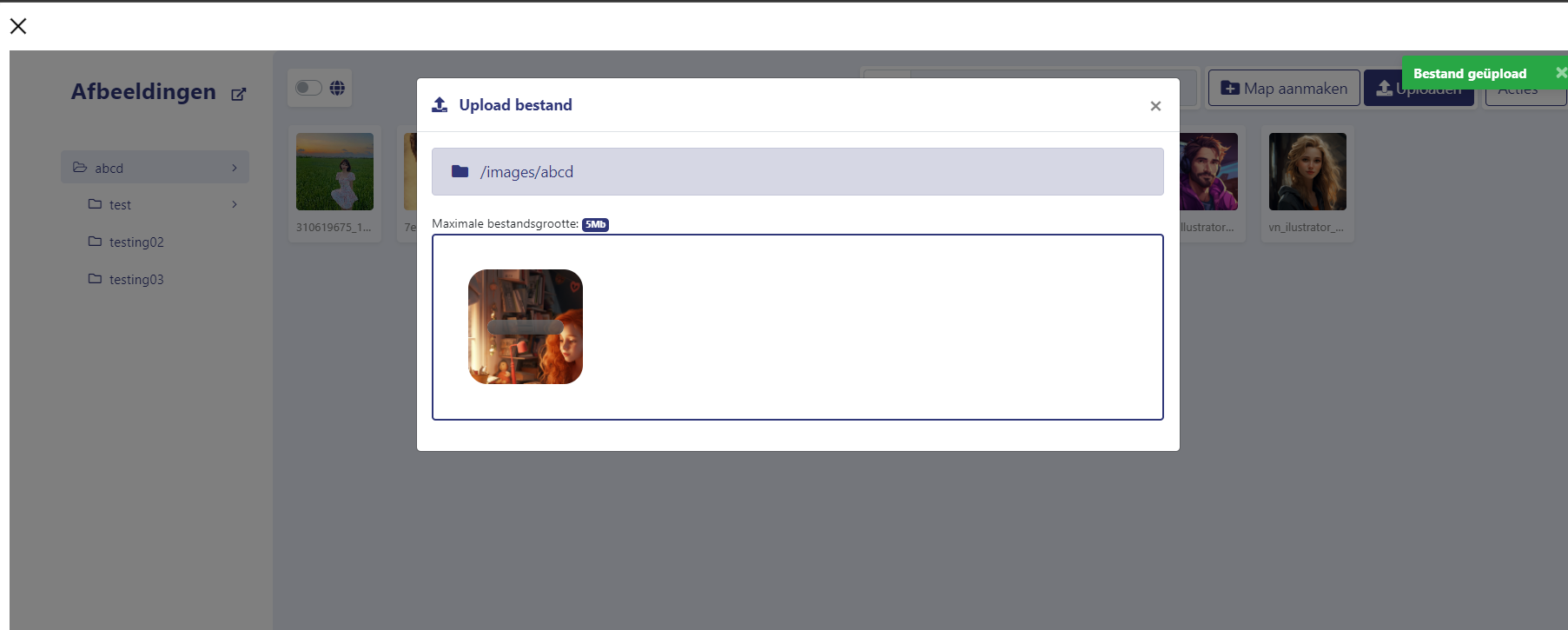
6. Then close the popup. And you can see your image is uploaded here
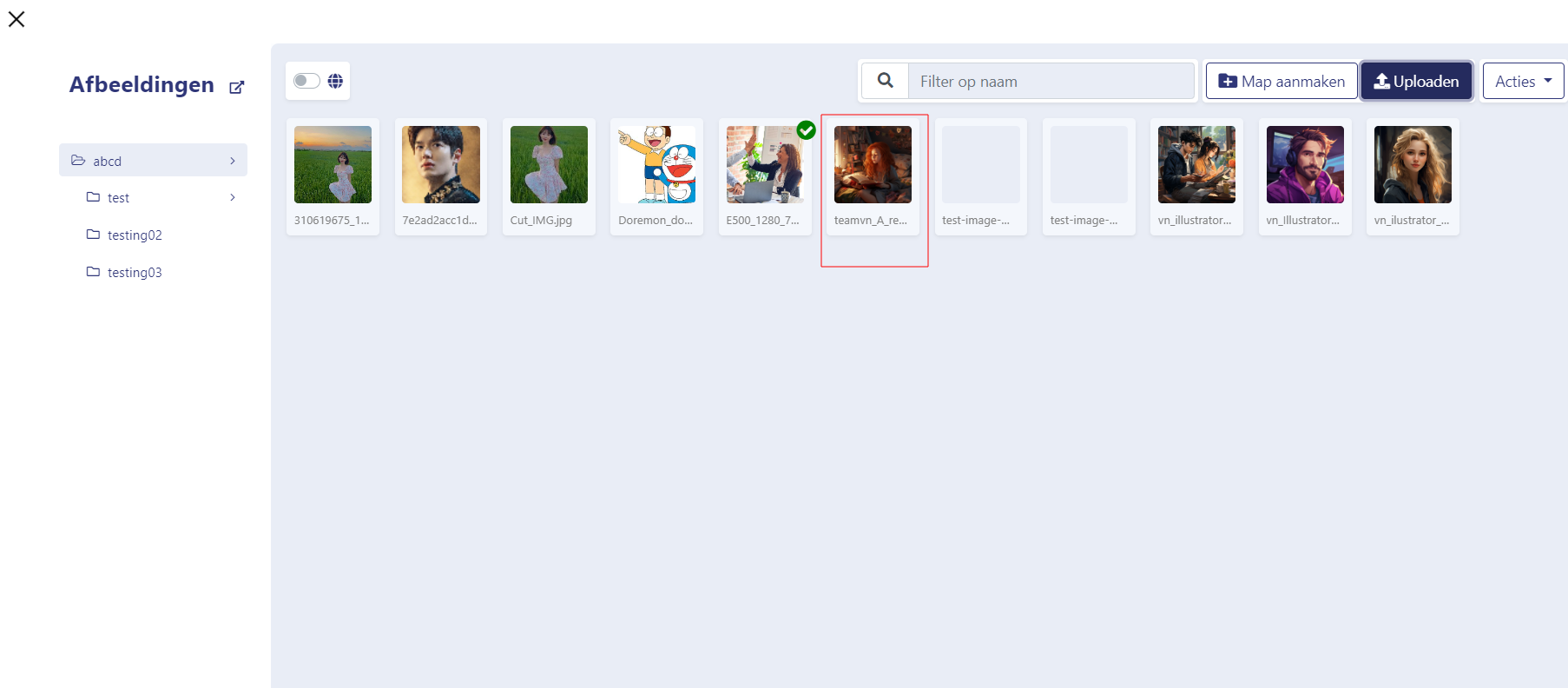
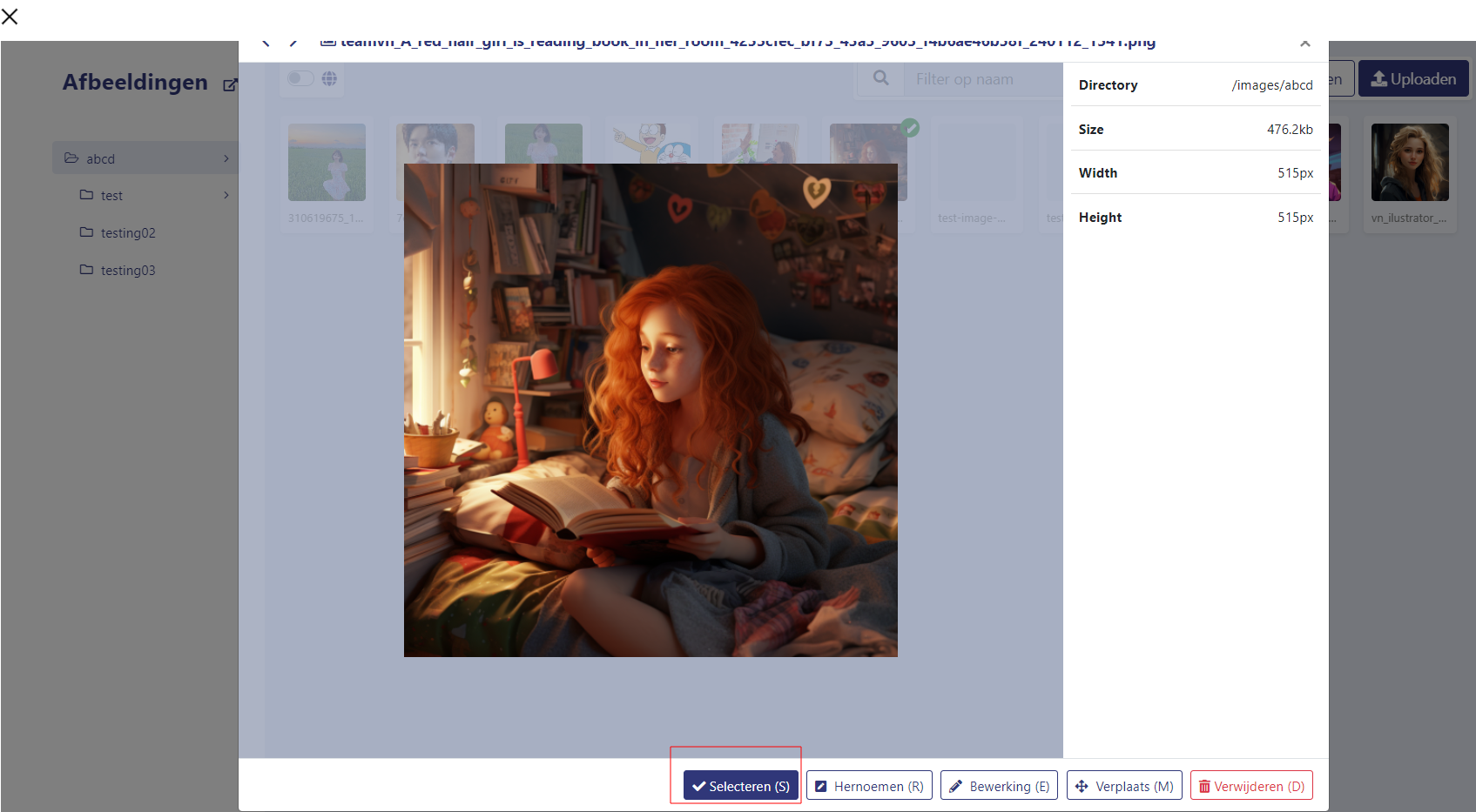
6. Yeah now your image is ready on this domain. Click on it and click Sellecten to choose it be the login background
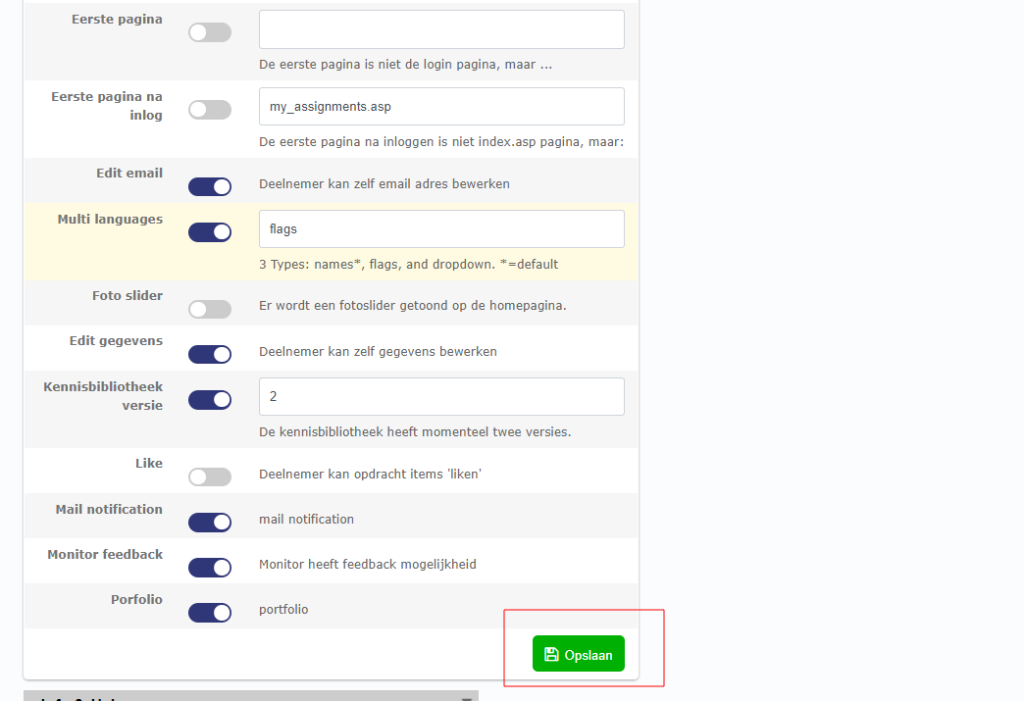
7. Last step is scroll down and click Opslaan to save the change. Now the new background is ready. You can log out and see it at the login page
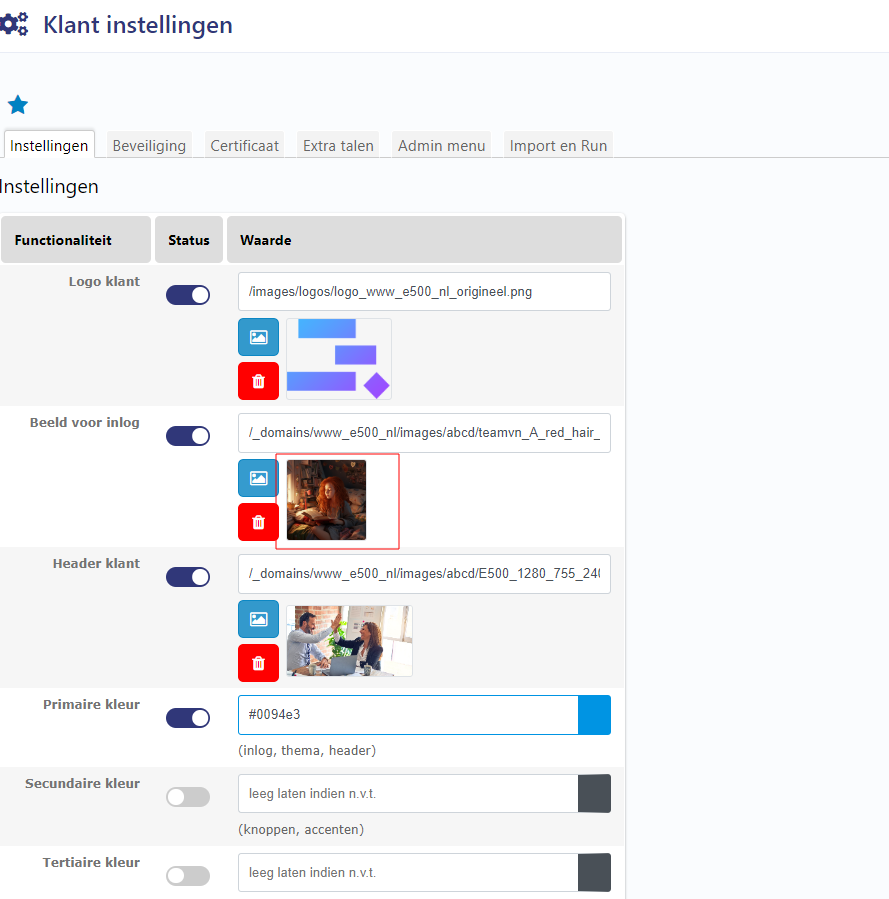
It is done! Good luck!!