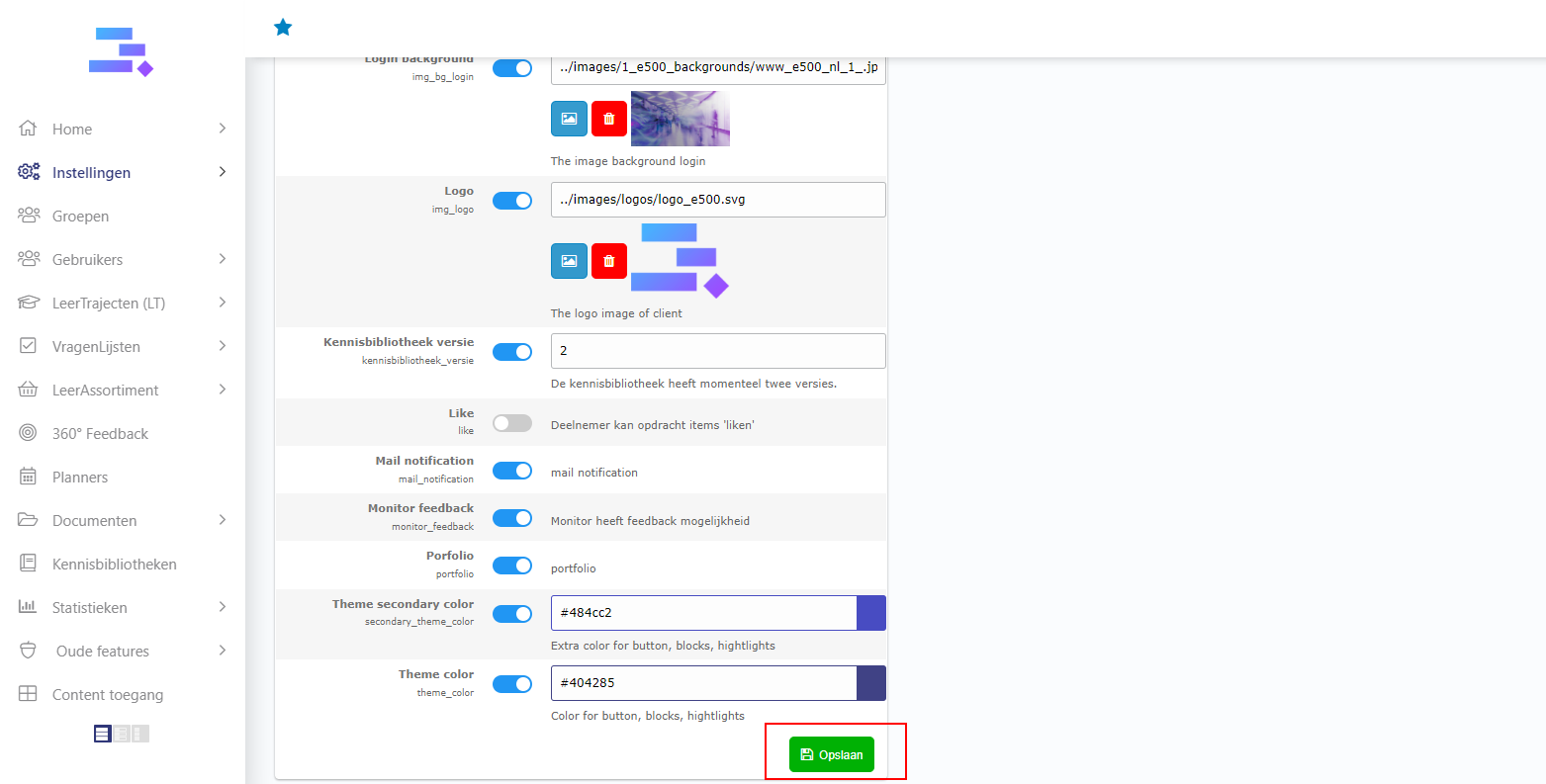
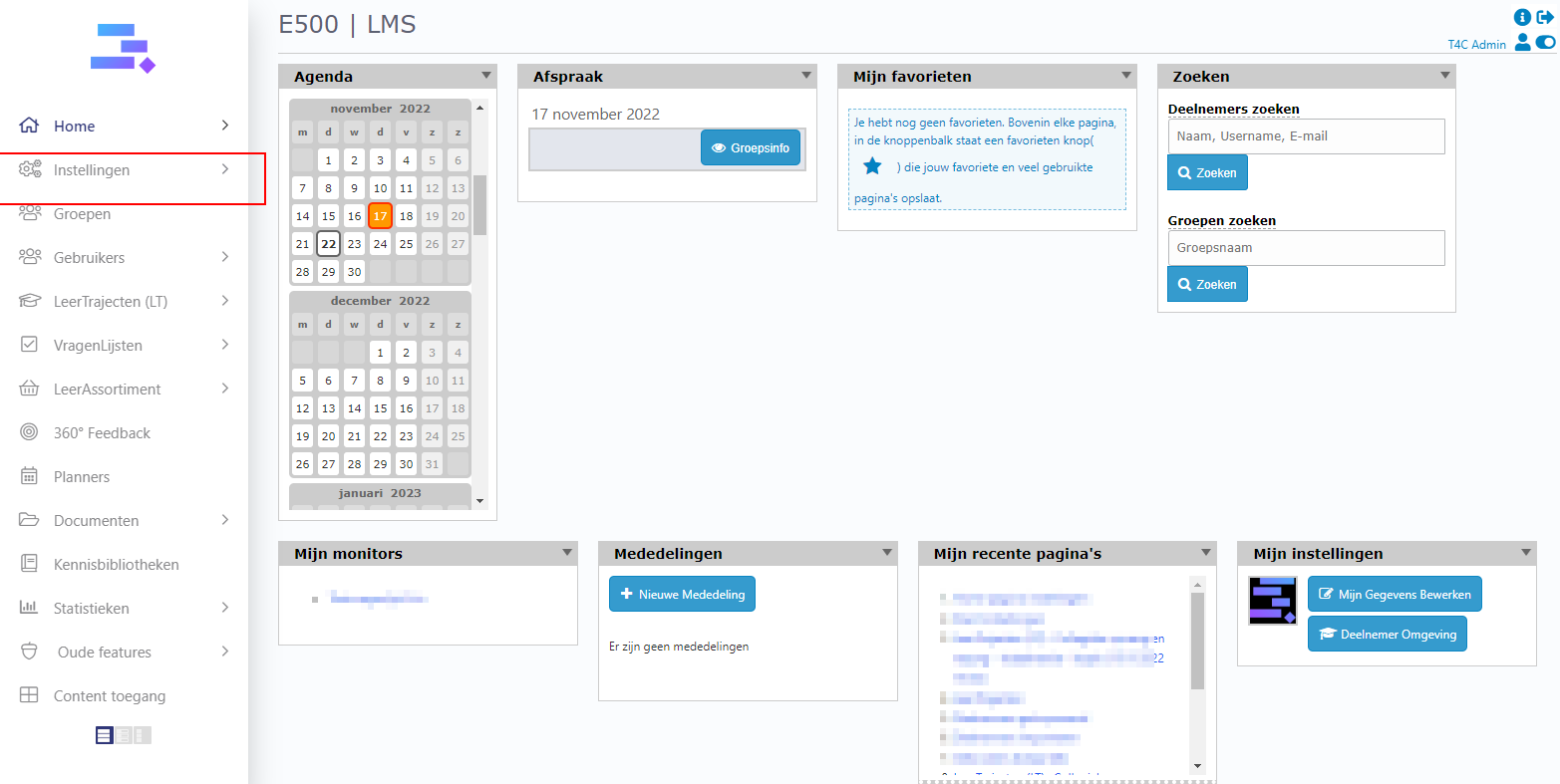
- Login with your administration account. And click on Instelligen.
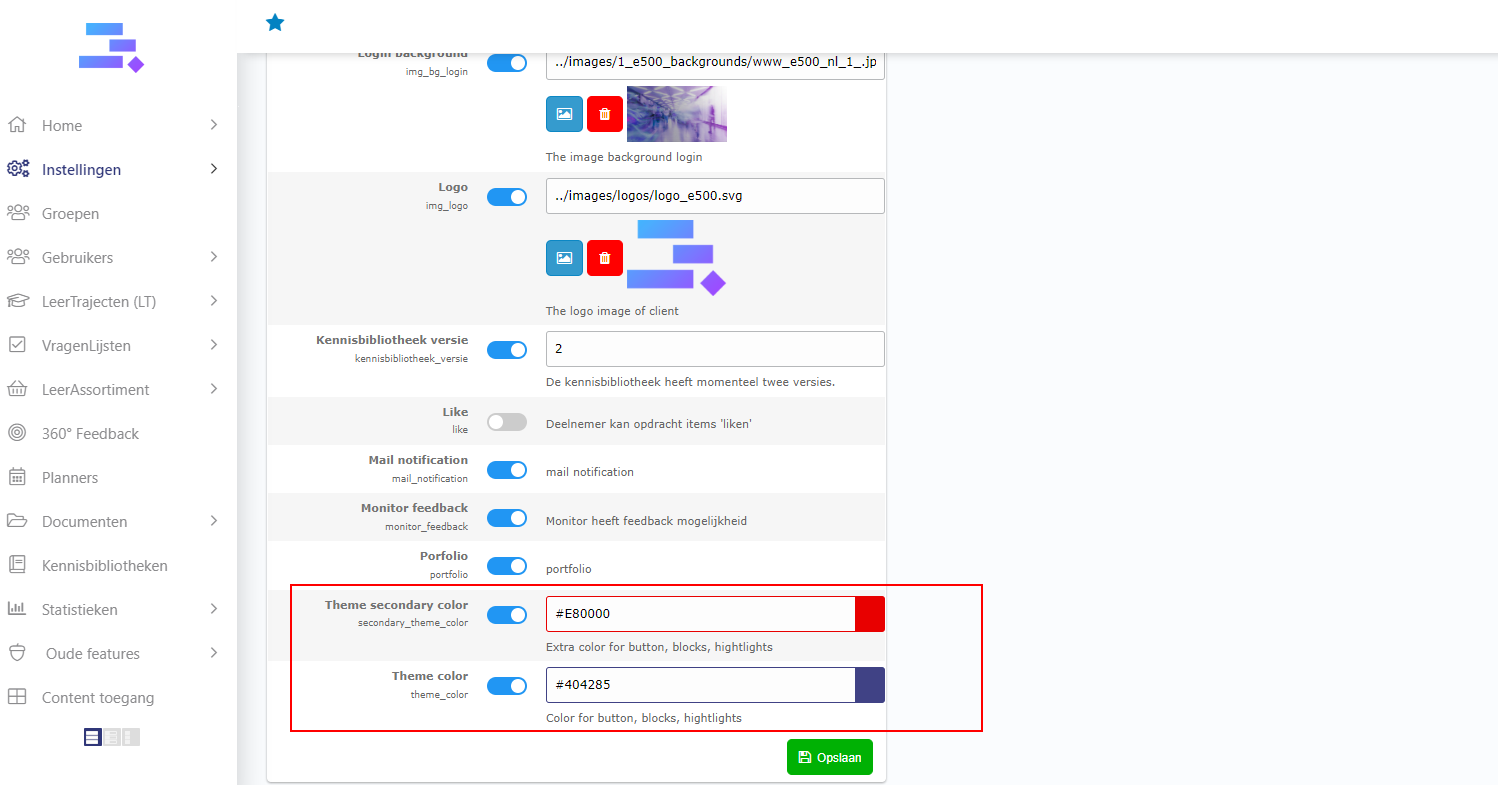
2. In tab Instellingen, find rows Theme secondary color and Theme color.
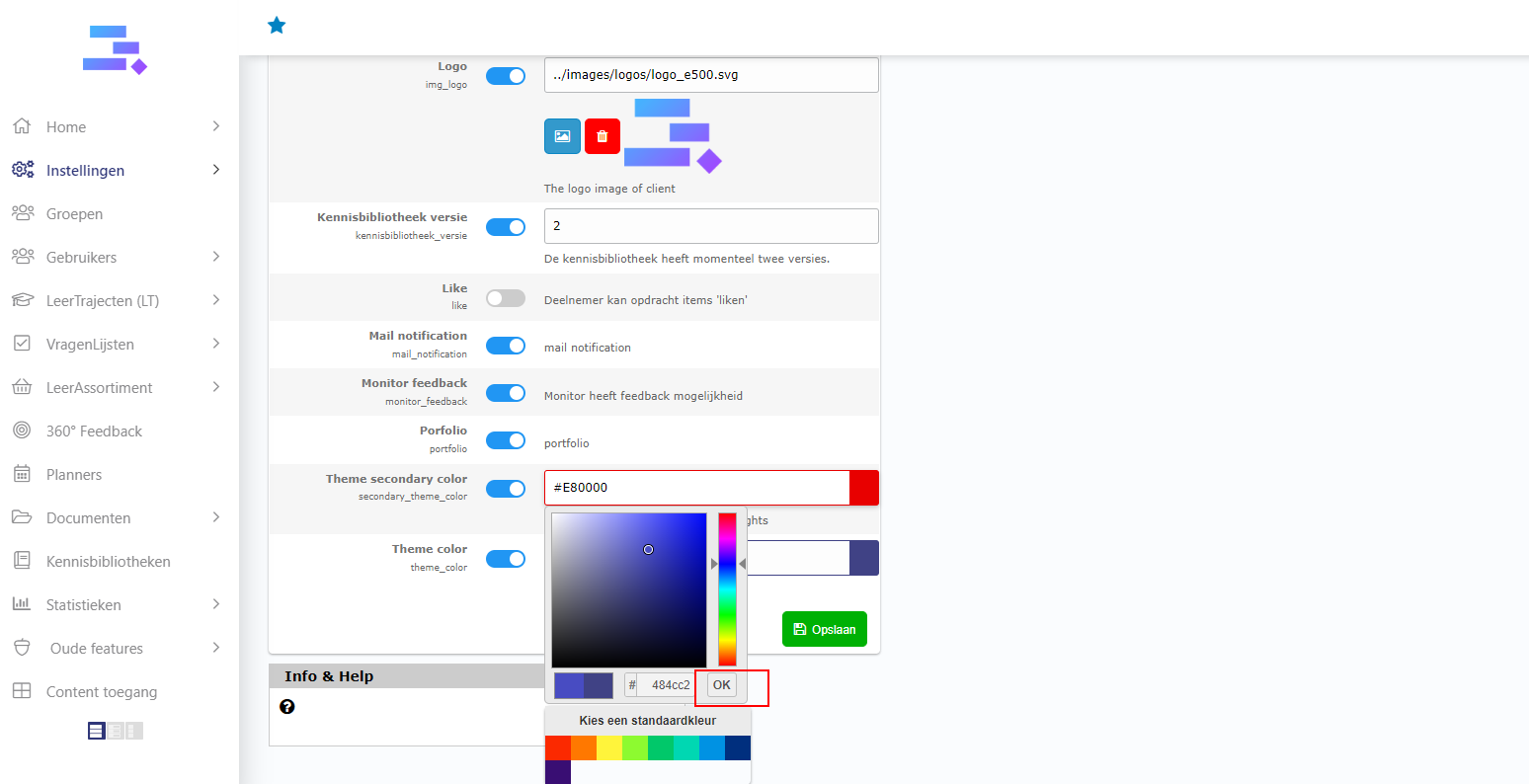
3. To change another color: Click on input of the color code,then choose a color and click OK.
4. Finally, click on Opslaan button to save the change. It’s done! You can login on homepage to see new Them color. Good luck!