How to create a new Label category:
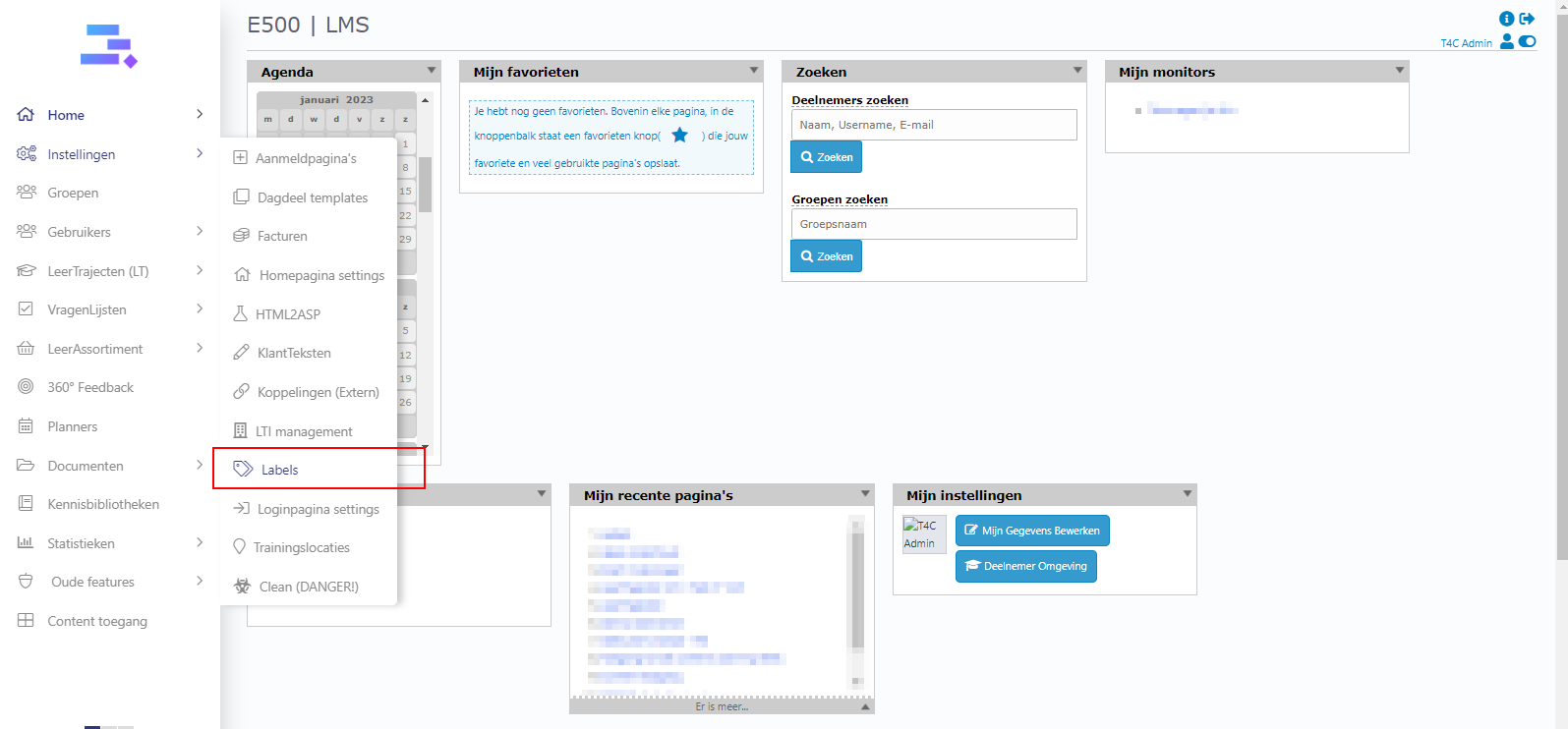
1. First, login with your administration account. Hover into Instellingen and click on Labels.
2. In the Labels page, click Label Categorieën.

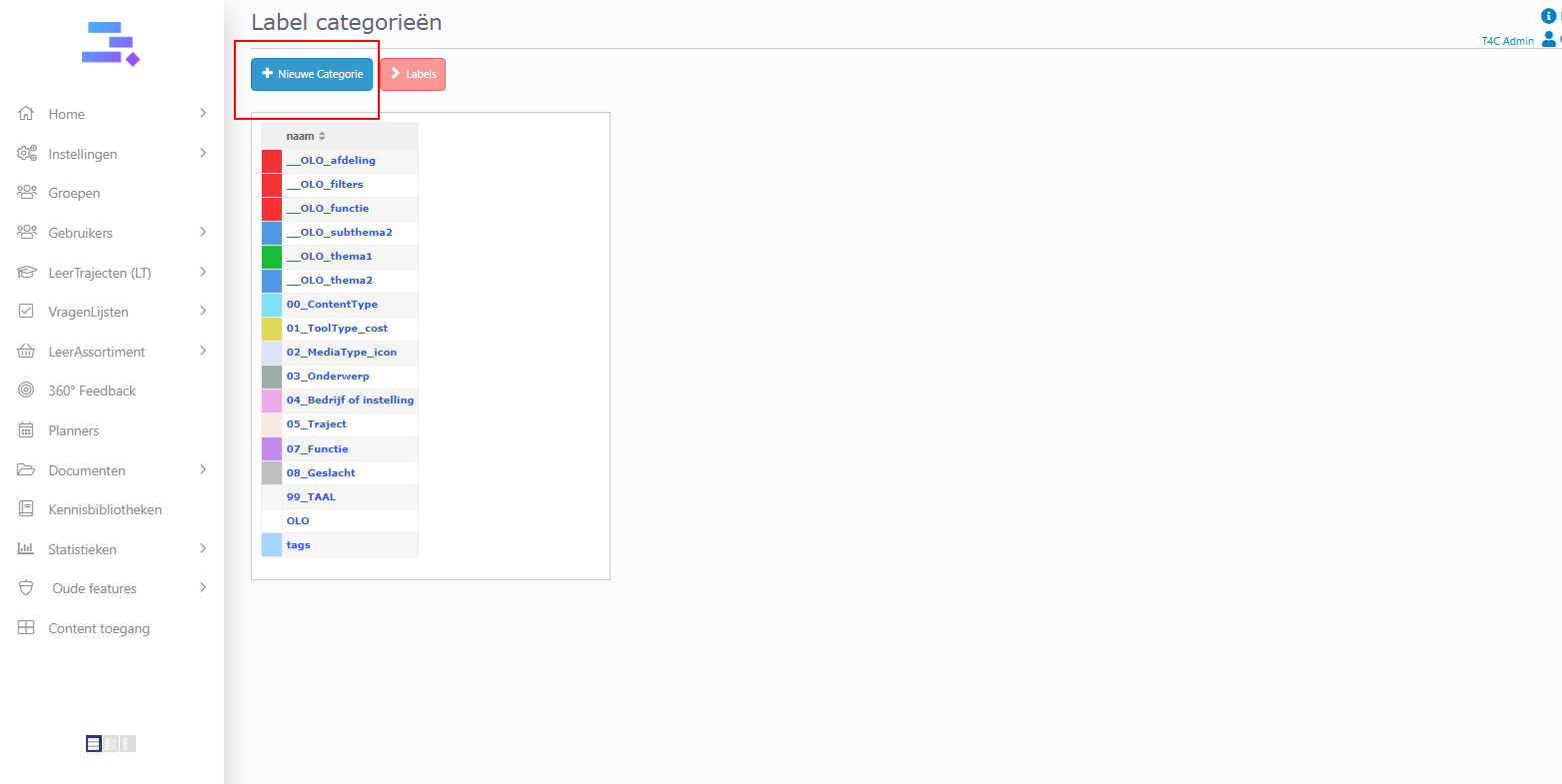
3. Next, click Nieuwe categorie.
4. Follow these steps: Fill in the name of the new label category. Next, choose a parent for it, you can also choose geen parent (no parent). Tick Labels zijn uniek if you want the label to be unique. Choose a color for the label. The last step is to click on Opslaan to save the new category. Now you’re done, good luck!!
