To add a new user, you need to know their email address. However, in case the user can’t let you know their email address, you can use this way:
1. First, you need to create a Gmail account with a single email address
2. Then, create an alias for your address to use instead of the user’s email (Gmail lets you create unlimited aliases from the Accounts and Import tab on the Settings page).
You can form aliases by adding add a plus character (+) and a unique word or phrase to your main username.
For example, if your email address is mycompany@gmail.com, you can use mycompany+user1@gmail.com to sign up your user. And change the number for each subsequent user that has to register without their email.
*Note: Any email sent to these alias accounts will go immediately to the original account (mycompany@gmail.com).
Now, you can use email aliases to create new users without their email address in the usual way.
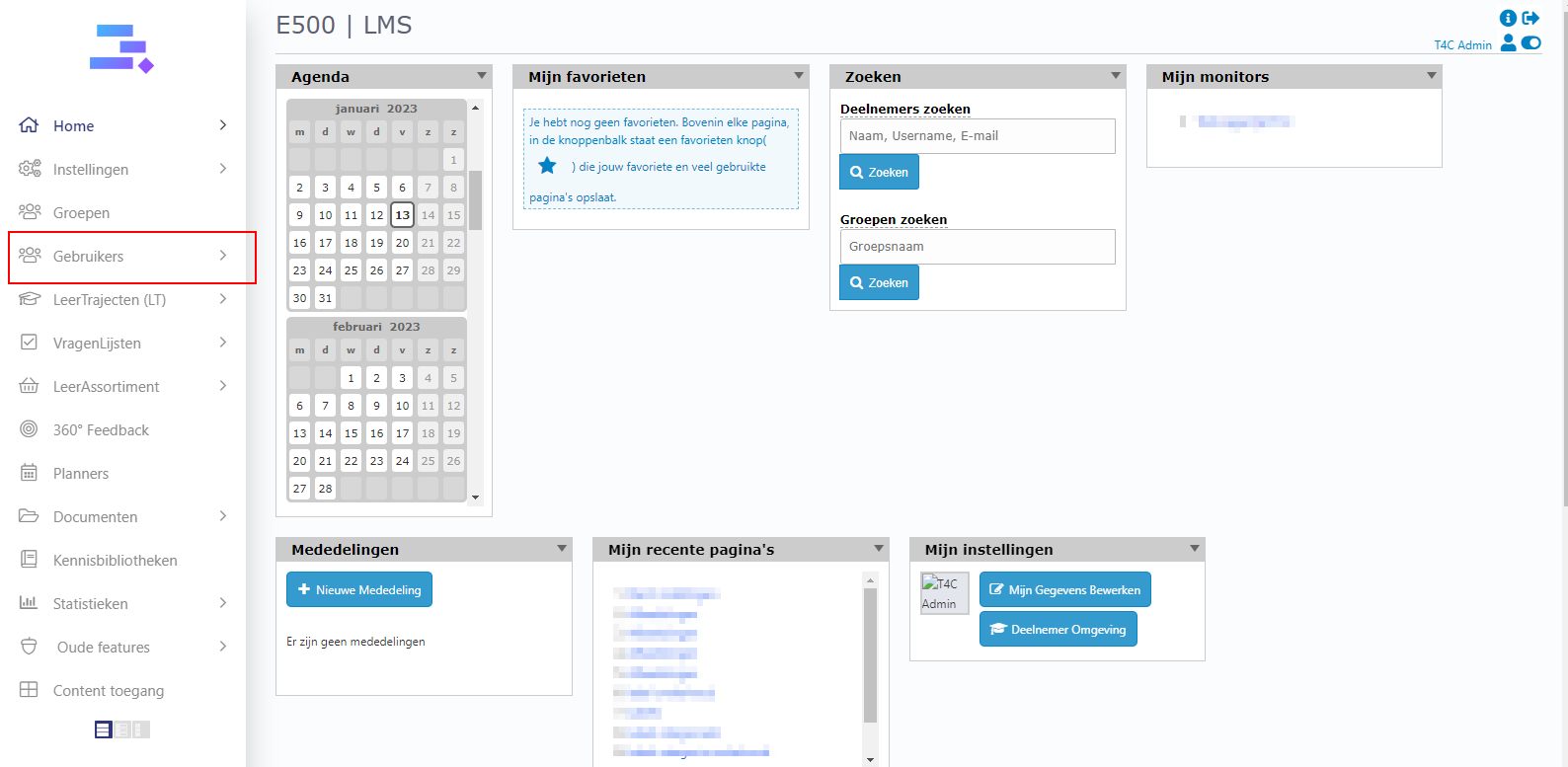
3. Log in with your administrator account. Click on Gebruikers.
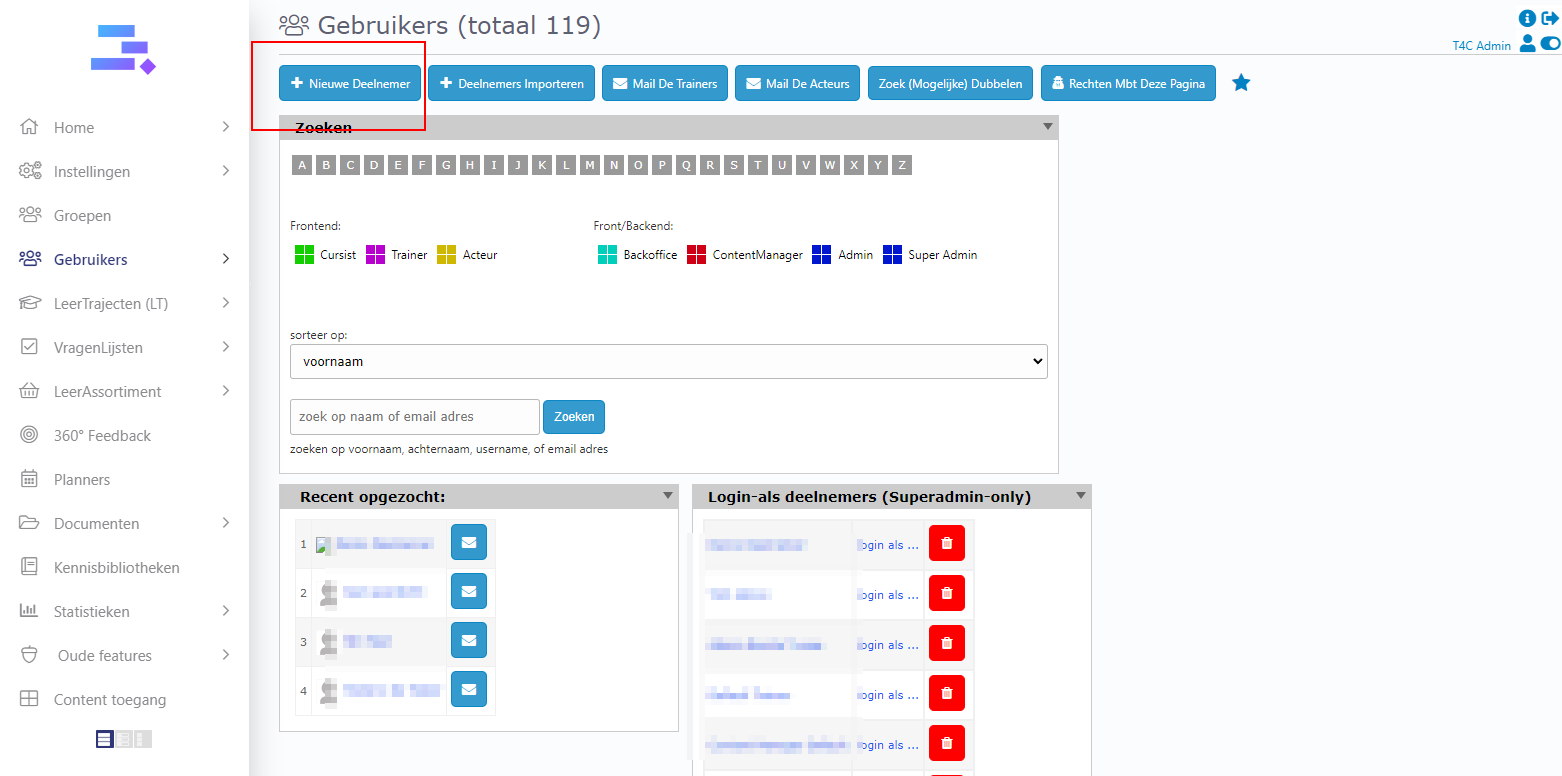
4. Click on Nieuwe Deelnemer to add a new user
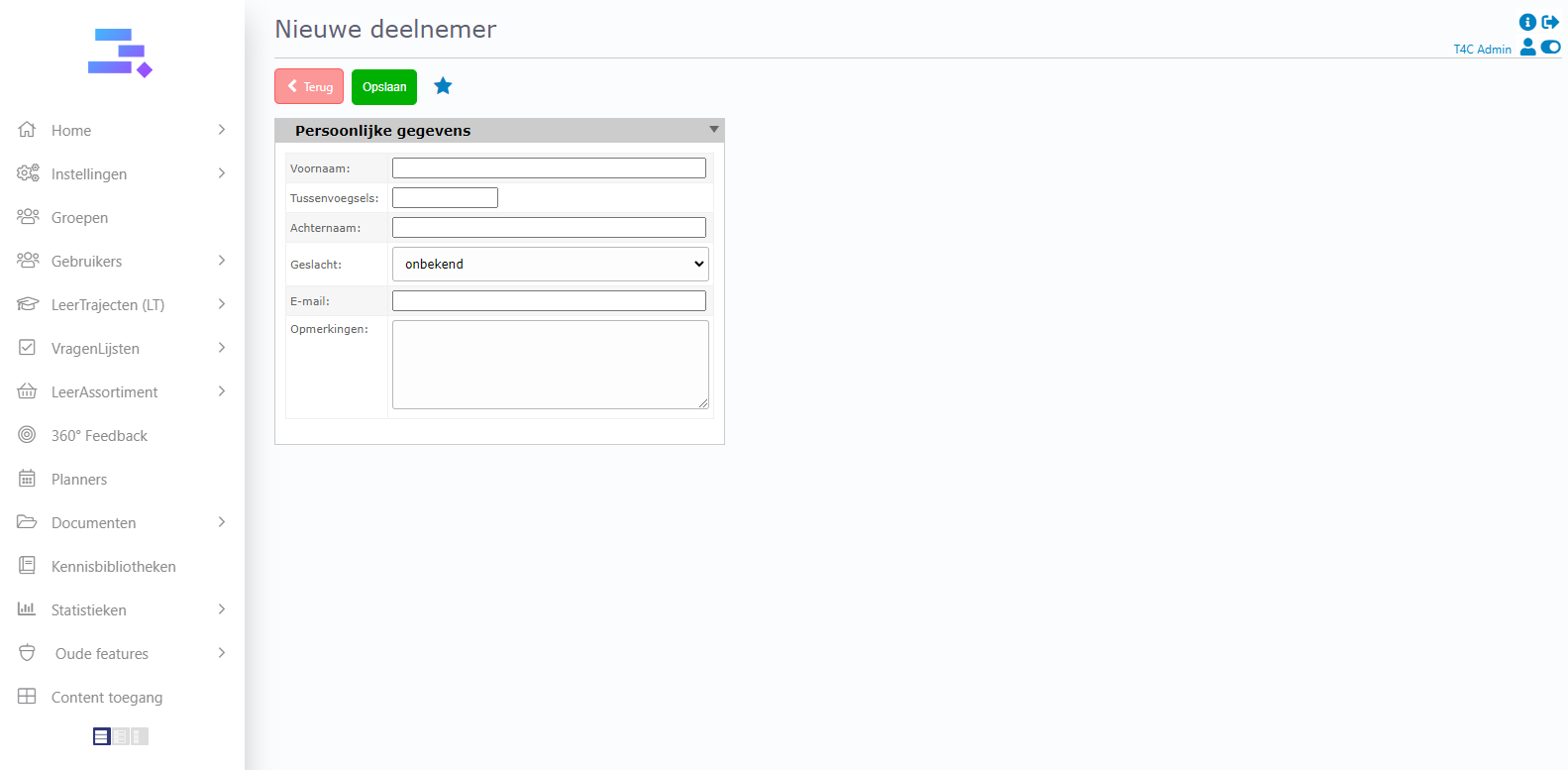
5. The Persoonlijke gegevens board appears. You need to fill in the new user’s information here. (In the email section you need to use the alias email that you created before). Then, click Opslaan to finish creating a new user without their email address.
Now you can now add new users without their email address quickly and easily. Good luck!