You can save time by importing multiple users to your portal at once. Let’s do the following steps:
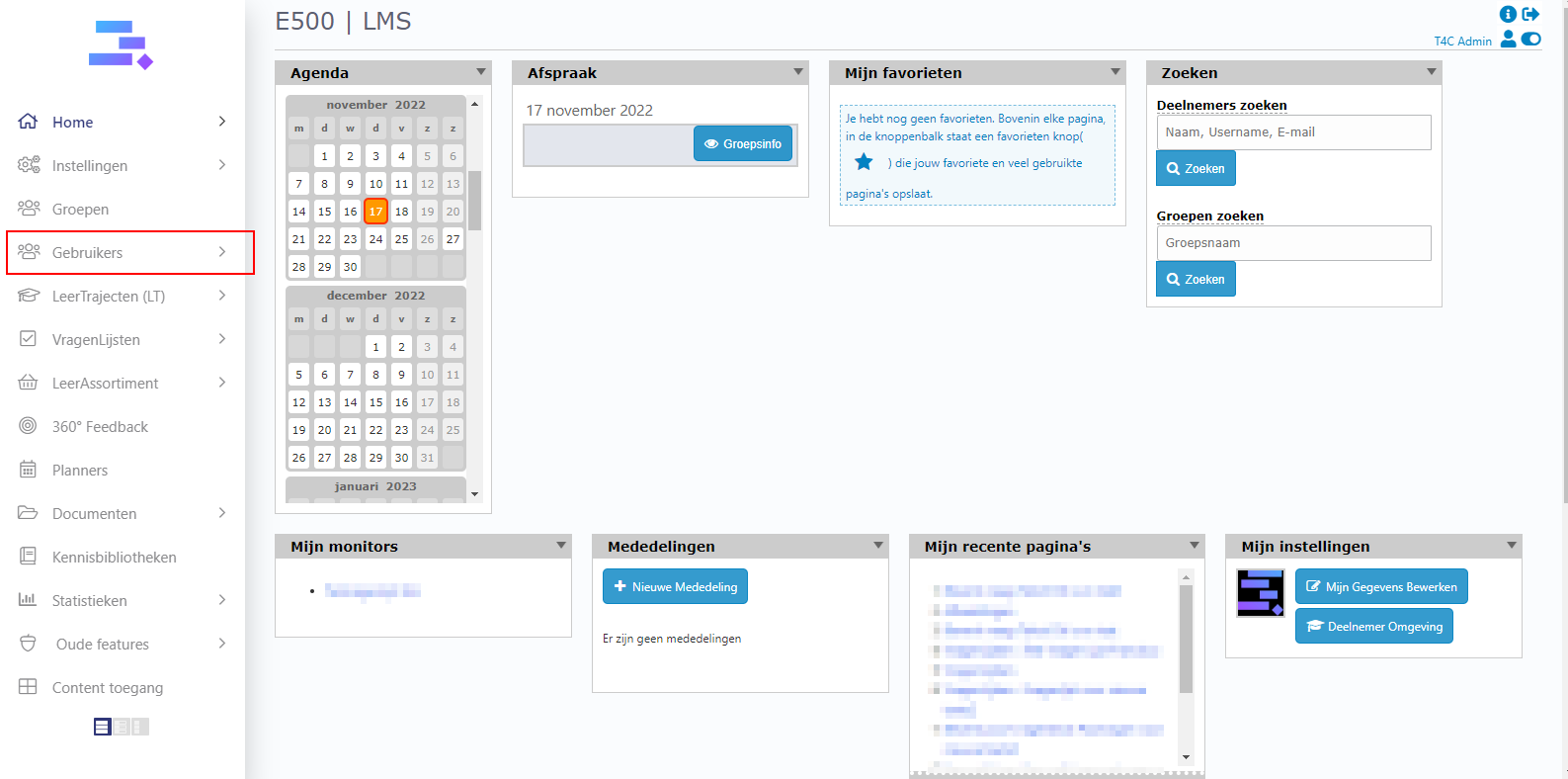
1. Login with your administration account. Click on Gebruikers.
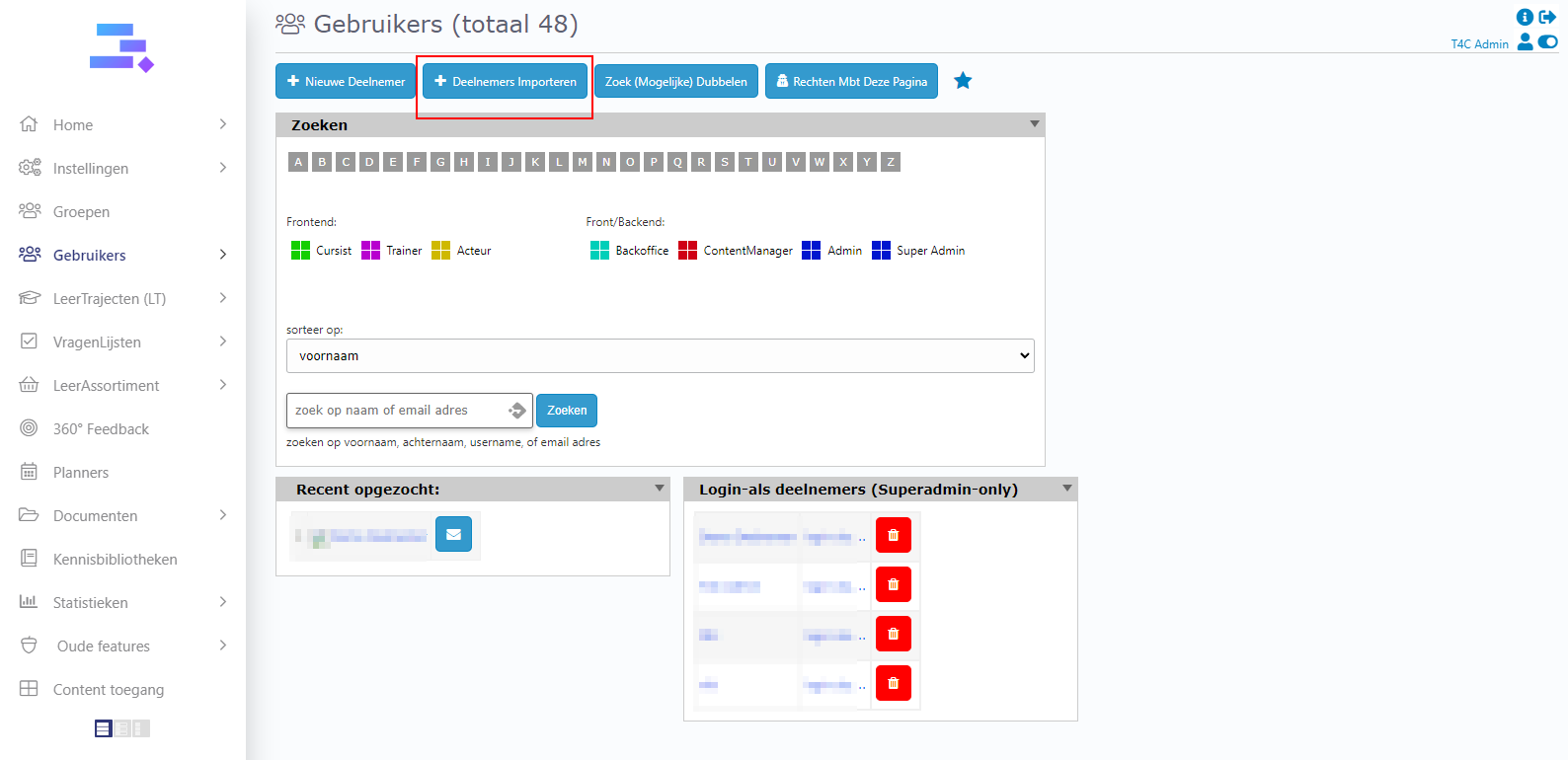
2. In the Deelnemers page, click on deelnemers importeren.
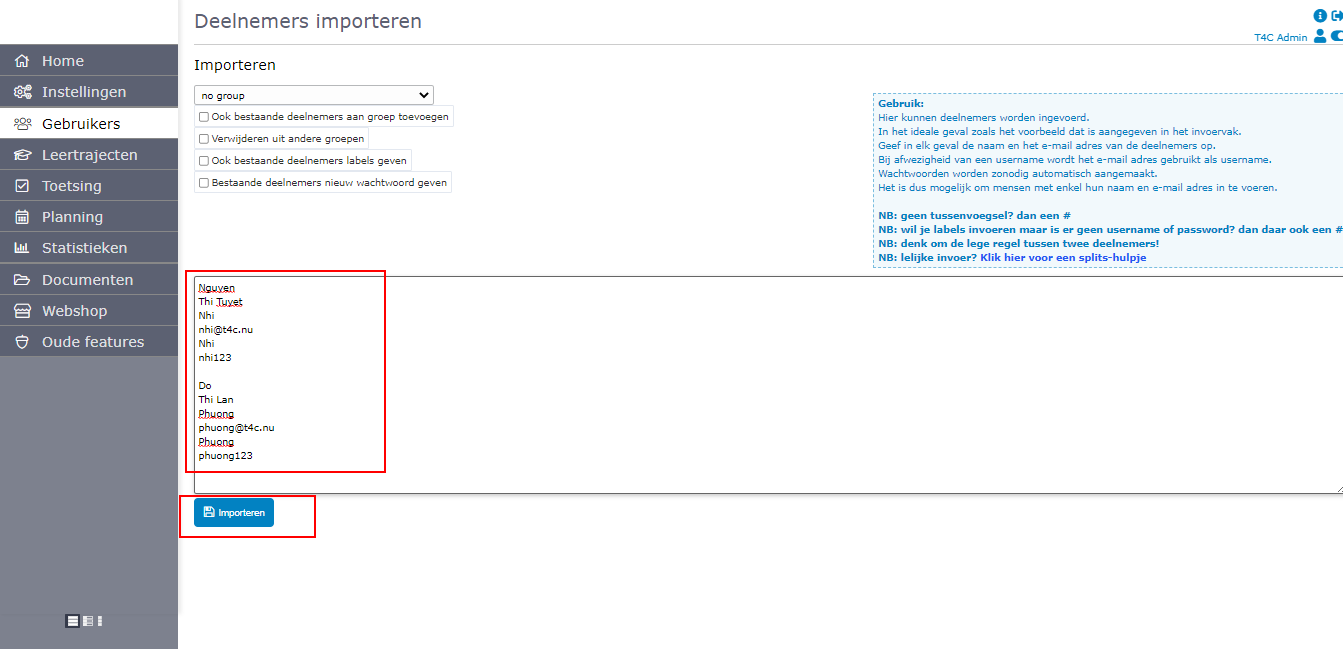
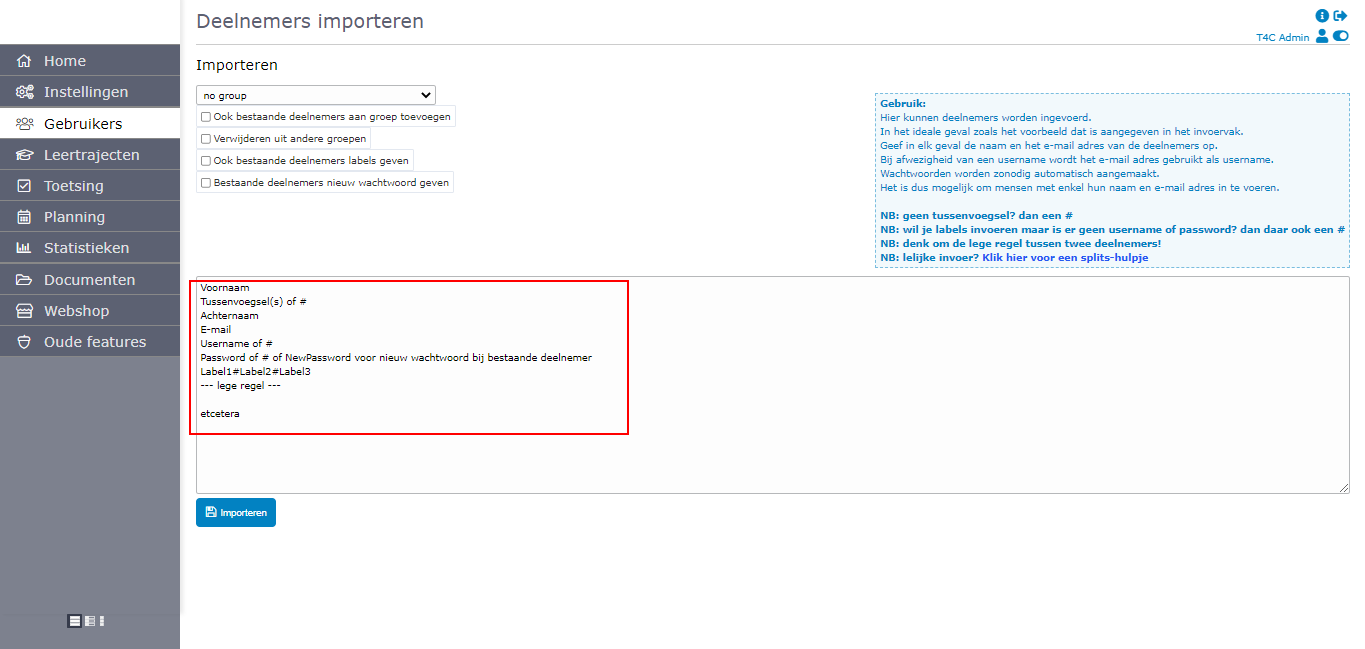
3. Now you can see a table with the information you have to fill in to import multiple users to your portal at once. You can enter the information of one or more users.
To do it manually:
Enter each user’s information in turn as follows. Then click importeren to import all
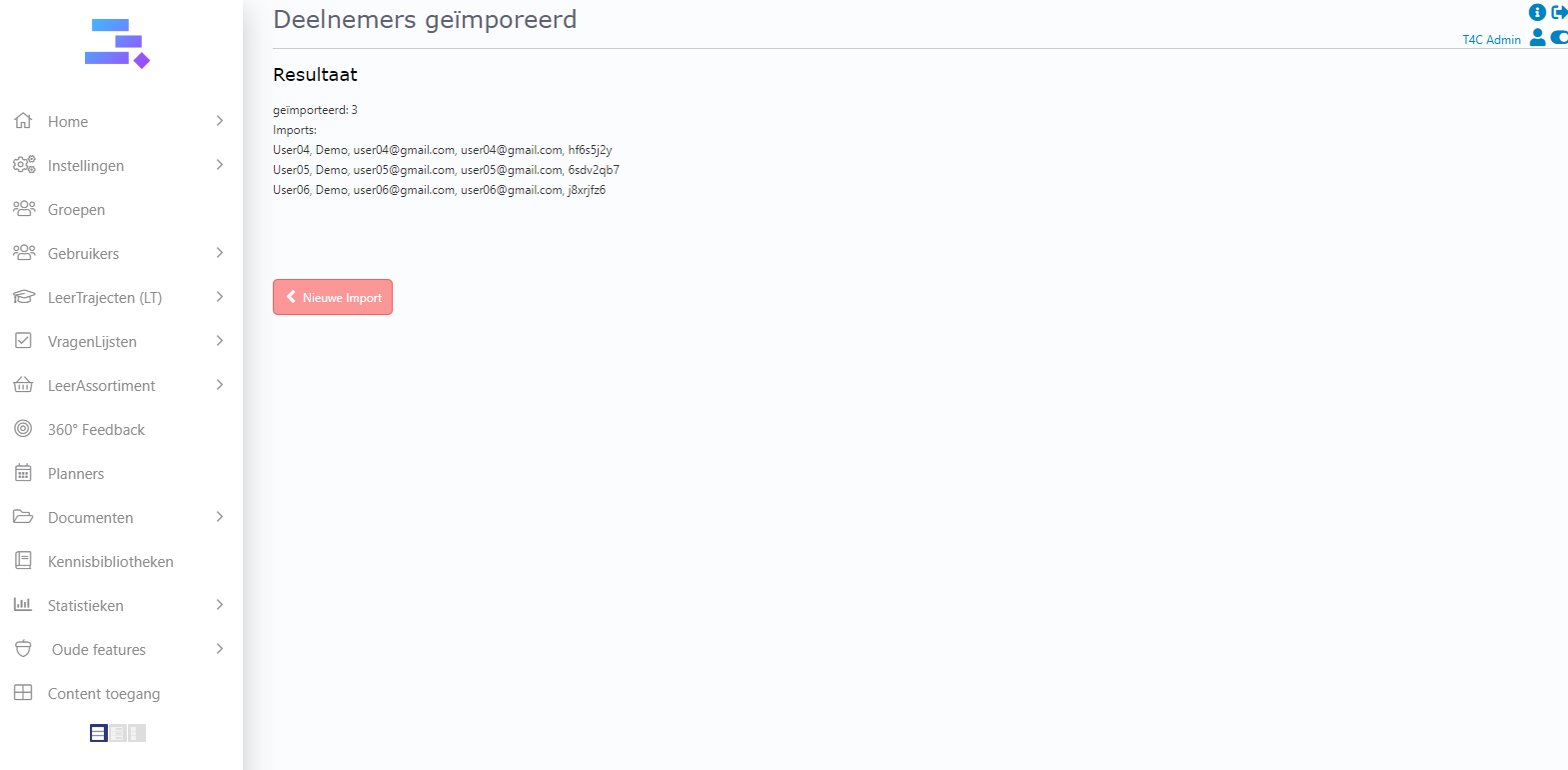
 Yeah, they are all imported! You can finish here or click Niew Import to import and more user!

To do it according to the available file
For example, I have a user’s information file. I will copy it and then past on the input of Import user
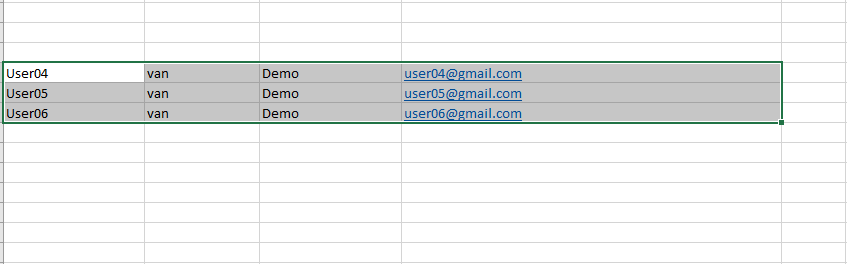
Then click on Gegevens Converteren to convert them

You can see they all converted. Click on Importeren to import them

5. That’s it, you’re done! Good Luck!