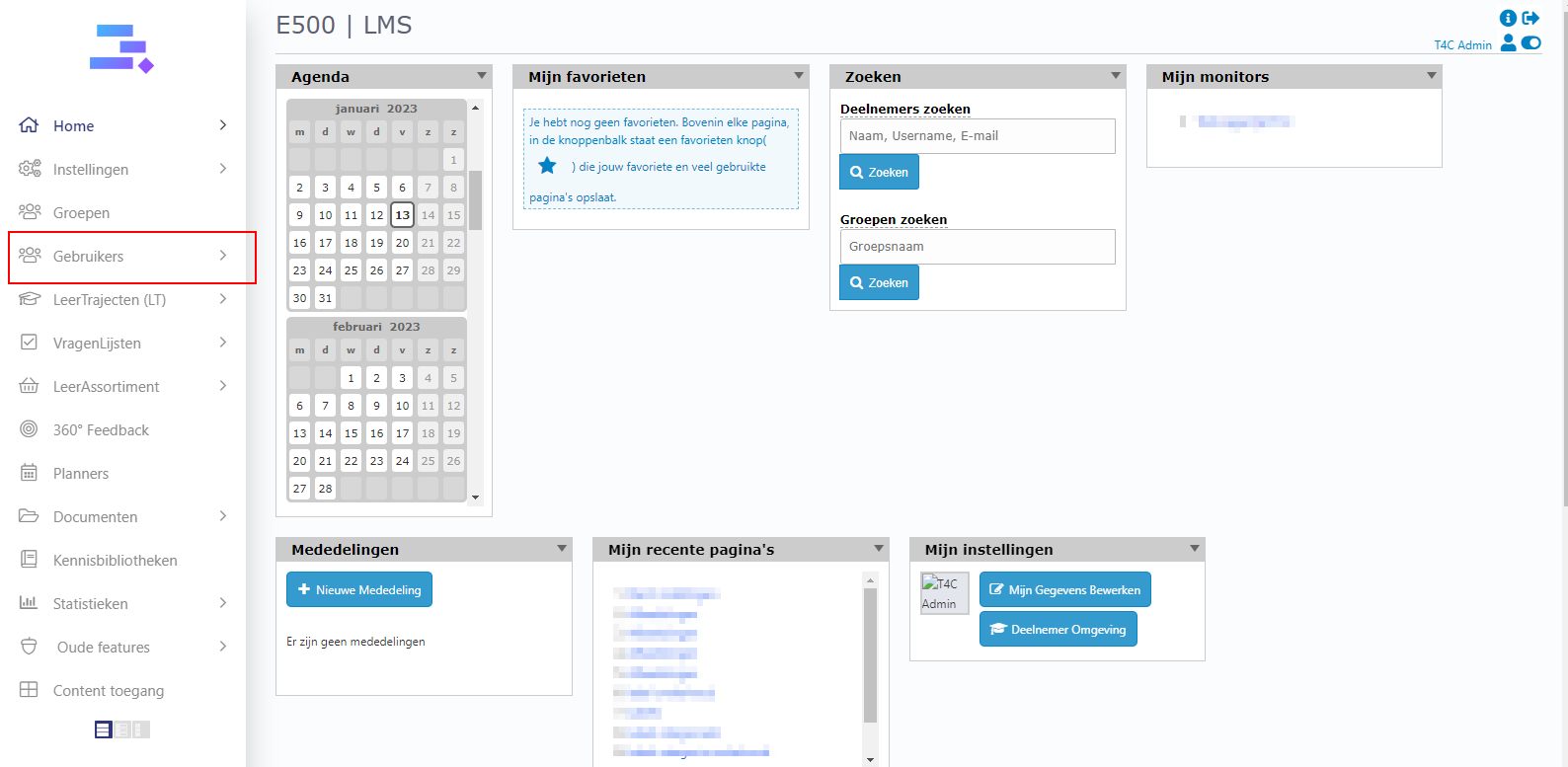
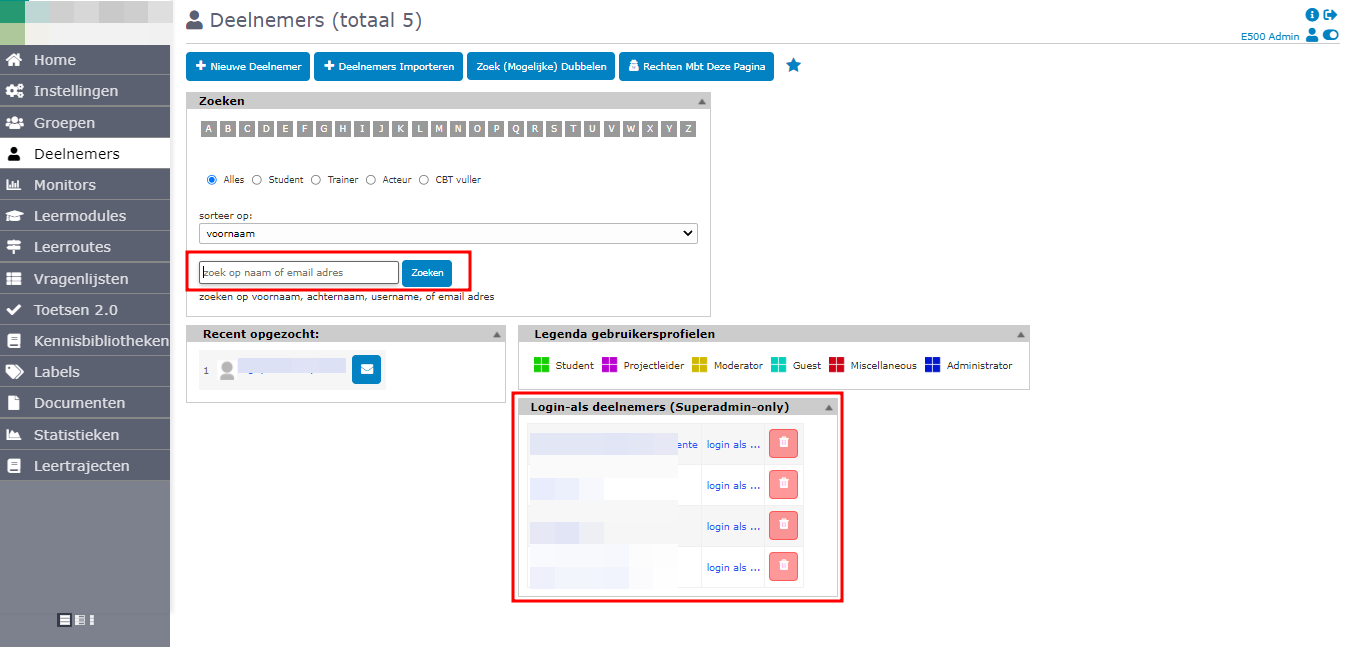
1. To share courses with users you log in with your administrator account. Click on Gebruikers.
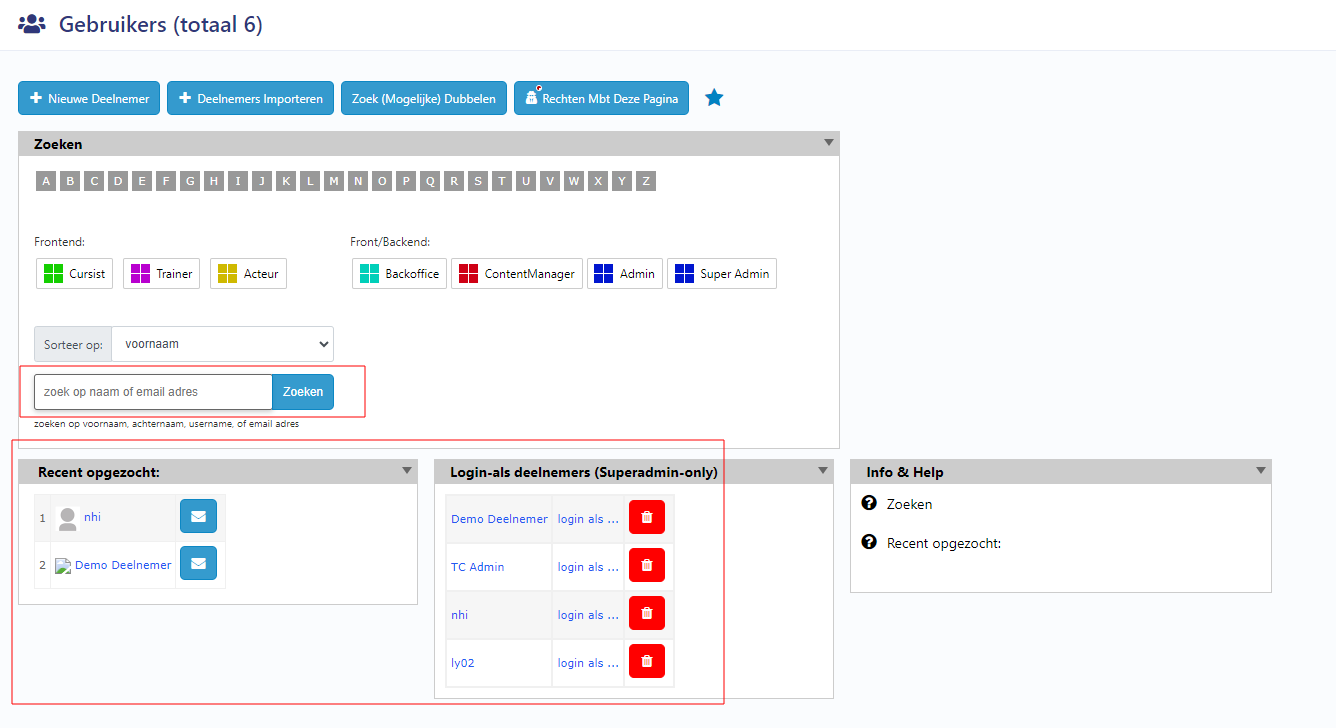
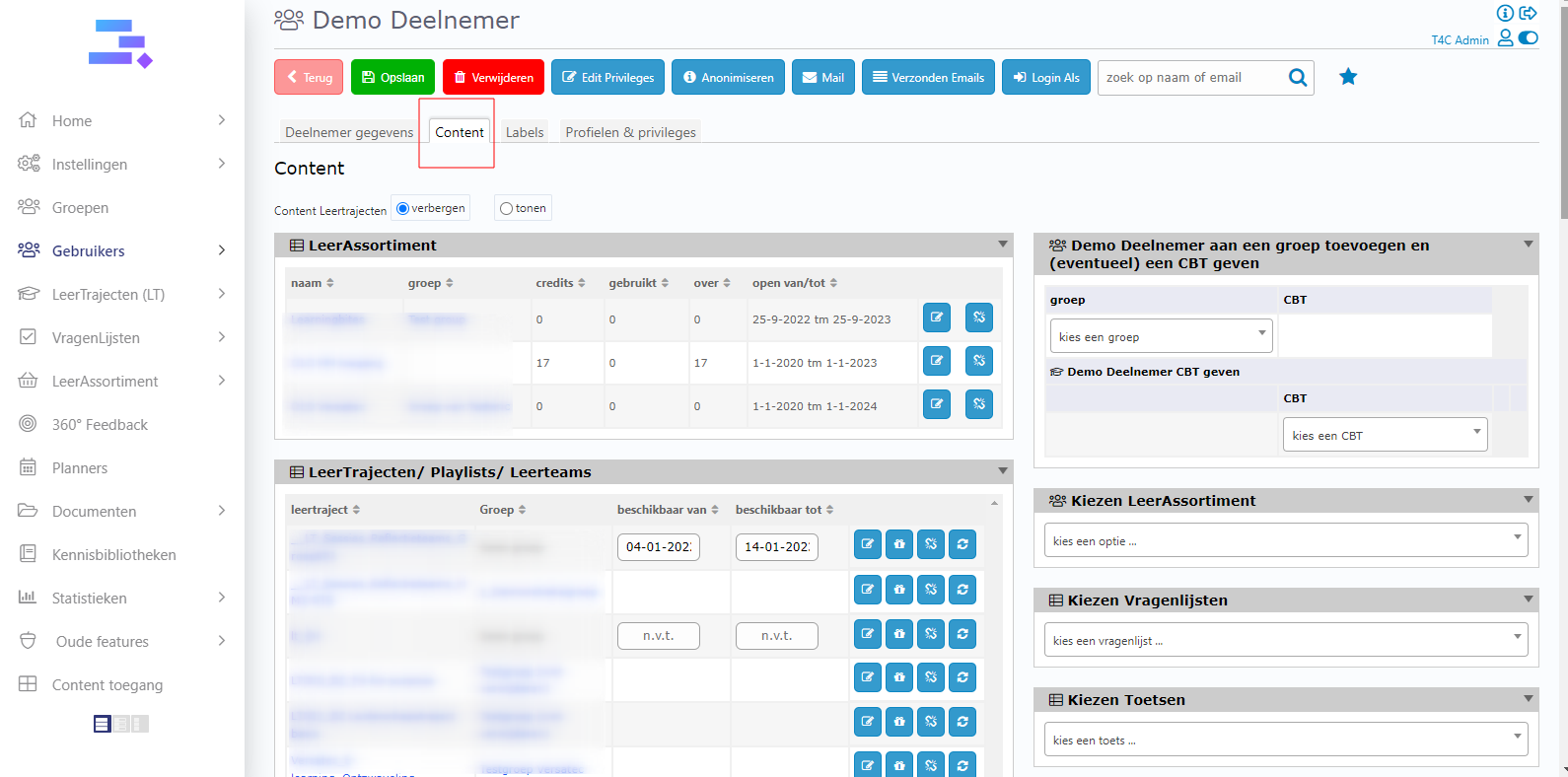
2. Select the user who you want to share the course with. Then, a new window appears. You have to click Content to see all the courses.
3. Here you can see, the left columns are the course was shared for the user. The right columns are the selector buttons which you can use to share any course in it for the user.
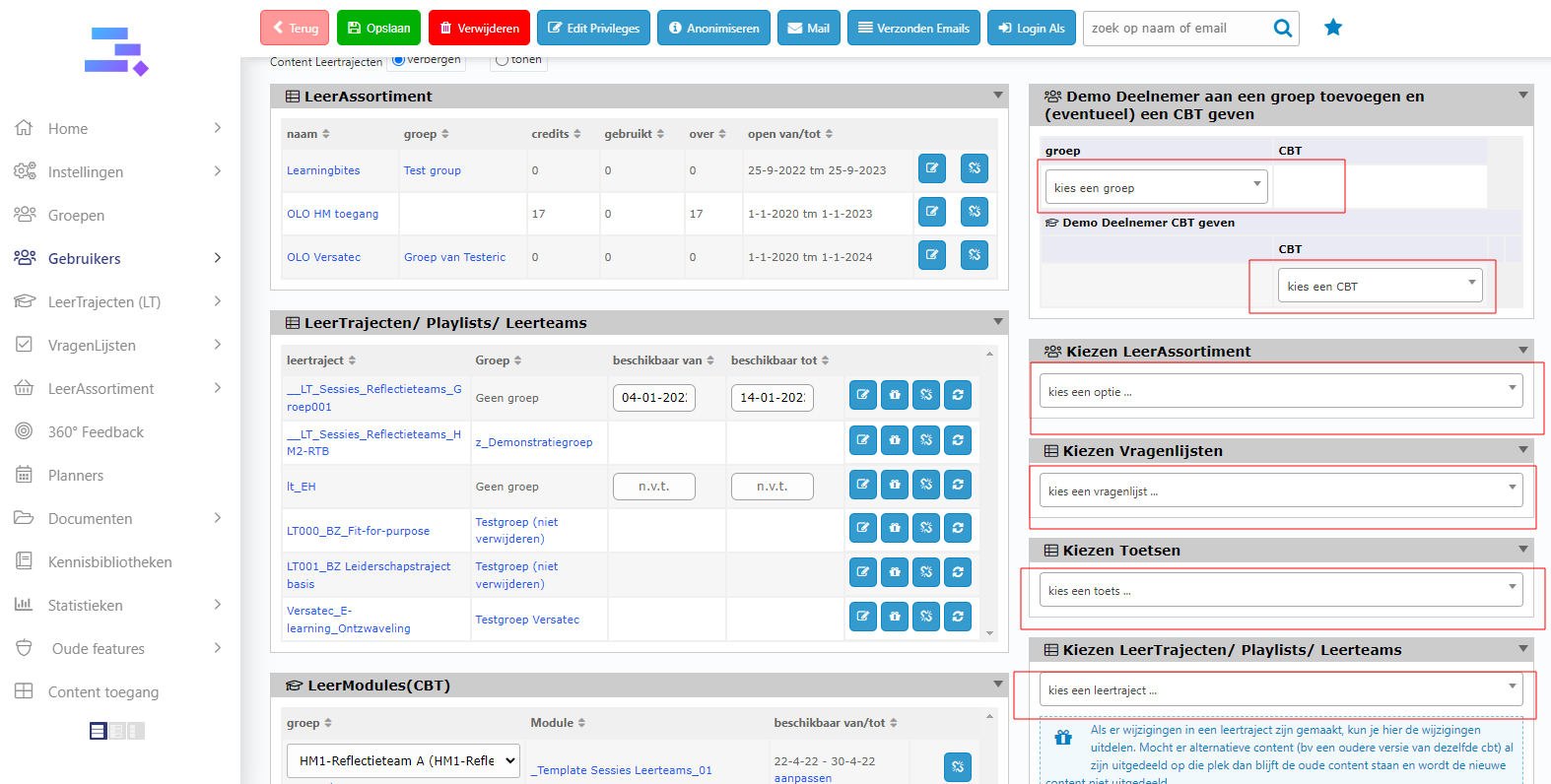
4. Now you can click to choose any course. Then set up display time for it and click icon Opslaan to save
It is done. So easy to share courses with users, Good luck!